USER MANUAL MCL100 Pág.
9
THROUGH THE IR PROGRAMMING CONTROL.
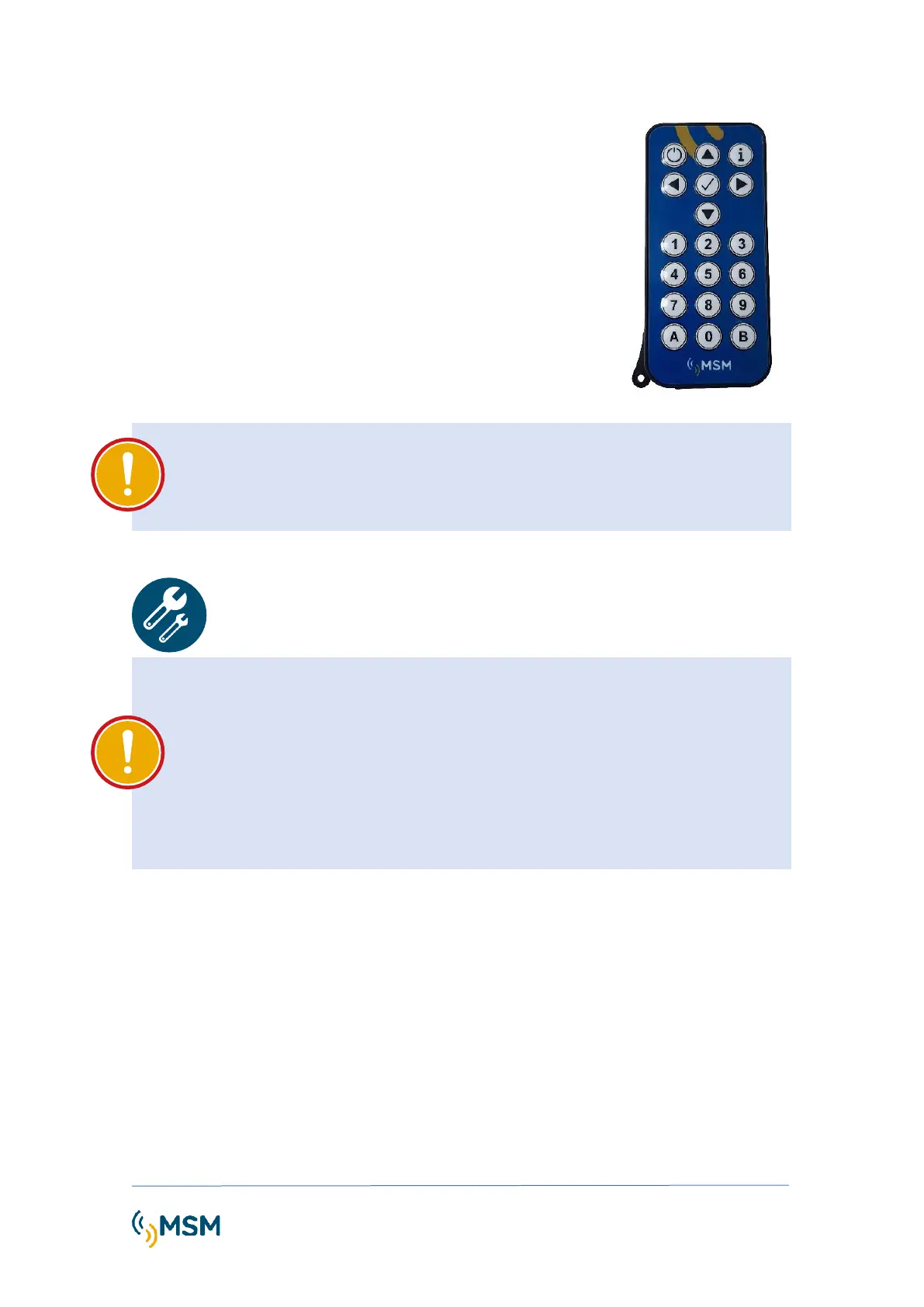
The PROG-IR infrared remote programmer allows the configuration
of the MCL series beacons remotely and without the need to open
the flashlights.
The desired programming method must be selected, either using the
IR programming knob or with the PC using the MFCOM.net software
with the MF232 programming cable.
IMPORTANT
For configuration using MFCOMnet software or IR programming remote control,
consult the specific manuals for each of them.
IMPORTANT
Previous to the installation and assembly of the elements, it is necessary to ensure the
psycho-physical training of the personnel responsible of the tasks and comply with all
the safety regulations. All staff should be able to read and understand these
instructions.
The base of the lantern must be separated from the support plate by at least 5 mm with
a spacer nut to avoid internal humidity and condensation due to damage to the
ventilation valve.
5.1. MOUNTING ON A LEVELLED SURFACE
The use of an adjustable wrench is required. A Phillips screwdriver is required to open the
flashlight and a small flathead screwdriver for wiring.
The MCL100 can be mounted on a flat surface which can resist 5 Kg minimum. Follow the next
steps for the lantern mounting.
1. Locate the hardware needed, i.e. 4 bolts, 8 safety nuts and 16 washers.
2. Make 4 holes of 12mm diameter spaced 90º on a 200mm diameter. Hole template is
shown in Dimensions and Fixing Drawing.
3. Place the hardware as shown in figure. It is necessary to install the intermediate nut so
that the beacon is ventilated at its base.



 To Next Page