AIR INTAKE SYSTEM
31
Foam air filter
To access the air filter:
1. Press in the tab on the air filter cover. See Figure 3.6.
2. Swing open the filter cover. See Figure 3.7.
3. Remove the air filter.
4. Install by following the above steps in reverse order.
Foam air filter housing
To remove the air filter housing:
1. Remove the air filter by following the steps described
in the previous section.
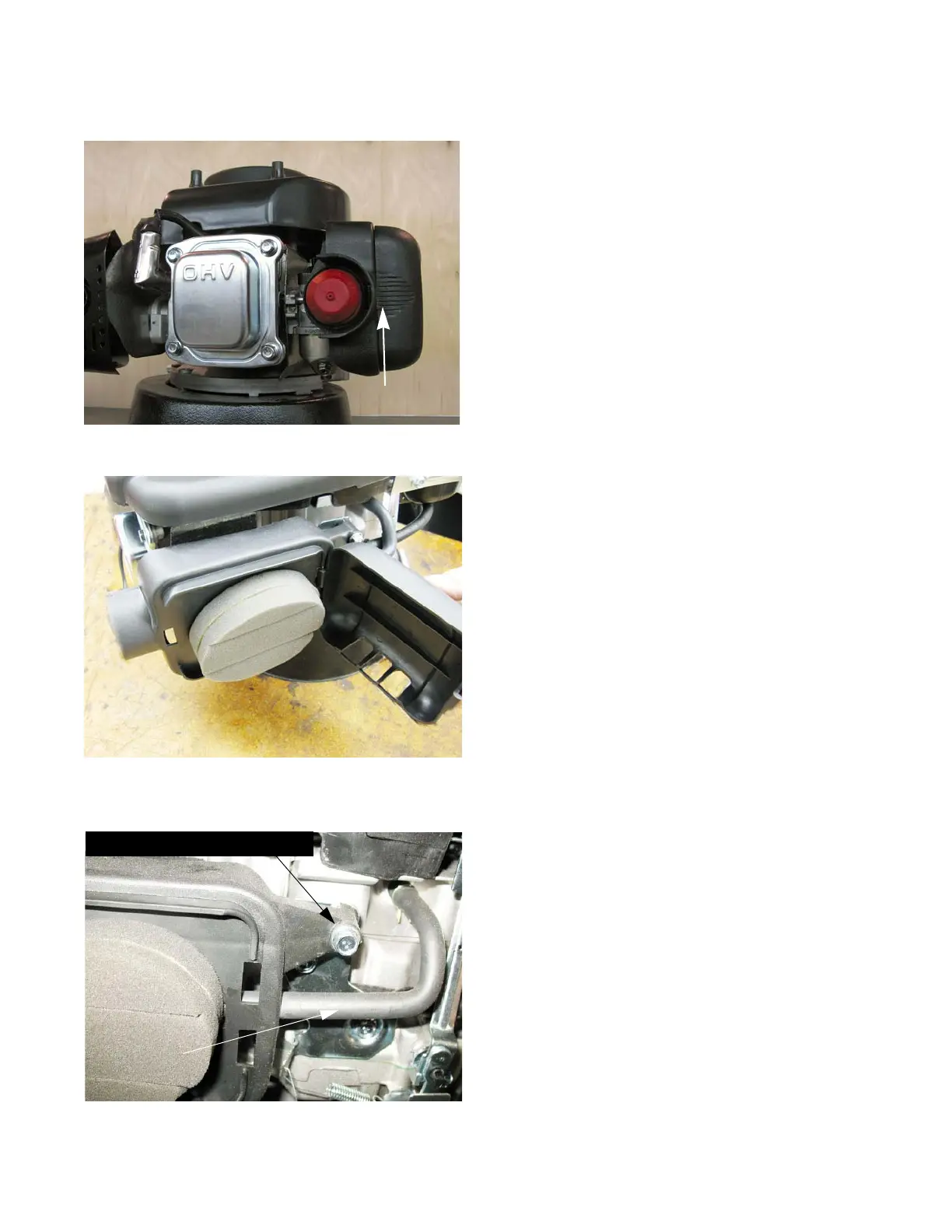
2. Remove the screw that holds the air filter housing to
the control bracket. See Figure 3.8.
3. Remove the two nuts that hold the air filter body to
the carburetor mounting studs.
Figure 3.8
Crankcase vent tube
Filter mounting screw



 To Next Page
 Loading...