78
Worktimesetting
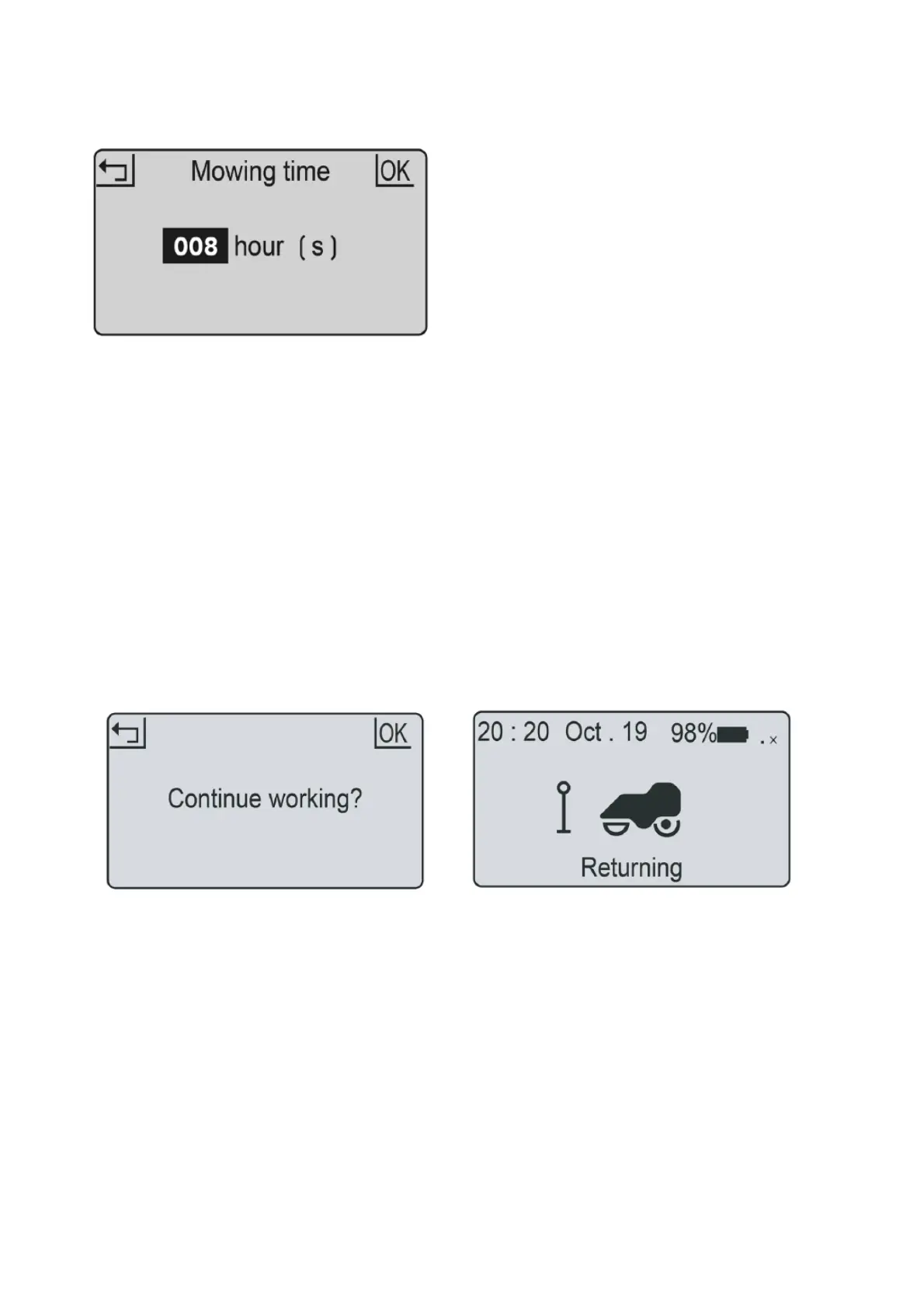
Thisistheamountoftimethemowerwillbeactive.Thisincludeschargingtime.Forexample:ifsetto8
hoursandthemowerissettooperatefrom8:00pmitwilloperateuntil4:00am.Inthistimeitmaymowfor
1hourcharge
for2hoursmowagainfor1hour;chargefor2hours,mowforonehoursandreturntocharge
readyforthenextcycle.
1.PressOKbuttontoentersub‐menu1.
2.Select„setting“toentersub‐menu2.
3.Select„worktime“.
4.Setworktime
byUPandDOWNbuttons.(defaultis8hrs)
5.PressOKbuttontoconfirmsetting.
Youmaywanttostopthemowerduringitscuttingcycle.Todothis:
Stop Backtostation
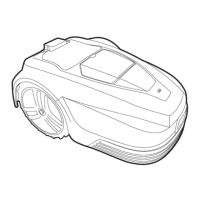
1.PresstheSTOPbutton.
2.Themowerstopsimmediatelyandthecontrol
panelhatchopens.
3.Thescreenshows„emergencystop“
4.PressOKorRETURNbutton.
5.EnterthePINcode
6.IfthemowerwasrunningwhentheSTOPbutton
waspressed,thescreenwillshow„continueto
work?“.YoucantheneitherpressOKto
continuethetask,orpressRETURN
tocancelit.
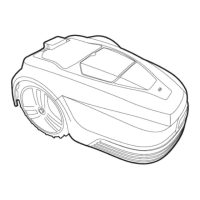
1.PressHOME“
Click once“.
2.Closethecoverandmowerwillreturntostation
forcharging.


 To Next Page