79
Charging
1.Placethemowerinthestation(orpress HOMEbutton).
2.Mowerwillchargeupto100%andthengointostandby.
3.Mowerwillgetchargedagainifbatteryislowerthan75%.
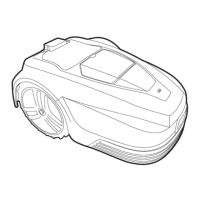
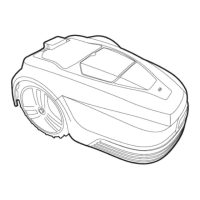
Themowerchargesonitsstationthroughthetwochargingrods.Theserodsinsertintothefrontofthe
mower.Ensuretheholesarefreeofdebrisorobstructionsandthatthemoweralignswhenapproachingthe
chargestation.Unevengroundonapproachcancausethemowertonotmake a
positiveconnectionfirst
time.Ifthishappensconsiderlevellingthegroundormovingthestationtoamoresuitablearea.
Schedule
1.PressOKbuttontoentersub‐menu1.
2.Select„schedule“.
3.PressOKbuttontoselectthedesiredday.
4.PressUP,DOWN,LEFTandRIGHTbuttonstosetthestartandendtime.
5.PressOKbuttontoconfirmthedailysetting.
6.Repeatstep3
to5tocompletetheweeklyplan.
7.PressOKbuttontoconfirmtheweeklysetting.
Thisallowsyoutochangemowingschedulesfordiff erentdaysoftheweek,forexampleifyouwantto
preventmowingtooccuronanygivendayorifotherscheduledactivityinthegardenwouldprevent
effectivemowingduringnormaldailyschedule.
Zones
1.PressOKbuttontoentersub‐menu1.
2.Select„zone“.
3.PressOKbuttontoselectthedesiredzone.
4.PressUP,DOWN,LEFTandRIGHTbuttonsto
selectthedistanceandpercentage.
5.PressOKbuttontoconfirmeachzone.
6.Repeatstep3to5.
7.PressOKbuttontoconfirmthesettingofallthe
zones.
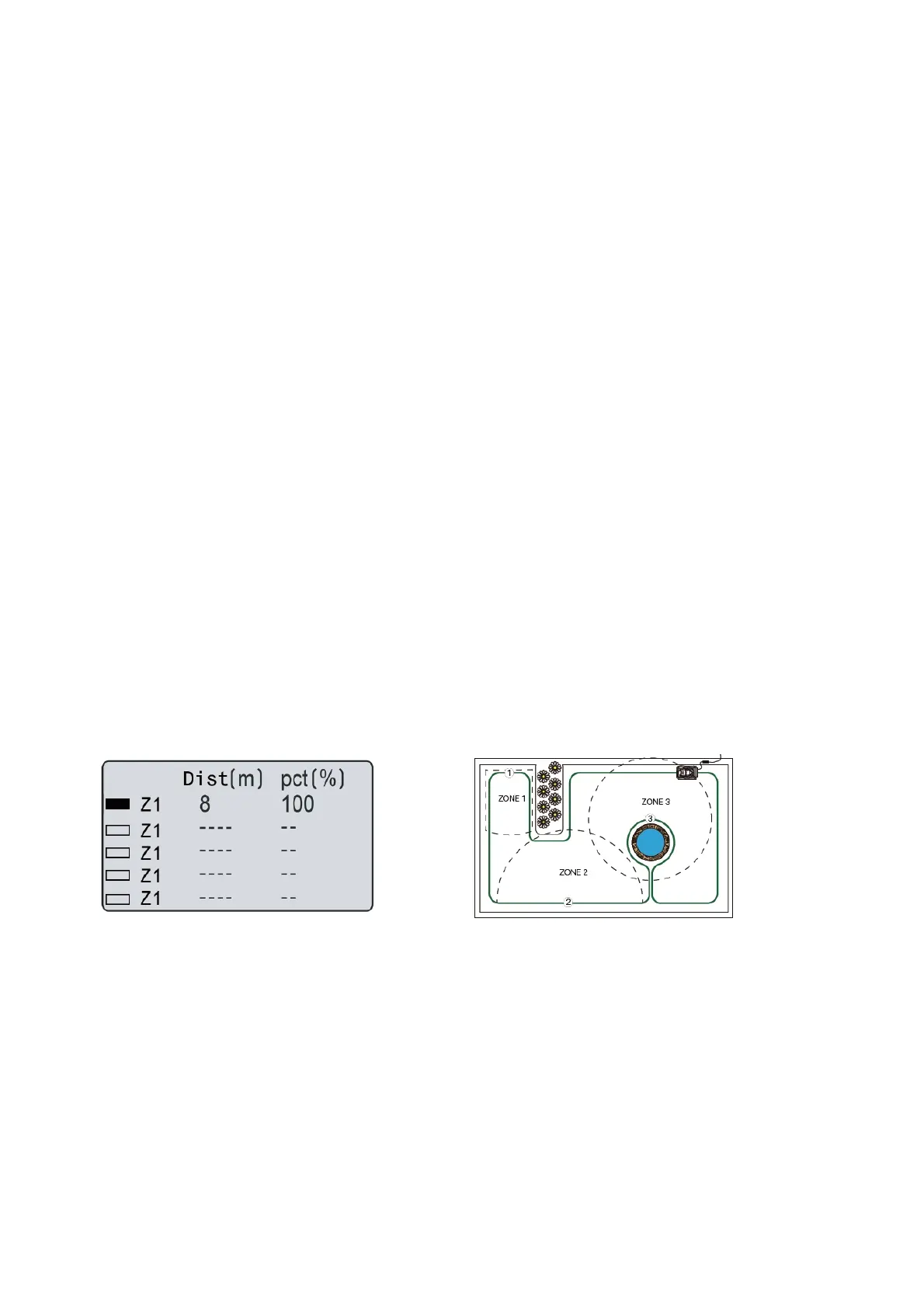
Youcansetupto5zonesinyourgarden.This
enablesyoutodecideareasofyourgardenthat
needmoreorlessattention.Azone is setbyhowfar
alongtheboundarywirefromthebase
station.The
distanceshouldbe0to200mandthepercentages
shouldaddupto100%orthesettingcannotbe
completed.



 To Next Page