11
CAMERA MODE:
Sets the camera to take either photos or videos.
CAMERA - The following other settings are
recommended to be set when in Camera
Mode: Image Resolution, Picture Delay, Burst
Mode, Flash Mode
VIDEO - The following other settings are
recommended to be set when in Video Mode:
Video Quality, Video Length
BURST MODE:
Sets how many images the camera will take in a
row before the trigger delay kicks in. The amount
of time between burst photos is 2 seconds.
Options are: 2–6 photos, OFF
Example: Setting the camera to 3 PHOTO will
give you 3 photos, 2 seconds apart
IMAGE QUALITY:
Sets the quality at which you would like the
camera to take the pictures. Setting your
Pro-Cam to low will allow you to store more
images on the SDHC card, at a lower quality. The
high setting will allow the highest quality images
but requires more storage space.
Options are: HIGH, MEDIUM or LOW
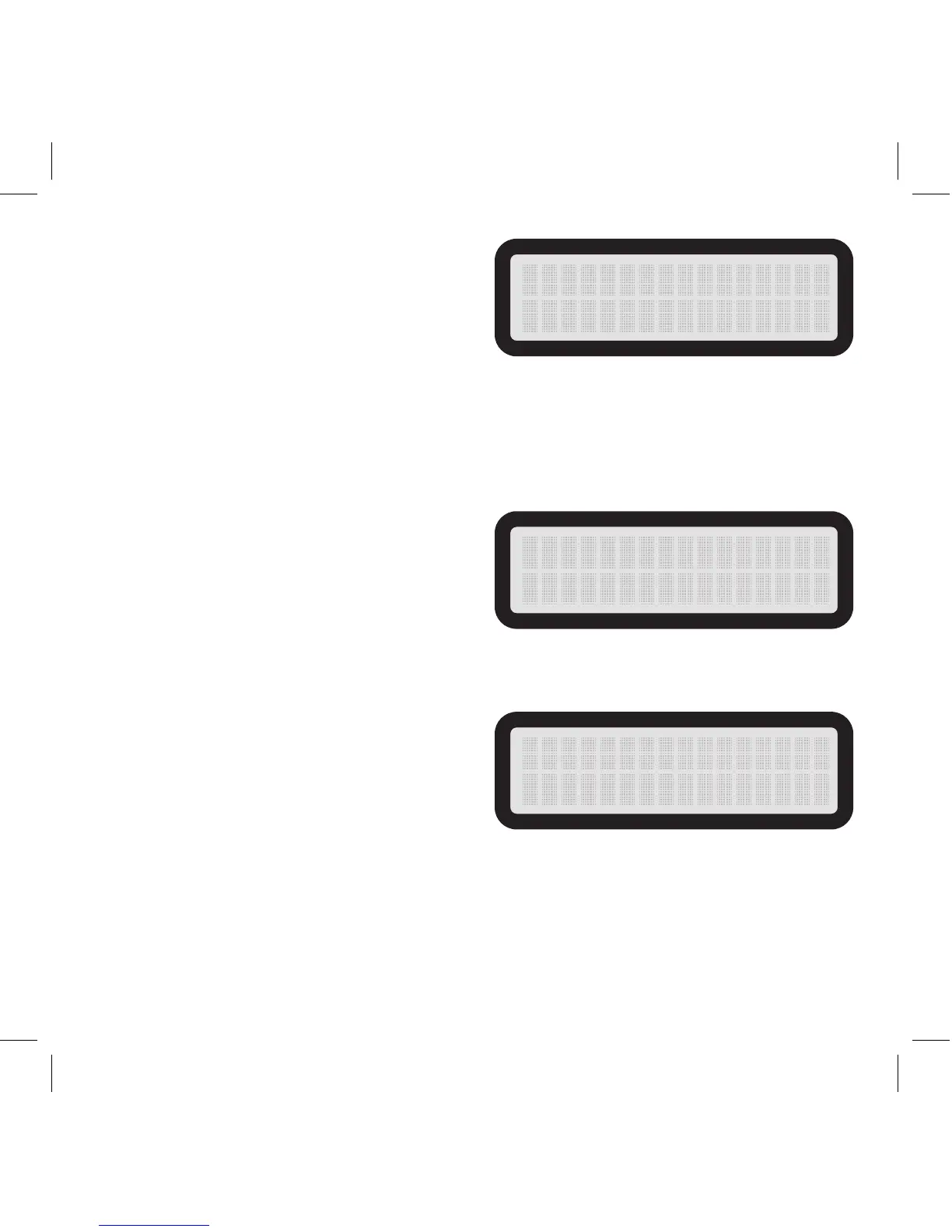
CAME RA MODE
CAM E R A
3 P H O T O
B U R S T M O D E
I M A G E Q U A L I T Y
HIG H



 To Next Page