12
PICTURE DELAY:
Selects the trigger delay at which you want
to run your camera. This is the amount of
time between each trigger the camera takes.
Options are: 10 sec, 20 sec, 30 sec, 1 min,
5 min, 10 min, 30 min
On a lower setting, the camera will trigger more
often than when a higher delay is selected.
VIDEO LENGTH:
Selects the length you would like each daytime
video to be. All night videos are 10 seconds in
length, this is to ensure maximum battery life.
Options are: 10 sec, 20 sec, 30 sec, 1 min
FLASH MODE:
Gives you the option to have the camera
automatically use the Invisible Flash LEDs when
necessary, or o.
Options: AUTO or OFF
Turning the ash mode o will trigger photos
during hunting hours only, which can extend
your battery life and save storage space.
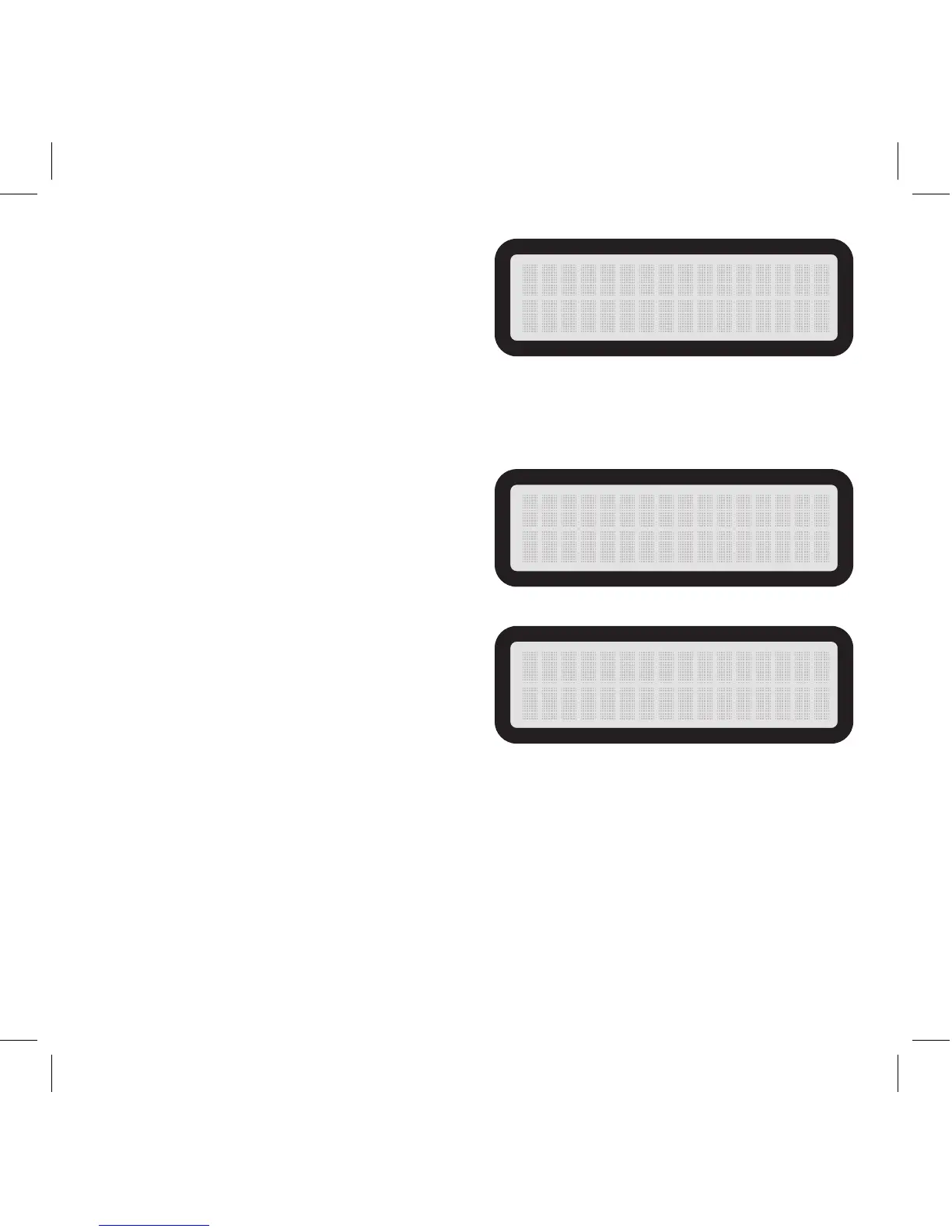
P I C T U RE DEL AY
1 0 SEC OND
V I D E O LEN G TH
10 SEC O ND
FLASH MODE
AUTO



 To Next Page