13
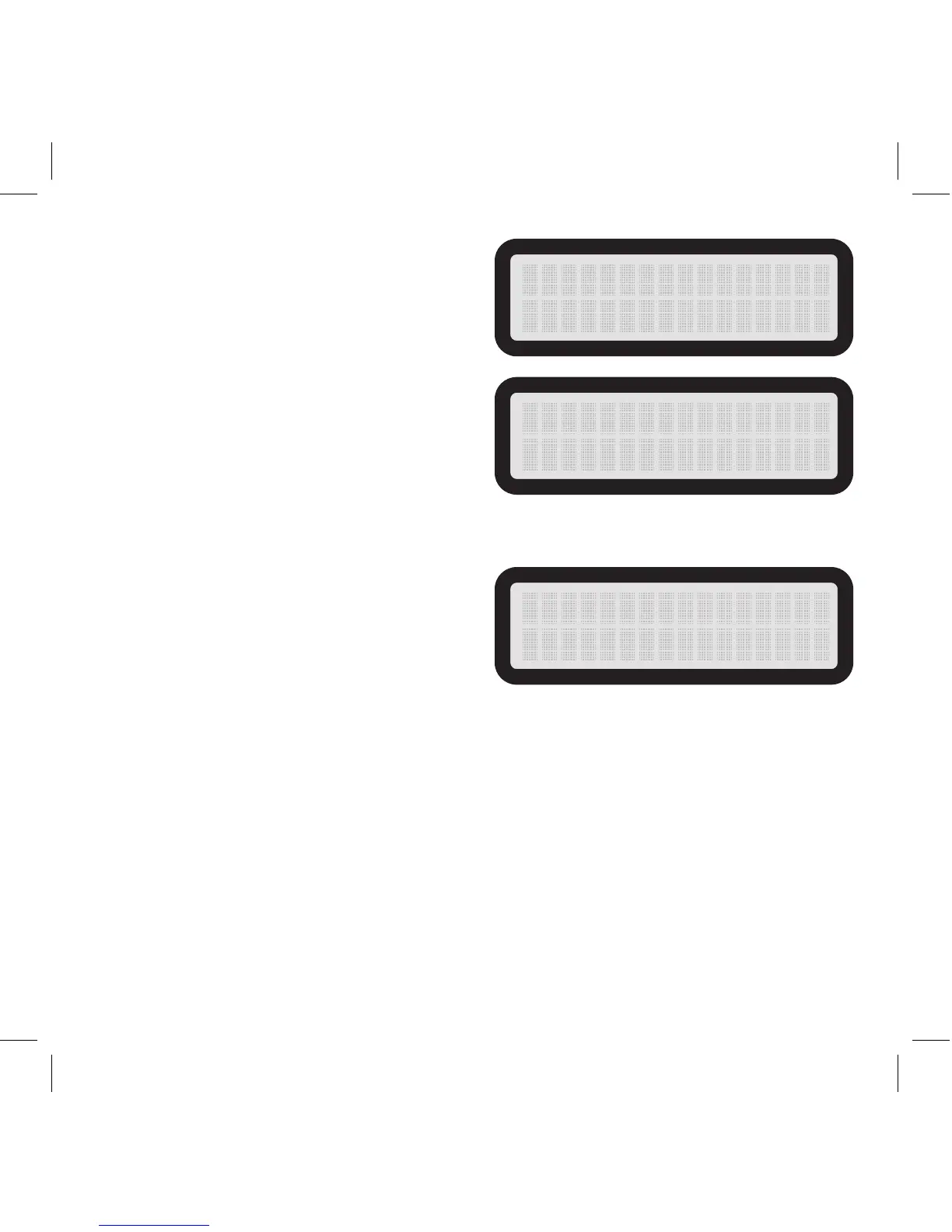
FW VERSION:
Displays the version of rmware that is installed
on the camera.
MOTION TEST:
Allows you to determine distance and aim for
your detection zone. When this setting is on,
you can walk to your target area and move
around. The red detection LED will light up
when the camera detects you. The camera
will arm when it does not detect motion for
30 seconds.
DEFAULT SETTING:
Resets all of the menu settings back to default.
Reference page 9 for Quick Start default settings.
FW V E R S I ON
X X X X X X
X
MOT I ON TES T
DEFAULT SETTING
NO


 To Next Page