5MUDITA HARMONY - USER GUIDE
8.1 Alarm melody and light
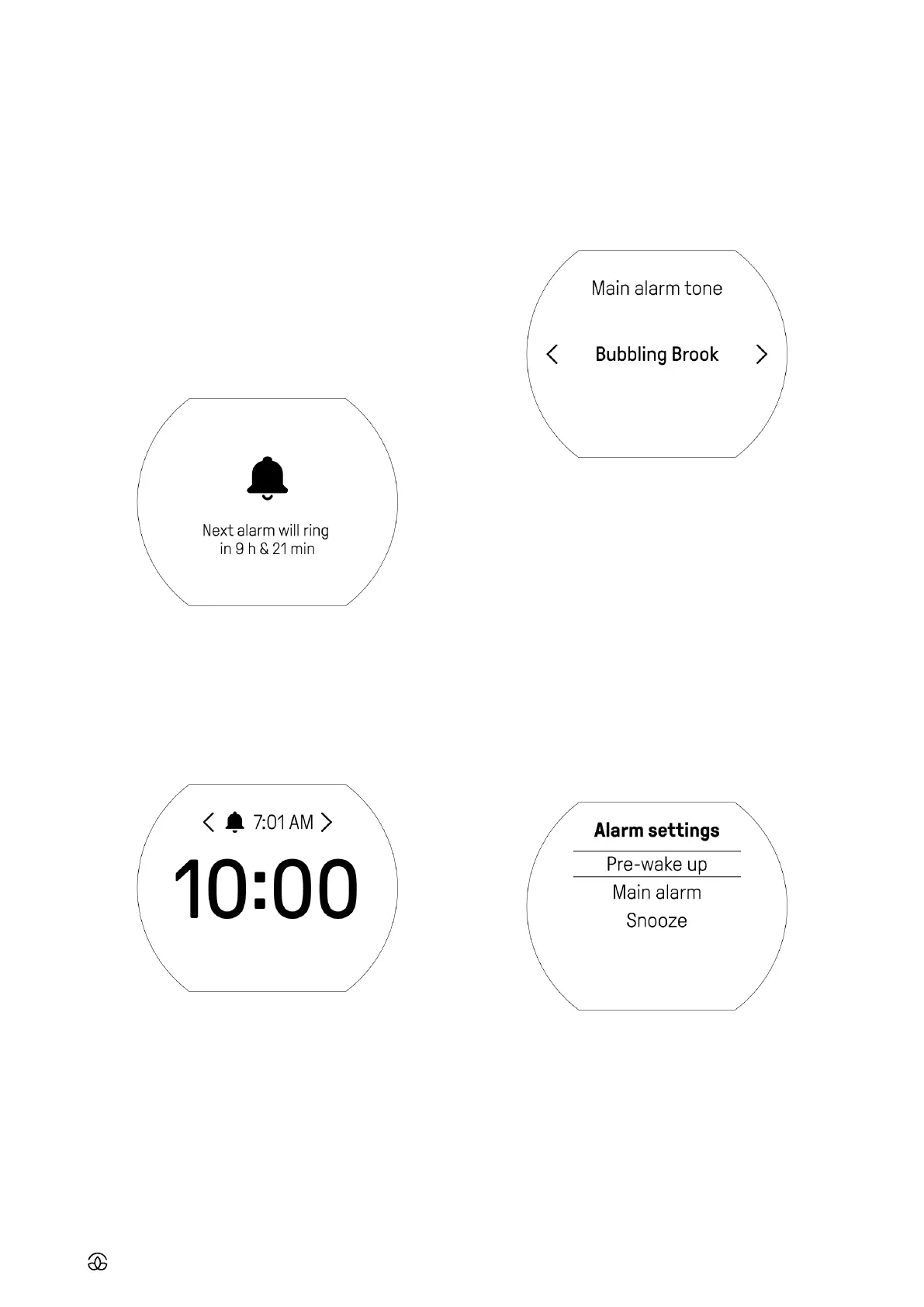
Main alarm is the core part of your Mudita Harmony, which
you are able to customize.
• Choose ‘Main alarm’
• Choose alarm melody
• Choose the desired alarm volume
• Choose between light being switched ON or OFF when the
alarm goes o
8.2 Pre-wake up tone
Mudita Harmony is equipped with a pre-wake up light to
gently prepare your body for waking up during the last min-
utes of your sleep cycle. During this time, the low light levels
prepare our body for waking up and becoming alert. You
can set up your Mudita Harmony to light up with a soft light
before the alarm, together with a gentle sound created for
the purpose of awakening your subconscious mind to gently
prepare you to get up with the main alarm.
• Choose ‘Pre-wake up’
• Choose if Pre-wake up chime is OFF or ON and how long
before main alarm you would like it to start
• If you choose to switch the chime on, in the next step you
will be asked to choose the chime tone
• Then, choose your desired chime volume
• In the final step, choose if you would like the light to be
switched OFF or ON (and for how long) before the main
alarm
6.4 Alarm deactivation
To switch the alarm o, deep press the main knob - the
orange band will not be visible.
7. SETTING THE ALARM
7.1 Full alarm set up
• Light click the main knob to go to menu
• Choose ‘Alarm’
• Choose the time - accept by light click, go back by press-
ing the back button
• Remember, to activate the alarm deep press the main
knob so that the orange band is visible
7.2 Quick alarm change
• While on the home screen, rotate the knob to quickly
change the alarm
• Light press main knob to accept chosen alarm time
• Remember, to activate the alarm, deep press the main
knob so that the orange band is visible
8. ALARM SETTINGS
To access alarm settings from home screen:
• Go to menu by light clicking the main knob
• Choose ‘Settings’
• Then choose ‘Alarm’
Use the knob to navigate the device - rotate to choose, light
click to confirm and use the back button to return to the
previous step.



 To Next Page