6MUDITA HARMONY - USER GUIDE
8.3 Snooze chime
Snooze is an optional function added to the main alarm.
Customizing snooze enables you to choose the best length
but we also added snooze chime. It’s a short, gentle sound
that can be added in intervals during snooze. It’ll prevent
you from falling back into a deep sleep and therefore help
you eventually wake up slowly, but eectively.
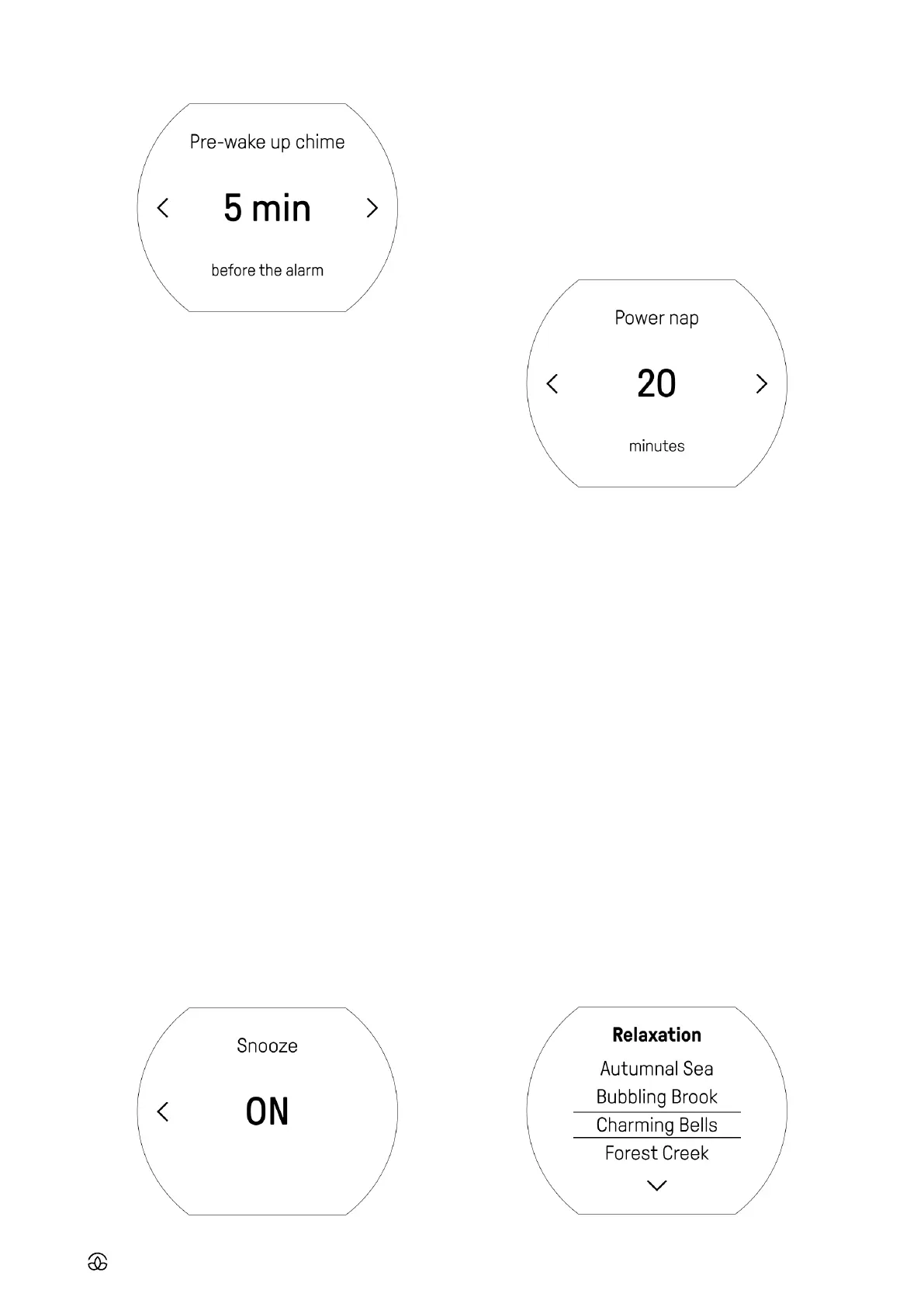
• Choose ‘Snooze’
• Choose if you want snooze to be ON or OFF
• If you choose snoozes to be ON, in the next step choose
snooze length
• Then, choose whether you would like to have the chimes
(OFF or ON) during snooze and if, how long each interval
should last
• In the next step, choose snooze chime tone
• Then, choose snooze chime volume
9. POWER NAP TIMER
Use the power nap function for a short refreshing period of
light sleep, known for its restorative properties to recharge
during the day. Studies by NASA in 1995 found that a 26-min-
ute power nap boosted performance by 34% and alertness
by 54%. Other studies indicate the best nap length to be
between 10 to 20 minutes, but in general, they shouldn’t
be longer than 30 minutes. This provides restorative sleep,
without drowsiness after waking.
9.1 Starting the Power Nap timer
• Starting at the home screen, lightly click the main button
to access the main menu
• Choose ‘Power nap’
• Select Power nap time.
• Timer will start after confirmation by light click
9.2 Turning Power nap o
• After the countdown, the power nap alarm will go o. To
switch if o, light press the main knob and you will return
to home screen
• If you want to turn o power nap timer before countdown
ends, click back button and you’ll return to power nap
settings
Please note: The power nap alarm tone is the same as the
alarm tone.
10. RELAXATION
Mudita Harmony will help to create your oine, bedtime
routine with soothing music, nature and ambient sounds.
You can use these sound compositions to relax or simply
as a background accent for falling asleep. You’ll be able to
choose the length of the sound, and it will turn o automat-
ically.
10.1 Turning Relaxation ON



 To Next Page