9MUDITA HARMONY - USER GUIDE
If your device stops responding, for any reason, try a soft
reset of the device:
• Long press light button and back button at the same time
for up to 10 seconds
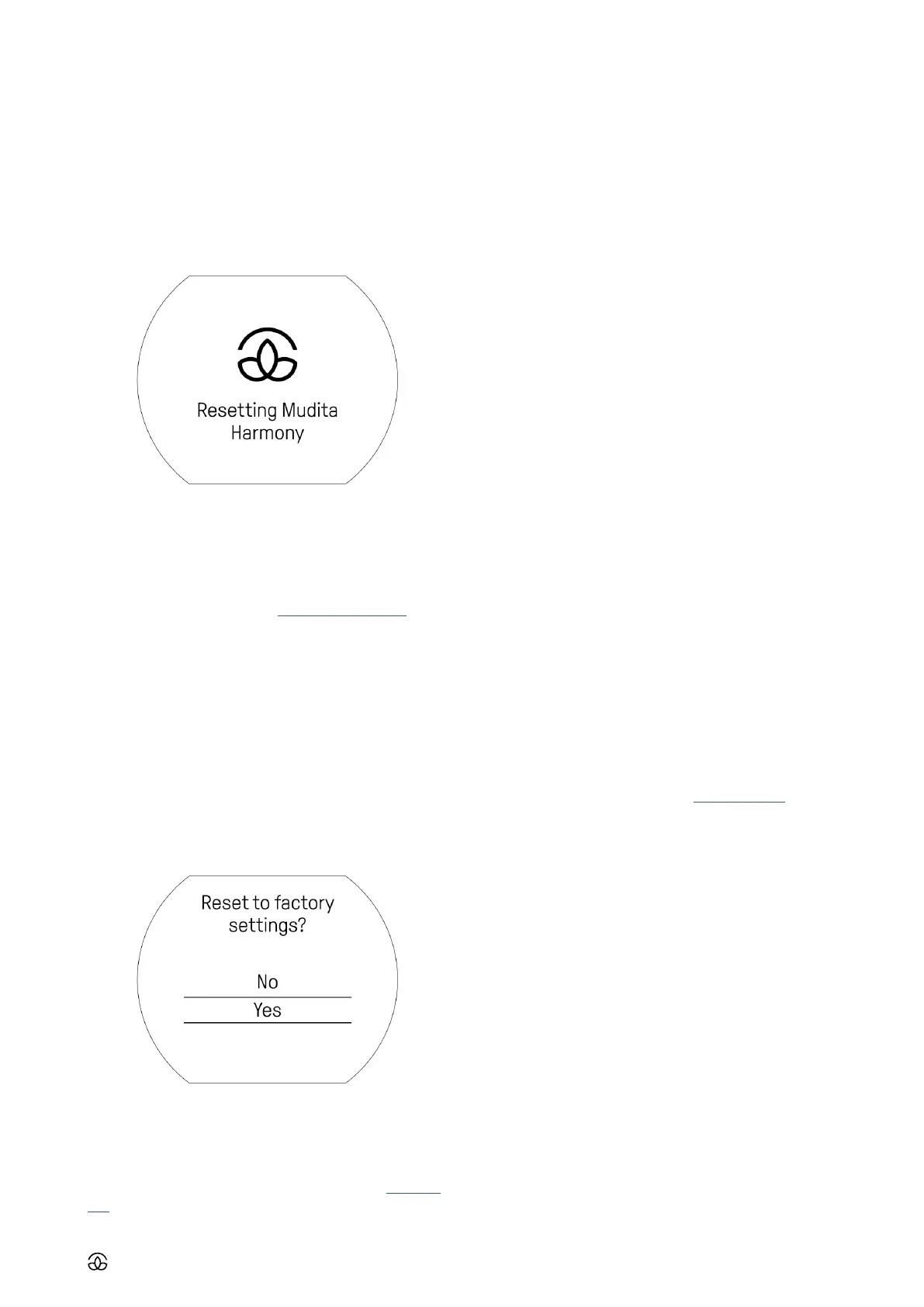
• Wait for this screen to show up
• Release the buttons as soon as it shows up and wait for
the device to reload
If you suspect your device might not be charged, plug the
device in for at least 2 hours and check responsiveness by
light pressing the main knob and performing the soft reset.
If the device does not respond to the actions above, please
contact our customer service at support@mudita.com.
18.2 Factory reset
It enables resetting the device fully to previous factory
settings. This means all your personalized alarm, sound
and frontlight settings will be erased and will come back to
default settings.
• Access menu (light click on knob while displaying home
screen)
• Choose ‘Settings’
• Choose ‘Factory reset’
• Choose ‘Yes’ by confirming with light click on the main
knob
19. MUDITA CENTER
Mudita Center is a desktop app that allows you to expand
and update the features of Mudita Harmony. Go to this web-
site to download this app for free on your computer.
To connect:
• Start Mudita Center desktop app
• Connect your Mudita Harmony to your computer
• The app will automatically connect the device
To update software:
• Wait for the device to connect
• Click ‘Check for updates’
• If a new software is available, download new update
• Click ‘Update now’
• Wait for the confirmation that the update is completed
• Click ‘Close’ after update
• Click ‘Disconnect’ and unplug the device
We recommend checking for software updates regularly via
Mudita Center.
20. TECHNICAL SPECIFICATIONS
20.1 Display
• 2.84” E Ink (600x480px)
• 270 DPI; 16 levels of gray (monochrome)
• Active area dimensions: 56.4 x 45.12 mm
• Frontlight (2700 K)
20.2 Audio
• Max 3.5 W TDA speaker
20.3 Battery
• 2600 mAh
Detailed specifications can be found on this website.
21. OTHER INFORMATION
21.1 Warranty
For information about the consumer warranty, please refer
to Mudita’s website: www.mudita.com.
21.2 Safety and use
We recommend that you read this section very carefully be-
fore using the alarm clock. The manufacturer disclaims any
liability for damage, which may result as a consequence of
improper use or use contrary to the instructions contained
herein.
21.3 Charging
This alarm clock must be used with an AC power adapter



 To Next Page