14
MultiModem ISDN User Guide
LED Indicators
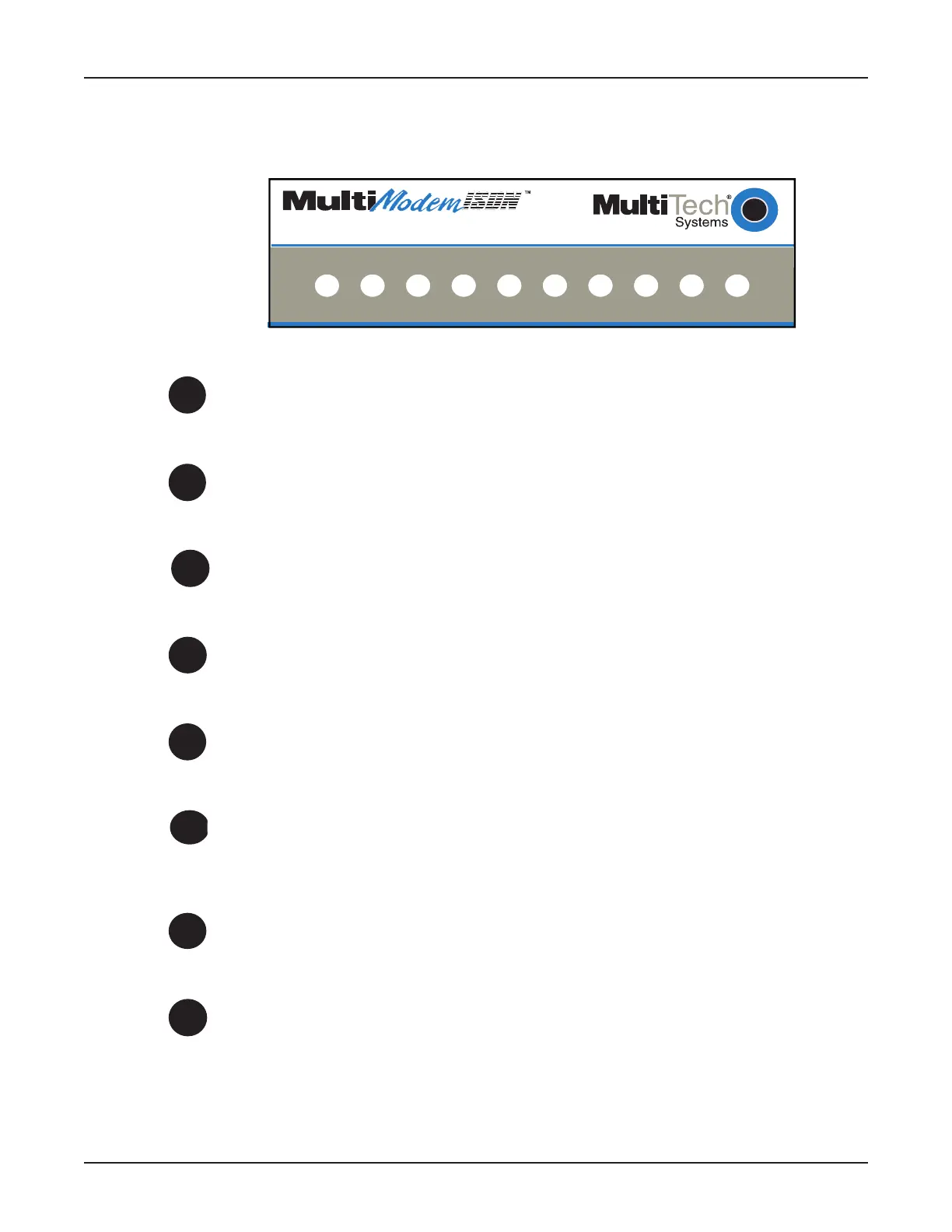
The ten LED indicators on the front panel (see Figure 2-4) of the MTA128ST-USB report status and
line activity.
TD RD LS B1 B2 TR OH 128 P1 P2
USB ISDN Modem with Analog Port
Figure 2-4: Front Panel
TD
Transmit Data
Flashes when data is being transmitted (on for a space, off for a mark).
RD
Receive Data
Flashes when data is being received (on for a space, off for a mark).
LS
Power
Lights when the unit is turned on.
B1
Bearer Channel 1 (B1)
When lit, indicates active data or voice connection on bearer channel 1.
B2
Bearer Channel 2 (B2)
When lit, indicates active data or voice connection on bearer channel 2.
TR
Terminal Ready
Lights to indicate that the computer is communicating with the MTA128ST-
USB, so the MTA128ST-USB can answer an incoming call.
OH
Off Hook
Lights when analog equipment on AUX port is active or off-hook.
128
128 Kbps
Lights to indicate that the B channels have been multiplexed into a single
128 Kbps communications link.



 To Next Page