19
Chapter 3 - Software Installation and Configuration
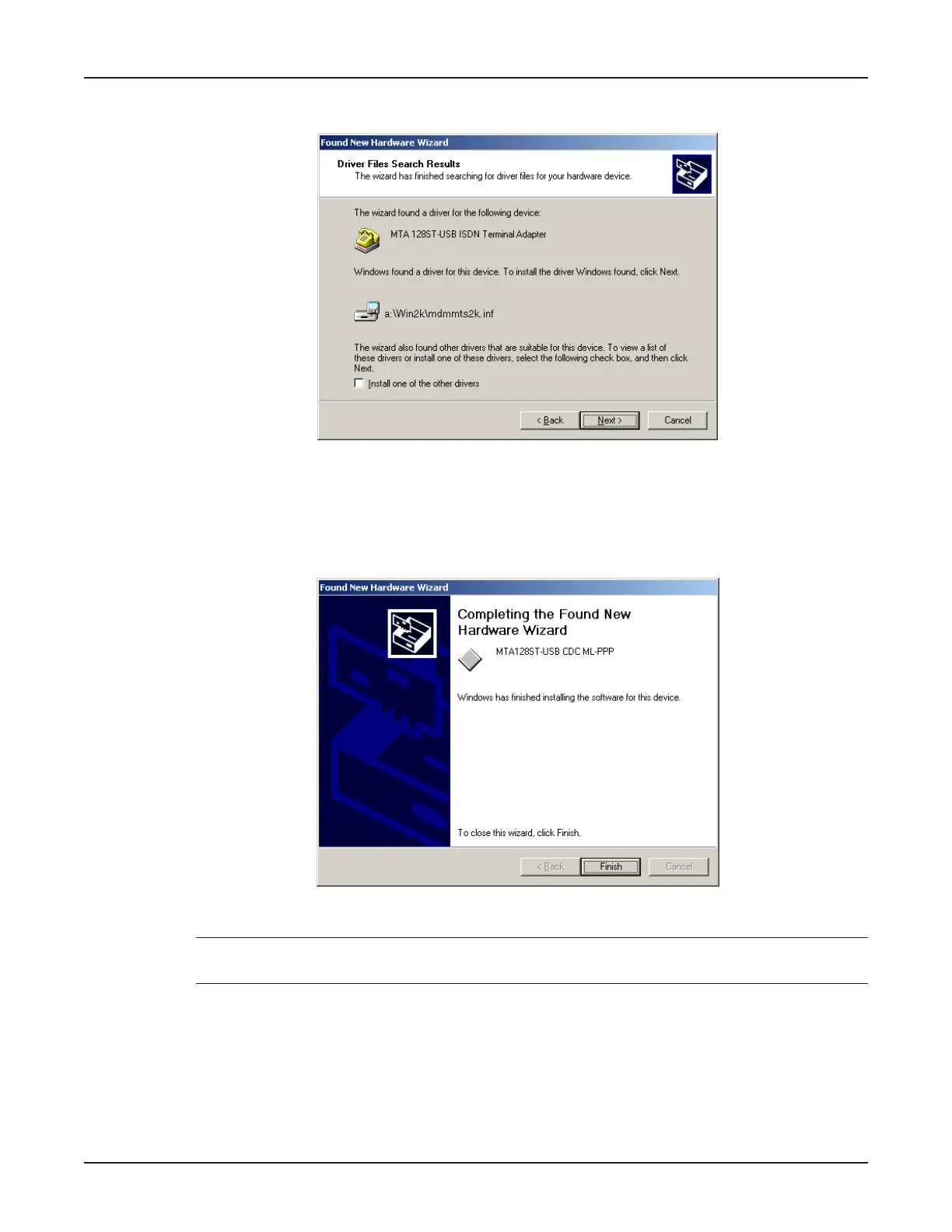
9. The Driver Files Search Results dialog box displays.
Windows indicates it has found the device drivers and is ready to copy them to your computer.
Click Next >.
10. Windows copies the files to your computer and then displays the Completing the Found New
Hardware Wizard dialog box.
Click Finish to complete installation and exit the wizard.
Note: Click My Computer | Properties | Device Manager to verify that the driver software has
been installed.



 To Next Page