22
MultiModemISDN User Guide
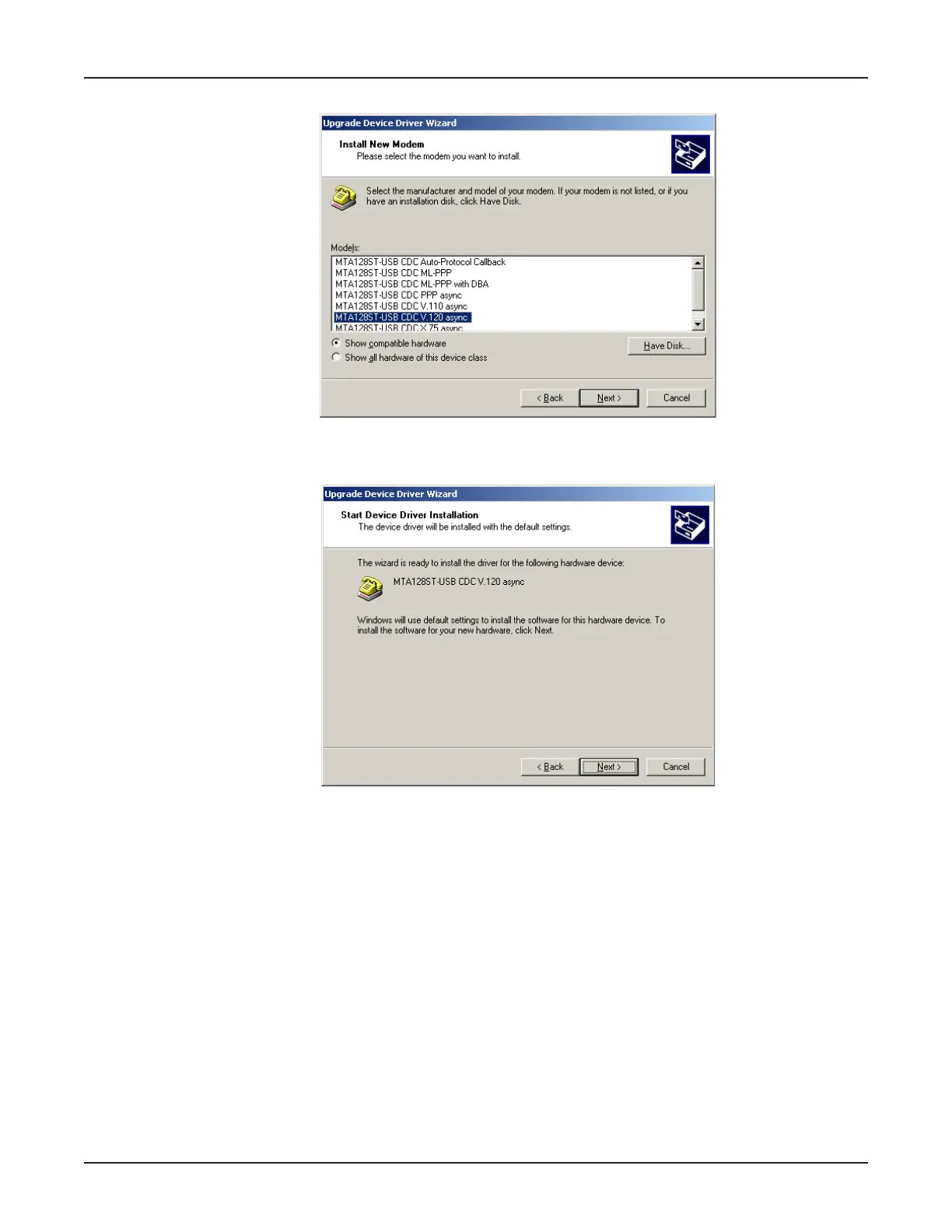
10. The Install New Modem dialog box displays.
Select the appropriate descriptor (e.g., MTA128ST-USB CDC V.120 async) and click Next >.
11. The Start Device Driver Installation dialog box displays.
Click Next > to start the device driver installation.
12. If the Digital Signature Not Found screen displays, click Yes to continue the installation.



 To Next Page