33
Chapter 3 - Software Installation and Configuration
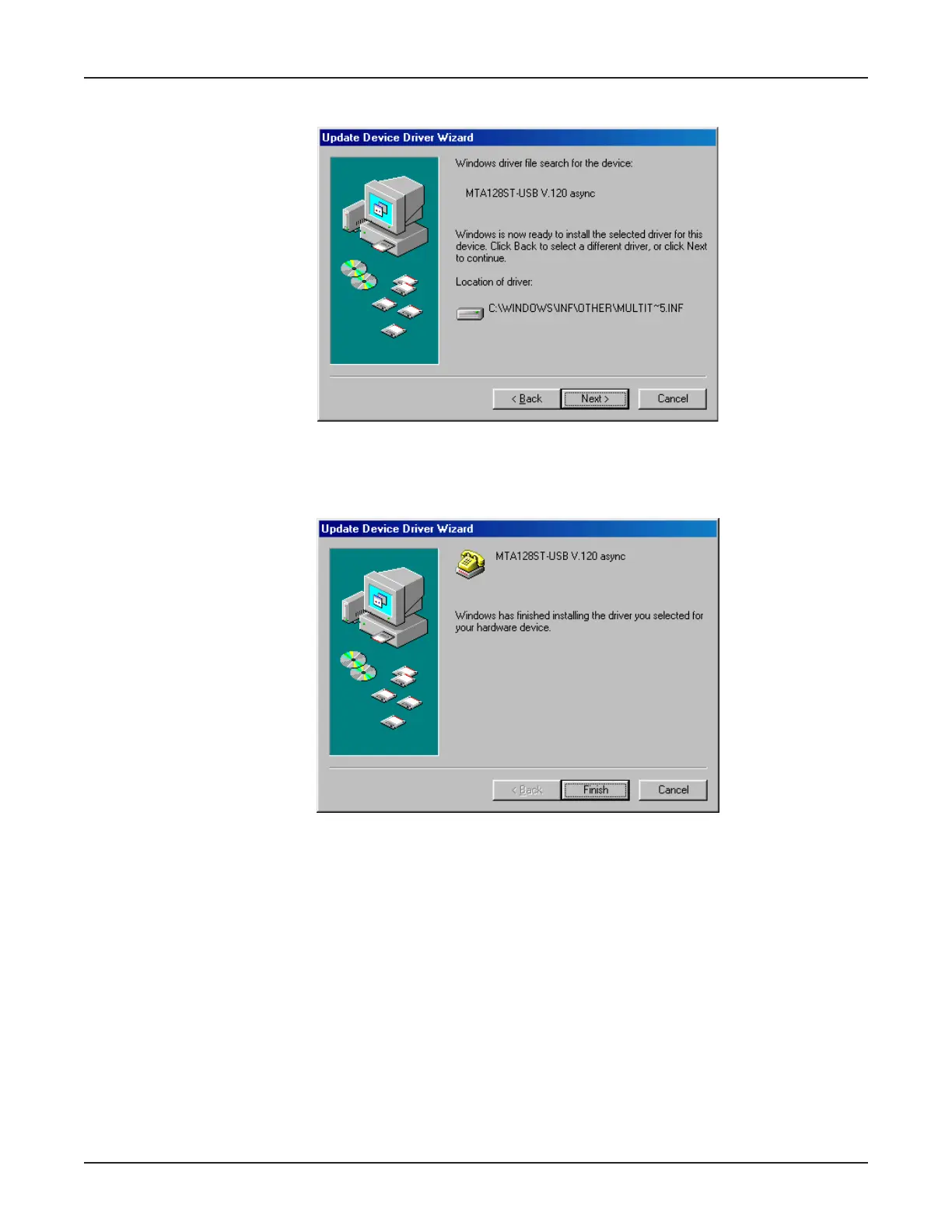
11. The Update Device Driver Wizard dialog box displays indicating that it is ready to install the
selected driver.
Click Next > to begin installation.
12. Once installtion is completed, the Update Device Driver Wizard dialog box displays, indicating
Windows has finished installing the drivers.
Click Finish.
13. The Properties dialog box displays. Click Close and then close all remaining screens.



 To Next Page