24
IHL_UDARA_2016_11_04_BEGB
6.7.2 Locking
If an error occurs that puts the safe operation of the
appliance at risk, the appliance will be locked. The
cause for locking the appliance is shown on the
screen. The locking can be cancelled by pressing
the unlock button. If the error, however, has not been
resolved, the appliance will again be locked.
You must then contact your installer or the
manufacturer for a solution.
Fout
1
E40: NTC 1 ERROR
2
Legend
Number Meaning
1 Error message
2 Unload button
6.8 Changing settings
By pressing the setting icon 3, the fi rst screen of the
setting menu will be displayed
1
Instellingen
1
2
3
4
Legend
Number Meaning
1 System settings
2 Settings in relation to the air heater operation
3 Screen cleaning
4 Back to the previous menu
A number of settings are discussed. Since all screens
are accessible through the same process, not all
screens will be discussed.
6.8.1 Low, average and high temperature
You can set 3 air temperatures on the Udara: a low,
average or high value. To set these values, press the
air heater (2) menu button, next, system fan and then
the fi rst fan curve option on the setting menu.
1
40°
30°
50°
1
2
3
4
9
5
:
6
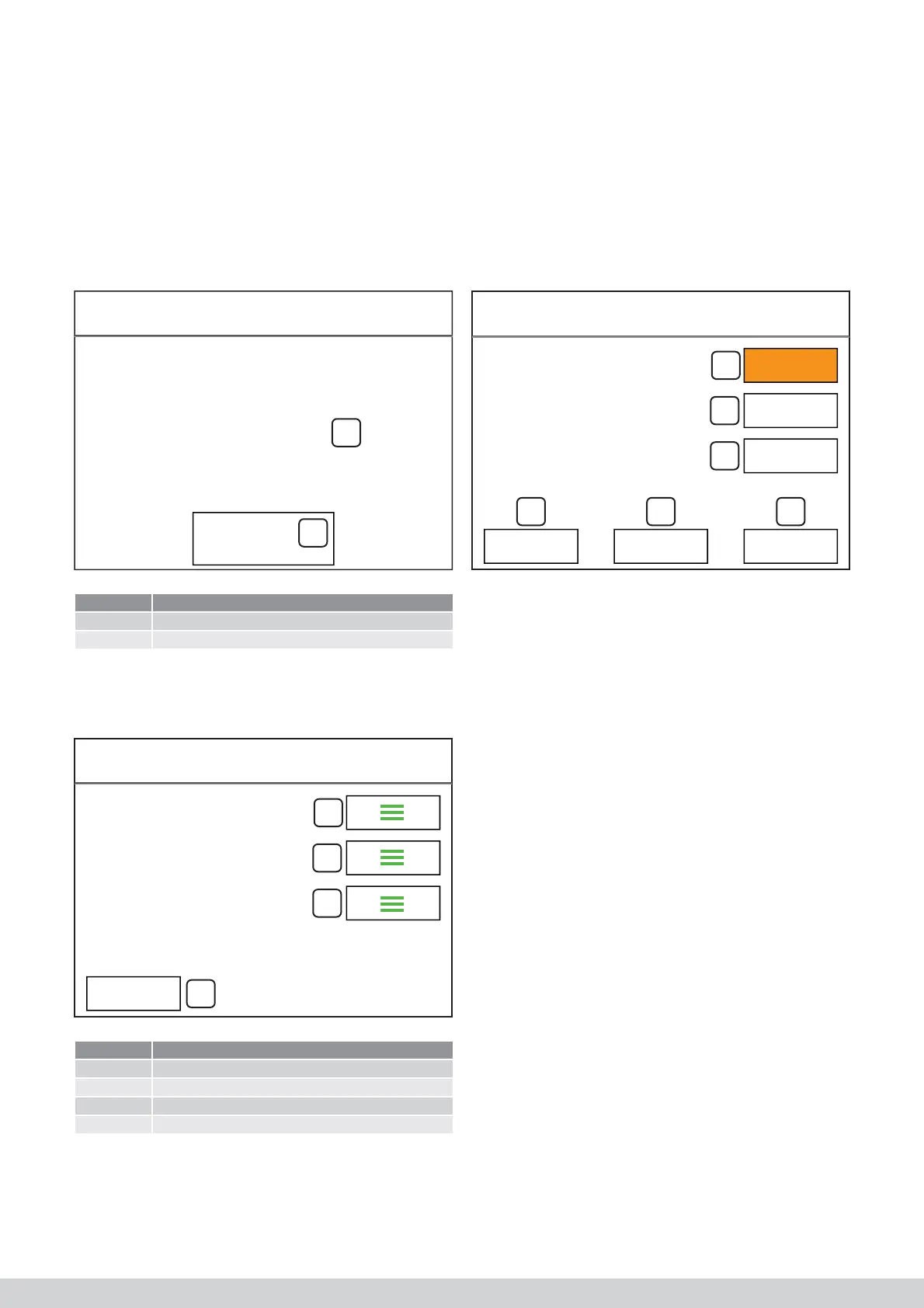
Next, select the value that you want to change. The
selected value (1) will be displayed using an orange
colour. By pressing the key R (5) or S (6) ), you can
change the set value.
If you press 1 (4), les modifi cations sont sauve-
gardées automatiquement et vous quittez l’écran du
menu.
6.8.2 Low, average and high air speed
On the Udara, 3 air speeds can be set for heating: a
low, average or high value. To set these values, press
the air heater (2) menu button, next, system fan and,
as last, the air fl ow rate.
7
6
System
Air heater
Screen cleaning
Low speed at:
Medium speed at:
High speed at:
Fan curve (CH)
Settings
E40: NTC 1 ERROR
Error



 To Next Page