for this business informed about it, a repairing or replacement of the instrument
will be arranged by us.
4. How to Use the Oscilloscope
The Structure of the Oscilloscope
Front Panel and Keys
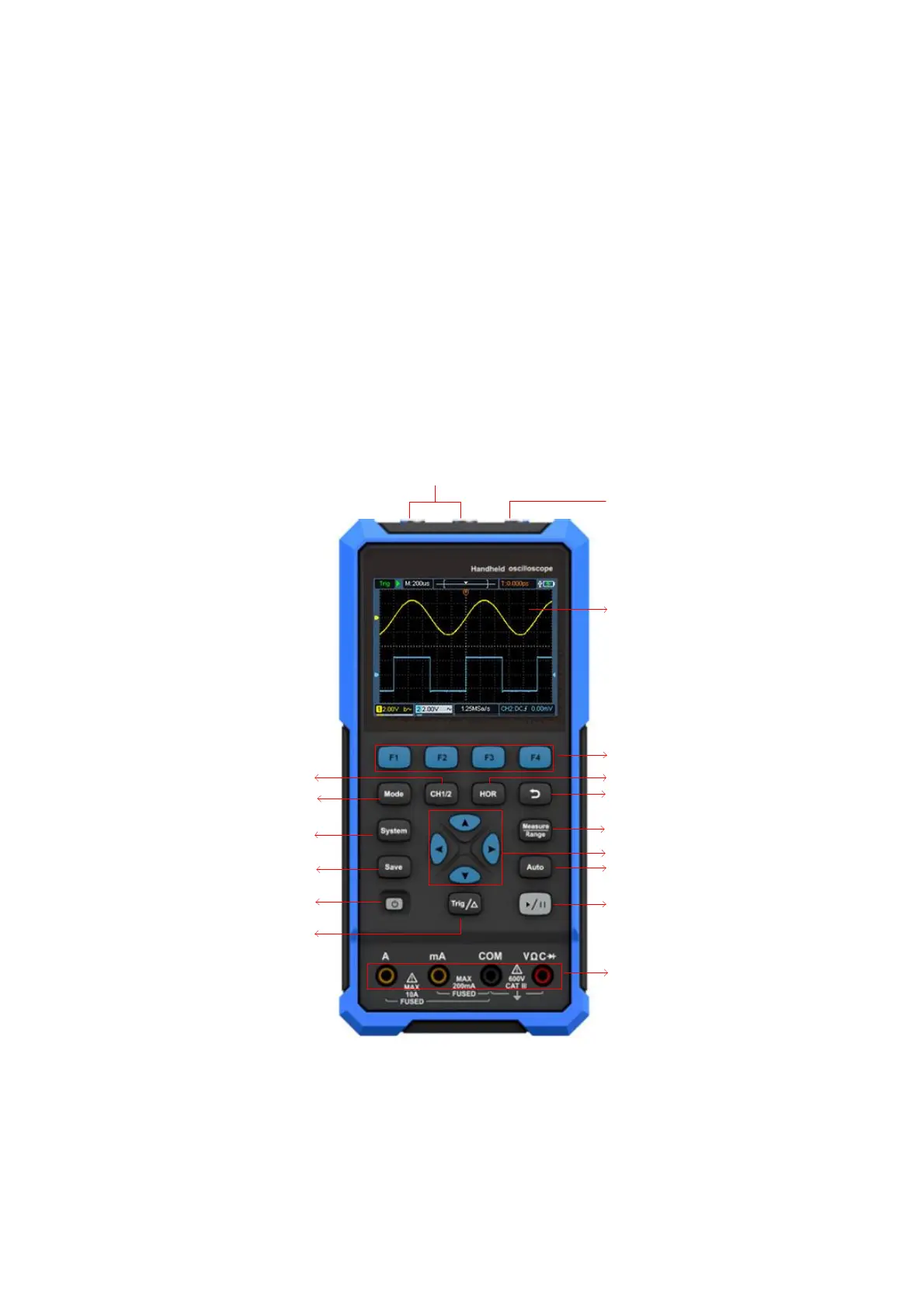
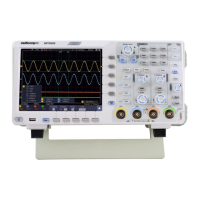
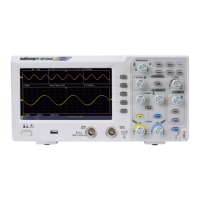
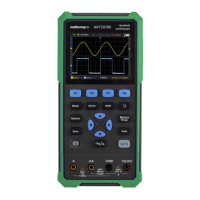
The front panel and keys of the oscilloscope are shown in Figure 4:
4
11
6
7
9
10
16
15
14
13
12
517
3
8
1
2
Figure 4: Front Panel of the Oscilloscope
Description:
1. CH1 and CH2 input connectors.
2. Waveform generator output connector (optional).



 To Next Page