
 Need help?
Do you have a question about the multicomp pro MP720783 and is the answer not in the manual?
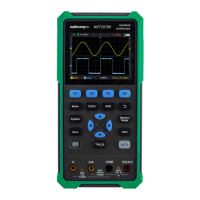
Details the function and location of the buttons and controls on the front panel.
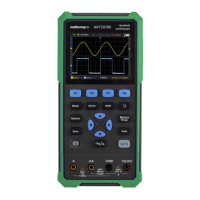
Explains the various indicators and information displayed on the oscilloscope screen.
Guides the user through a basic test to verify instrument operation.
Explains how to adjust probes for accurate signal readings.
Provides instructions on safe handling and usage of oscilloscope probes.
Describes how to use automatic and cursor measurements for signal analysis.
Instructs on how to connect the waveform generator output to other devices.
Guides on selecting and configuring waveform parameters like type and frequency.
 General
| Model | MP720783 |
|---|---|
| Brand | multicomp pro |
| Display Type | LCD |
| Battery Type | 9V |
| Type | Digital Multimeter |
| DMM Functions | AC Current, AC Voltage, Capacitance, DC Current, DC Voltage, Frequency, Resistance, Temperature |
| Temperature Range | -20°C to 1000°C |
| Safety Category | CAT III |


 To Next Page

