4. How to Use the Oscilloscope
The Structure of the Oscilloscope
Front Panel and Keys
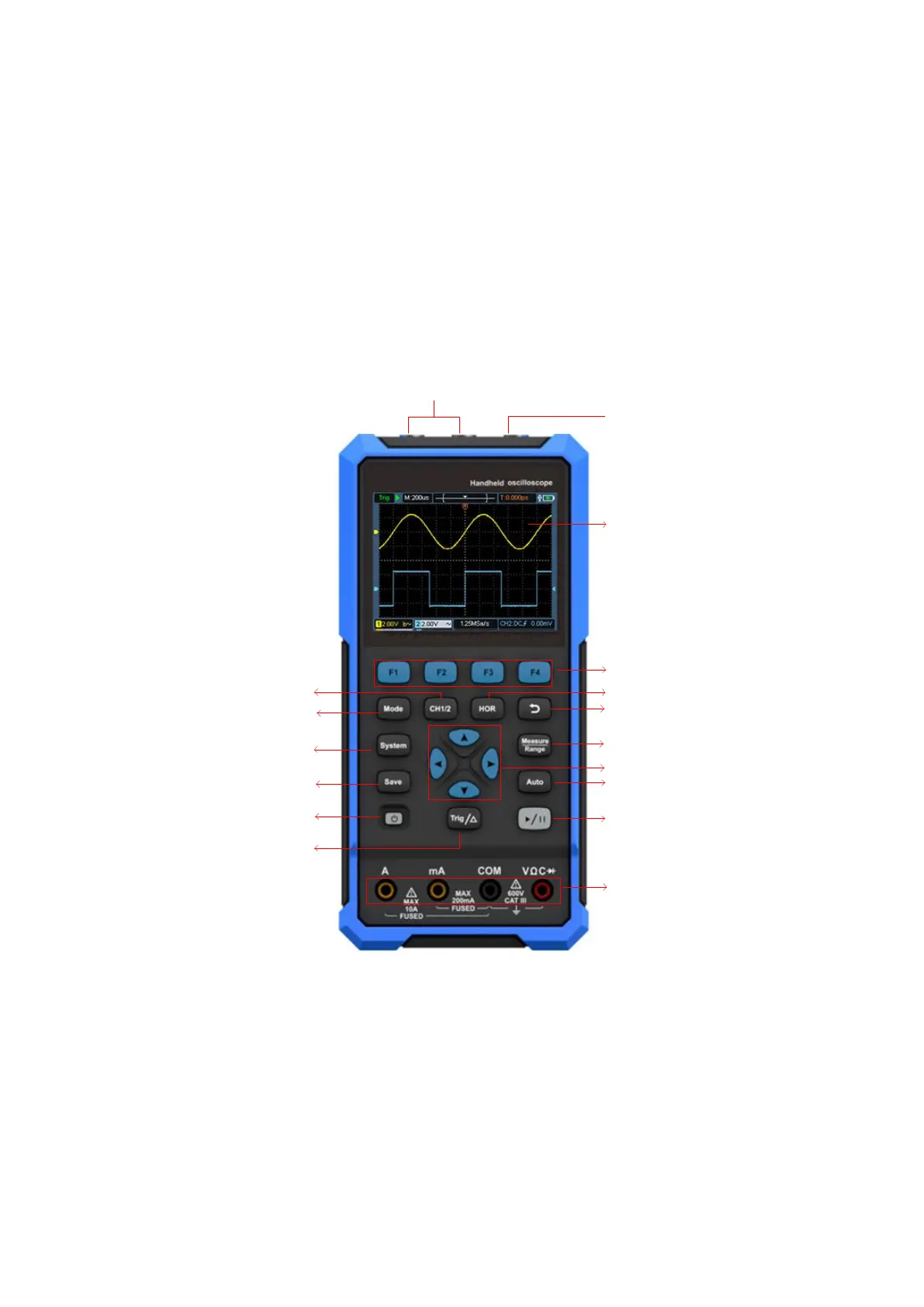
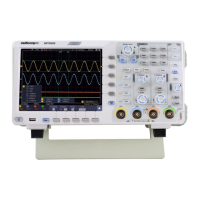
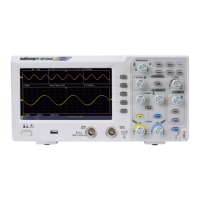
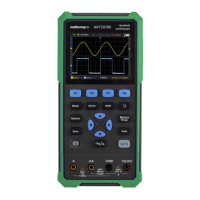
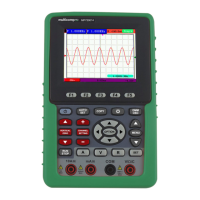
The front panel and keys of the oscilloscope are shown in Figure 4:
4
11
6
7
9
10
16
15
14
13
12
517
3
8
1
2
Figure 4: Front Panel of the Oscilloscope
Description:
1. CH1 and CH2 input connectors.
2. Waveform generator output connector (optional).
3. Display area.
4. The F1 - F4 keys are multi-function keys. In each menu mode, press the
corresponding key to select the corresponding menu item.




 To Next Page