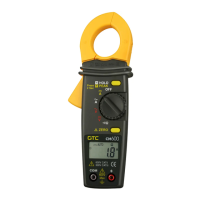
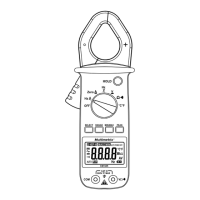
AC Clamp-on Meter Model CM 660 / CM 670 / CM 685
23
4.10 Temperature Measurements
Automatic measurement ranges: -58 to 2010°F (-50 to +1100°C) (2 ranges)
• Turn the rotary switch to the TEMP or °C°F range
• Insert the red lead to the red “+” input jack and the black lead to
the black "COM" input jack
• Connect the K thermocouple to the instrument input
• Take the reading when the measurement has stabilized
• Put the thermocouple near or on the sample tested
• Press the SELECT button to change the measurement unit
(°C or °F)
Warning:
If overload “OL” is displayed, the capacity has been
exceeded.


 To Next Page