EasyManua.ls Logo

Multiple Awnings Multiple Shade - User Manual

Default Icon
26 pages
Print Icon
To Next Page IconTo Next Page
Loading...
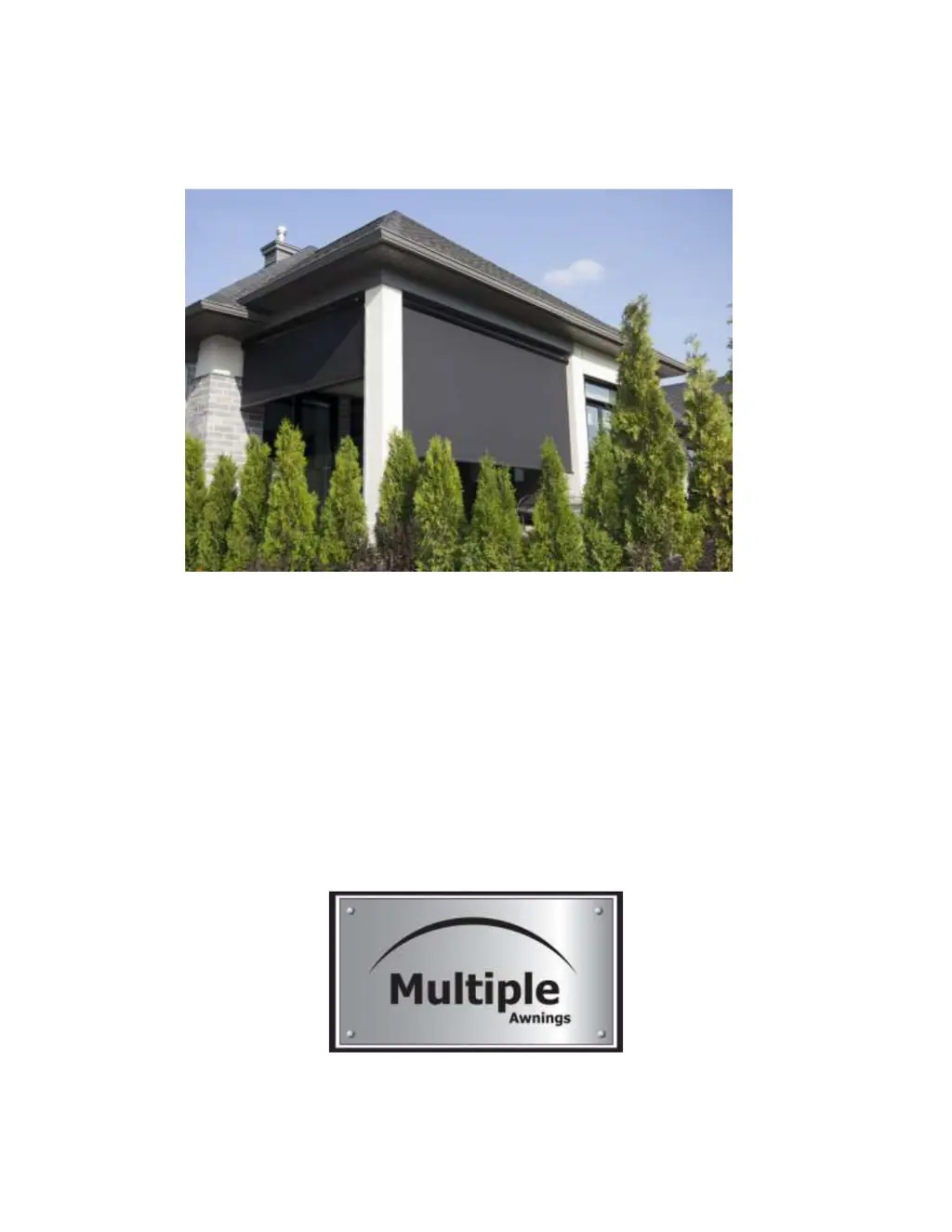
Multiple Shade
User and Installation Manual
February 2019 version

Questions and Answers

  • A
    Ashley CampbellAug 4, 2025
    What to do if my Multiple Awnings Multiple Shade Solar Shade remote is not working?
    • L
      Luis LucasAug 4, 2025
      If your Multiple Awnings Solar Shade isn't responding to the remote, there could be several reasons: 1. If the shade isn't fully open, try opening it a bit more before attempting to close it completely. 2. The overheating protection might be triggered. If the Solar Shade stops while opening or closing, wait 20 minutes before trying again. 3. Check the AC outlet by plugging in another device. If the outlet is functional, verify the remote. Ensure the remote's batteries are working by pressing a button and checking if the LED illuminates. Weak batteries may cause a delayed light or reduced range. Replace the batteries if the LED doesn't light up. If problems persist, the motor may need to be reprogrammed.
  • T
    tara04Aug 10, 2025
    Why does my Multiple Awnings Multiple Shade Solar Shade only work when I hold the button?
    • D
      Diane MackAug 10, 2025
      If your Multiple Awnings Solar Shade only operates while you're holding the button, the motor might have experienced an electrical or mechanical shock. To resolve this, erase the motor's programming and reprogram it. Then, reprogram the limits.
  • L
    Laura Savage DVMAug 19, 2025
    Is it possible to hardwire Multiple Awnings Multiple Shade Indoor Furnishing Solar Shade to my house electric system?
    • J
      John CooperAug 19, 2025
      Yes, it's possible to hardwire your Multiple Awnings Solar Shade motor directly to your home's electrical system by cutting the AC plug. Be aware that doing so voids the motor's warranty and may complicate motor programming. If you proceed, ensure easy access to a switch for motor programming and never cut the wire more than 30 cm from the motor to avoid damaging the antenna wire.
  • G
    Gregory BallardAug 26, 2025
    Will other remotes interfere with my Multiple Awnings Indoor Furnishing Solar Shade?
    • C
      christopher00Aug 26, 2025
      No, other remotes cannot interfere with your Multiple Awnings Solar Shade. Each remote must be specifically 'added' to a particular shade. Remotes for other devices, like garage doors, cannot communicate with your Solar Shade.

Summary

Important Safety Information

READ ME! Important Safety Notice

Mandatory to follow all installation instructions to avoid bodily injuries, material damage, and voiding the warranty.

Installation Surface Obstruction Check

Check installation surface for potential obstructions that could interfere with the solar shade during opening.

Wind and Snow Load Warning

Multiple Shade is not made to support high winds or snow/ice accumulation; this can cause damage and void warranty.

Getting Ready for Installation

Tools and Assistance Needed

Lists required tools and emphasizes the need for two people for safe installation.

Overview of Requirements

Evaluate required space and ensure compatibility with installation surface.

Unpacking and Parts Identification

Instructions for safely unpacking the solar shade and identifying all parts.

Anchoring and Mounting

General Anchoring Safety and Notes

Crucial safety notices and pre-installation checks for anchoring the shade.

Siding Walls Installation

Guidance for installing on wood, vinyl, or aluminum siding, including position selection.

Bracket Installation for Wall and Soffit

Detailed steps for positioning and securing brackets for wall or soffit mounting.

Masonry Walls Installation

Specific instructions for solid brick walls, including position and fastener warnings.

Brick Installation Details

Ensuring good anchoring on bricks, fastener placement, and material suitability.

Casing Installation and Setup

Hanging the Casing on Brackets

Steps for lifting and securing the casing onto the installed brackets.

Cable Guide Setup

Instructions for installing and tensioning the cable guides for shade operation.

Testing Shade Strength and Position

Verifying the shade's stability and opening/closing limits after installation.

Connecting Motor and Operation

How to connect the motor to AC power and operate the solar shade.

Solar Panel Integration

Solar Panel on Shade Housing Installation

Procedure for installing the solar panel onto the MultipleShade housing.

Solar Panel on Wall;Surface Installation

Steps for mounting the solar panel brackets on a wall or similar surface.

Programming Solar Powered Limits

Setting the close limit for the solar-powered MultipleShade motor.

Programming Solar Open Limit

Setting the open limit for the solar-powered MultipleShade motor.

Safety, Maintenance, and Advice

General Safety Warnings

Crucial warnings regarding operation, maintenance, and potential hazards.

Solar Shade Maintenance

Instructions for cleaning the fabric and handling retracted wet shades.

Motor and Remote Maintenance

Maintenance for the outdoor motor, winter preparation, and remote handset battery replacement.

Appendices and Troubleshooting

Motor and Remote Resetting

Procedure to restore communication between the motor and remote handset.

Memorizing a New Remote

Steps to pair a new remote handset with the motorized MultipleShade.

Changing Remote Button Direction

How to reverse the UP/DOWN button functions on the remote handset.

Programming Shade Limits

Detailed guide for programming the close and open limits of the solar shade.

Troubleshooting Remote Handset Issues

Resolving problems where the remote handset does not operate the shade.

Troubleshooting Motor Operation

Diagnosing and fixing issues with the motor not working or stopping unexpectedly.

Troubleshooting Hardwiring and Electrical

Addressing questions about hardwiring the shade and checking AC outlet functionality.

Troubleshooting Shade Limit Issues

Fixing problems with the shade opening too much or not opening completely.

Troubleshooting Button Press Operation

Resolving cases where the shade only operates while the button is held down.

Troubleshooting Remote Interference

Understanding if other remotes can interfere and how to add multiple remotes.

Troubleshooting Lost Remote

Guidance for programming a new remote after losing the original one.

Removing the Solar Shade

Multiple Awnings Multiple Shade Specifications

General IconGeneral
BrandMultiple Awnings
ModelMultiple Shade
CategoryIndoor Furnishing
LanguageEnglish