www.multispanindia.com
Main Menu: To change set value & hystersis based on relay mode & grouping
In Group No 1, If 1st channel, have a set point as a high alarm, 1 relay.
In Group No 2 If 2nd channel, have a set point as a low alarm, 1 relay.
For, 3rd, 4th, 5th, 6th, 7th, 8th channel have a set point as high & low alarm, 2 relay.
For Example:
Page-3
(Repeat the same procedure for all 8 channels).
Scan time. (Second)
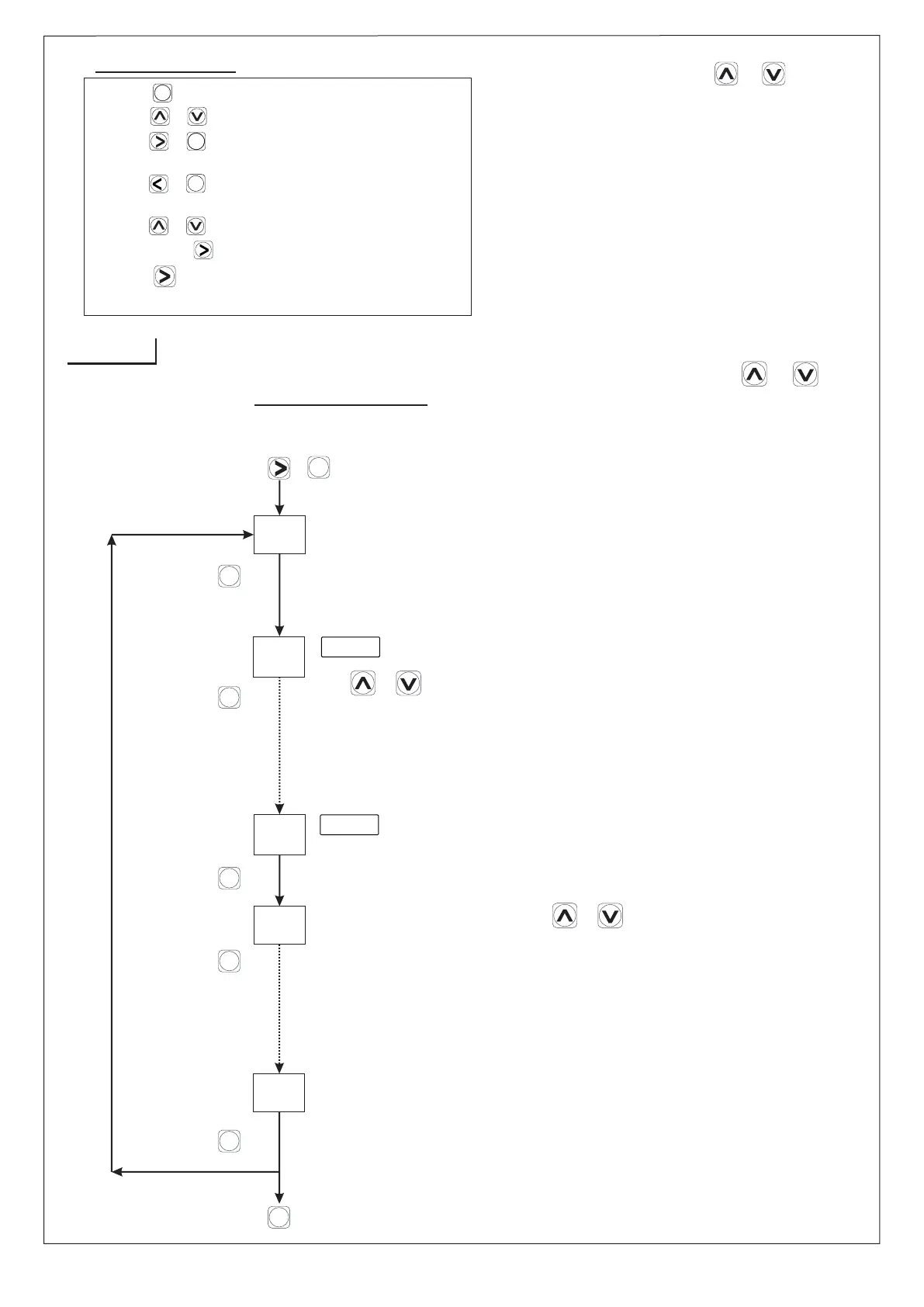
Press + key.
Presskey.
Use or key to Skip or Unskip Channel.
SET
5
J-TY
UNS
SCN
CH 1
CH 1
J-TY
Ch 8
1
S 1P
S 1P
/
/
To change the Input Type, Press or Key.
( J, K , PT-100,PT.1 ).
(Repeat the same procedure for all 8 channels).
h
UNS
Ch 8
1
h
h
h
Press key to save & exit.
Input Selection
MENU-1
Note :- Values can be changed
by pressing or keys.
SET
Presskey.
SET
Presskey.
SET
Presskey.
SET
Presskey.
SET
ENT
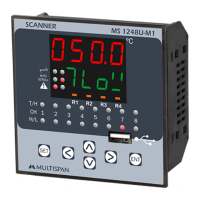
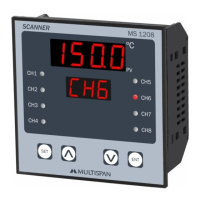
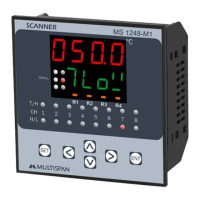
MS-1248-M1
SET
SET
SET
2) Press & Key to change the parameter setting.
5) Press + Key to set OFFSET.
6) Press & hold key to enter in scroll & hold mode.
3) Press + Key to enter in parameter menu
4) Press + Key to enter in group menu for relay
(Input selection, skip-unskip selection)
mode selection.
1) Press key to enter in set value menu.
SET
SET
Key Operation
Note :- Values can be changed
by pressing or keys.
7) Press key for 3 Sec to Change continuous
scrolling or manual scrolling.


 To Next Page