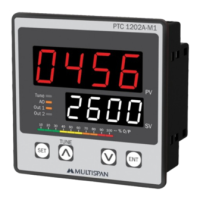
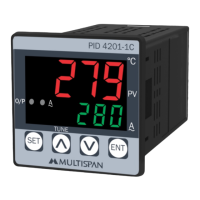
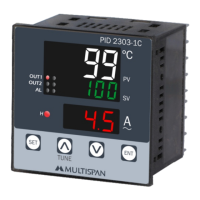
Setvalue
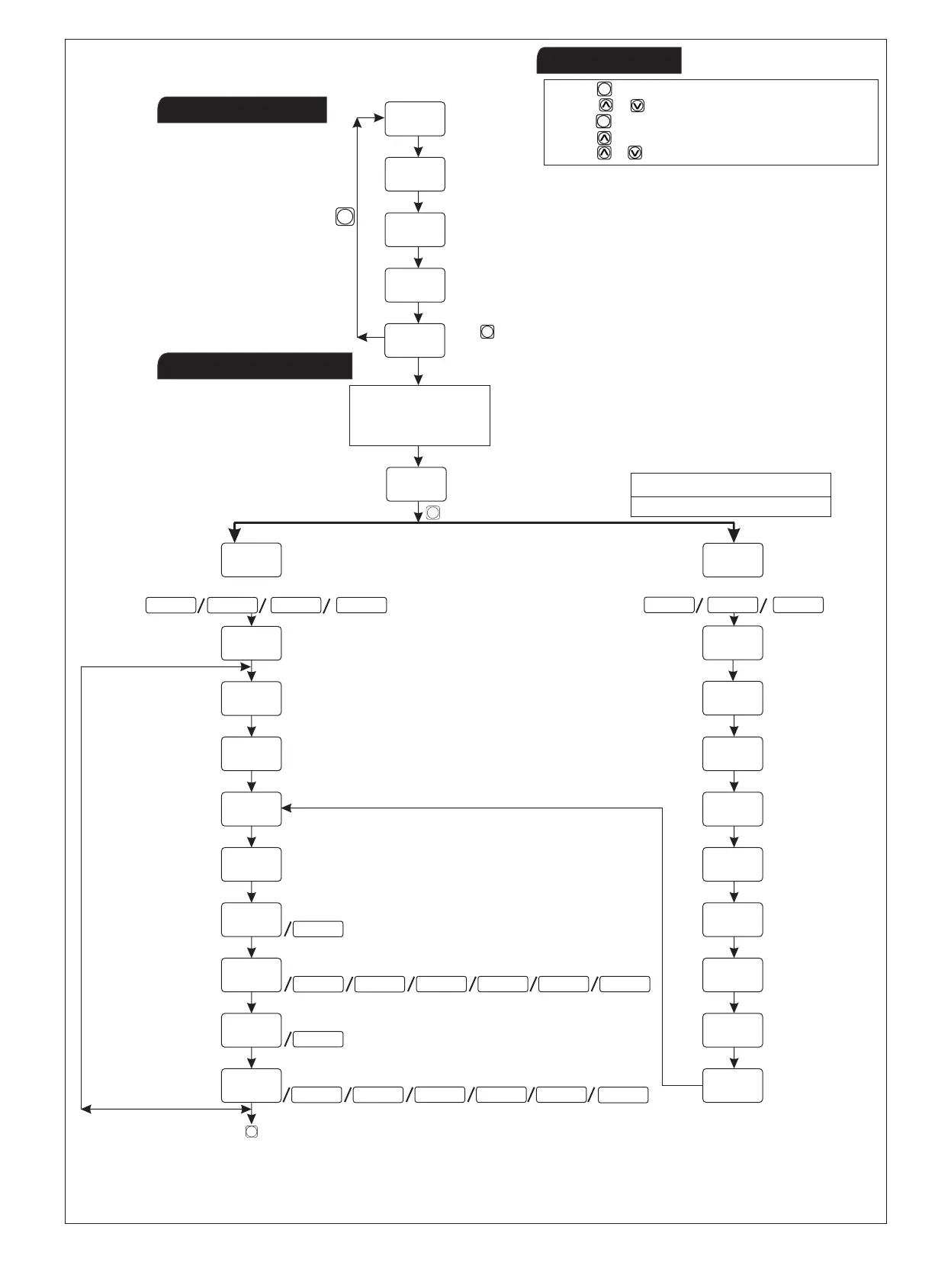
Setpoint1
Setpoint2
Setpoint3
AL
PasswordMessage
Offset
Decimalpoint
LowRange
HighRange
Offset
CorrectionFactor
FilterTime
SetPoint
(-999to9999)
(-999to9999)
(±999)
(±999)
(0.1to10.0)
(0.0to5.0)
LowLimit
SetPointLowLimit
SetPointHighLimit
ControlAction
ControllingMode
Set2Mode
Relay-2/Mode
Relay-3/Mode
PresskeyforgotoMODBUSparameter(PageNo:8)
Set3Mode
Individual/Relative
Individual/Relative
PasswordMessage
Presskeyfor3sectoenterPassword
SET
ProcessValue
Presskey
SET
TOENTERBASIC
CONFIGURATION
SETTING,ENTER73
SetPointSetting
KeyOperation
BasicConfiguration
SET
Input(J/K/Pt100/Pt.1/0-10/0-20/4-20)
Input(0-10/0-20/4-20)
.
.
.
±25
www.multispanindia.com
Page-2PTC-4202A-M1
1)Presskeytogoparametersetting.
3)Presskeytosavechangeinsetting.
4)Presskeyfor6sectostart/stopPIDAUTOTUNING.
5)Press+keyfor3sectogotofactorysettingmode.
SET
ENT
2)Pressorkeytochangevalueortoselectoption.
Ifanaloginputisselected
0-10mV/0-20mA/4-20mA
SetLowLimit
SetHighLimit
SET
(HEAT/COOL)
(PID/ON-OFF)



 To Next Page