SENDING FAXES
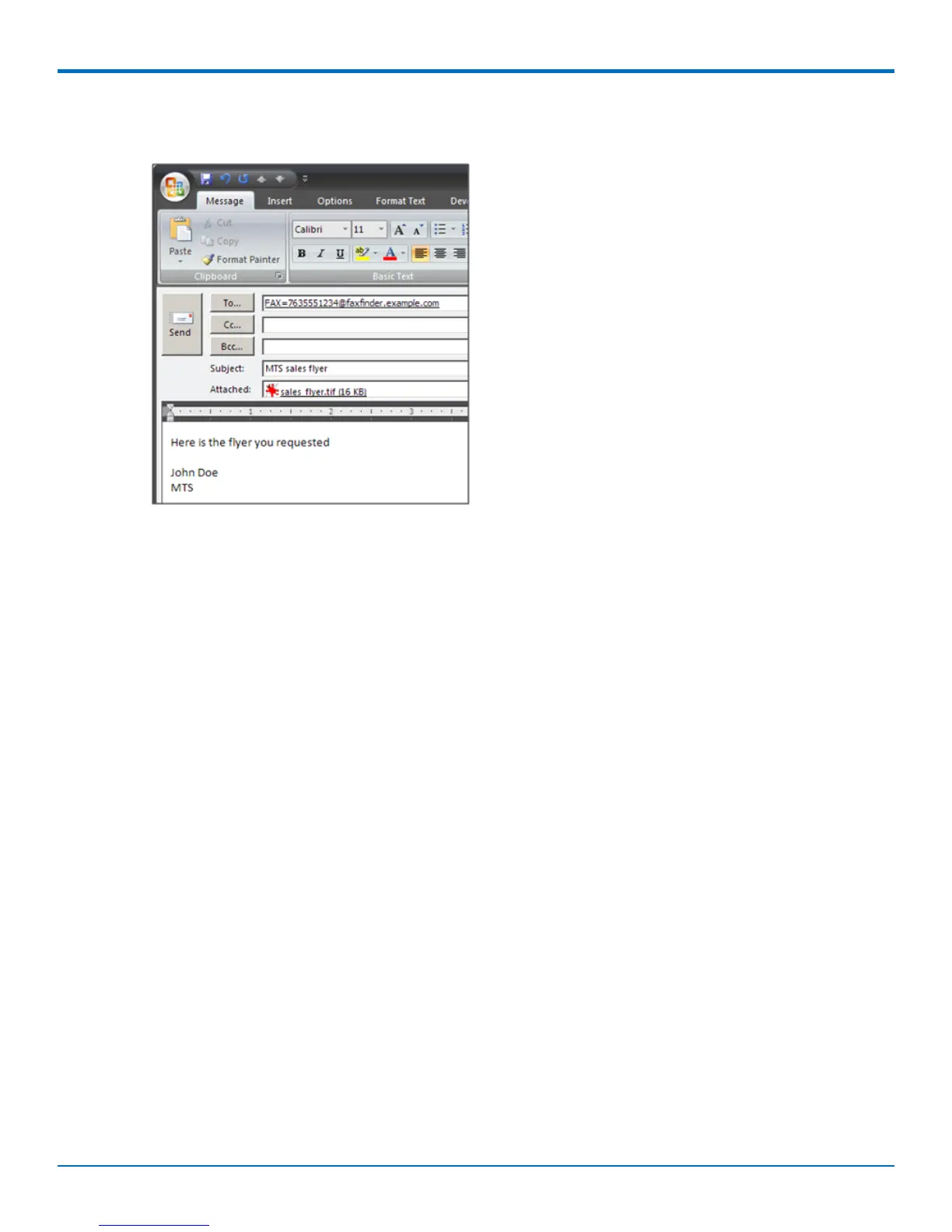
1. Enter the recipient's fax number in the To field in the following format: FAX=##########@FaxFinder
domain name. For example the image shows FAX=7635551234@faxfinder.example.com.
2. Add your message and any attachments. Attachments must be in TIF, PDF, PS, or TXT format. The 36MB is
the maximum file size for sending a fax through email. Text entered in the email message area appears in
the comments section of the fax cover page.
3. Click Send.
FaxFinder
®
User Guide 11



 To Next Page