CONFIGURING THE CLIENT
Configuring the Client
Configuring Fax Client
To set header date and time format and configure fax client behavior:
1. Click Configuration and select General Configuration.
2. Make desired changes.
3. Click OK.
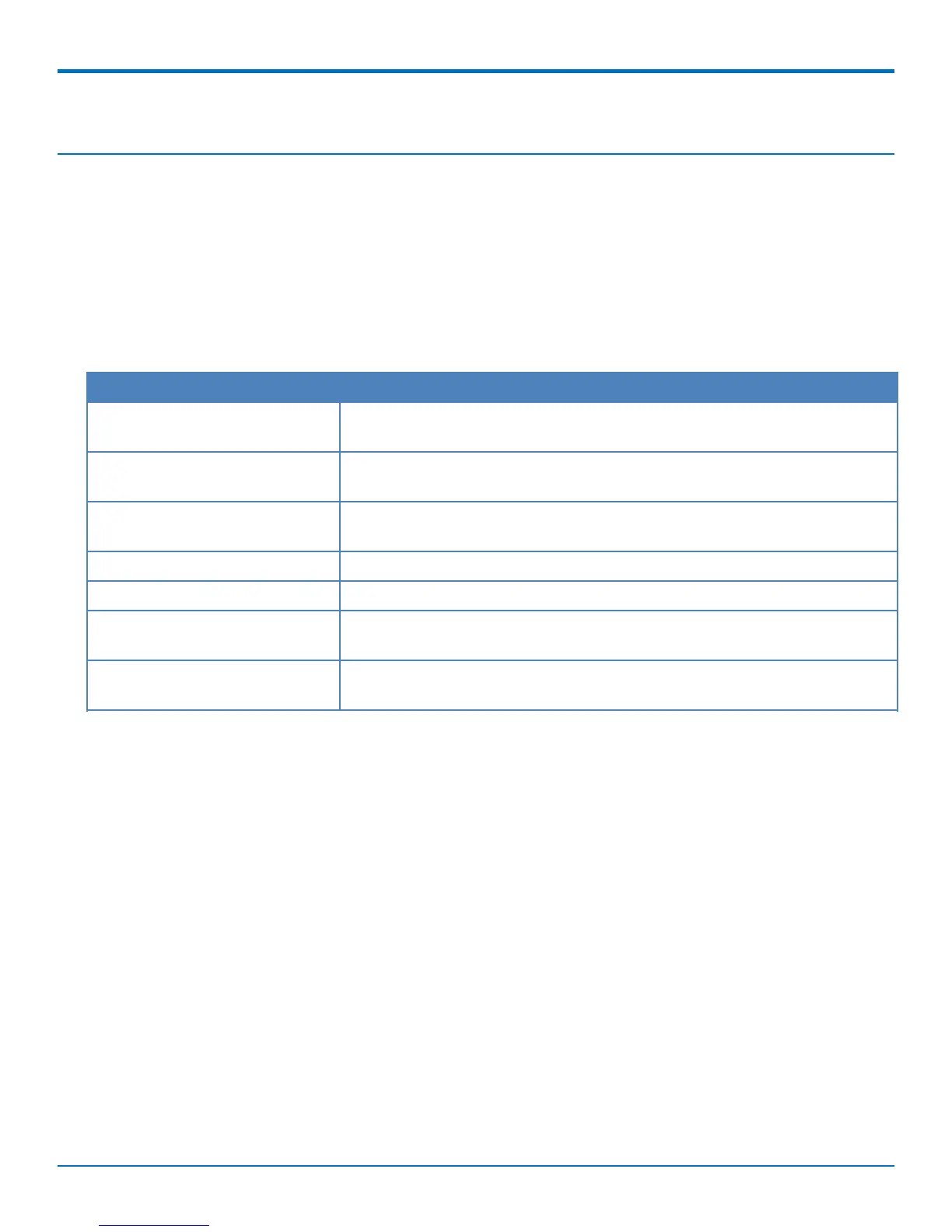
General Configuration
Field Description
(Windows only) Minimize client on Check to automatically minimize the fax client window when you click the X in
close the fax client's upper right corner
Minimize client after scheduling Check to automatically minimize the fax client window when you schedule a
fax.
(Windows only) Use local client Check to use the client to convert documents to TXT or PDF. If this is not
conversion for TXT and PDF selected, the server handles conversions.
Date Format Select a date format.
Time Format Select 12 or 24 hours.
Print captures Select a number of print captures to keep after they have been printed.
Clearing print captures saves disk space.
Auto-refresh, minutes Select a interval for automatically updating the fax status information display.
Options are (in minutes): 1, 3, 5, 10, or None.
24 FaxFinder
®
User Guide



 To Next Page