INSTALLING FAXFINDER CLIENT ON WINDOWS OR MAC
FaxFinder Printer Usage Rights
If your users have a problem printing faxes, verify usage rights for the printer.
1. In Windows, open the printer's Properties.
2. On the Security tab, verify the following checked under Allow:
■ Print
■ Manage Printers
Installing FaxFinder Client Software on a Mac
You need Mac OS X 10.7 or newer to install the FaxFinder Client for Mac.
To install the client on a Mac
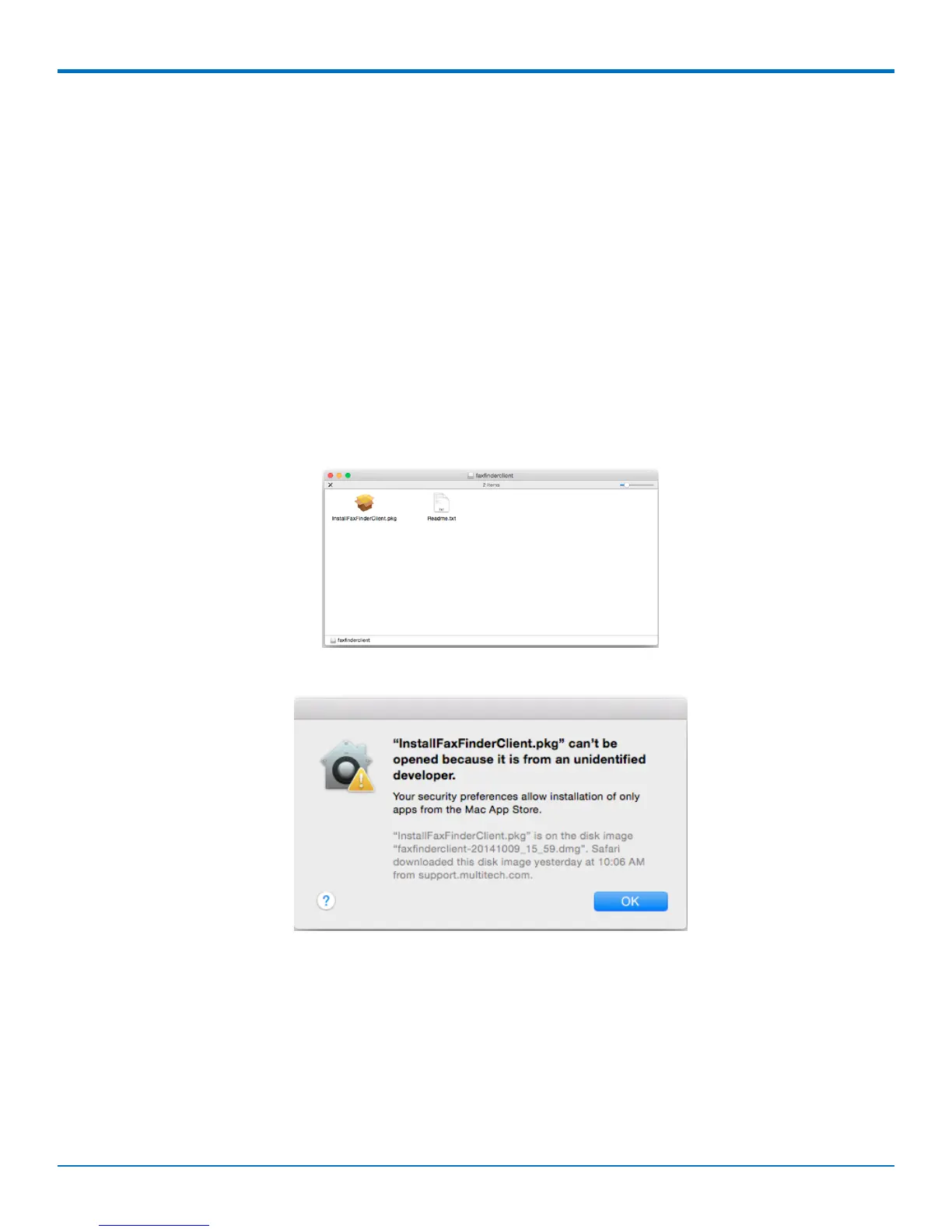
1. Mount the disk image (.dmg) by double-clicking the FaxFinder Client .dmg file.When the disk image
mounts, a FaxFinder window opens showing the disk image contents, the InstallFaxFinderClient.pkg and
this Readme file.
2. Double-click on InstallFaxFinderClient.pkg. If you get a warning that “InstallFaxFinderClient.pkg ” can’t be
opened because it is from an unidentified developer, click OK.
This warning means your Security & Privacy System Preferences setting is safeguarding you against automatic
download and installation.
FaxFinder
®
User Guide 31



 To Next Page