CONFIGURING USER ACCOUNTS
Configuring User Accounts
Setting a Default Cover Page for Your User Account
To include a cover page with every fax by default:
1. Click Fax Servers.
2. Click Edit User Info.
3. Check Yes to Include Cover Page.
4. Select a Default Cover Page from the drop down list.
5. Click OK.
Editing User Information
To edit your user information:
1. Click Fax Servers.
2. Click Edit User Info icon.
3. Make desired changes and click OK.
User Information Fields
Set the following options for the current server.
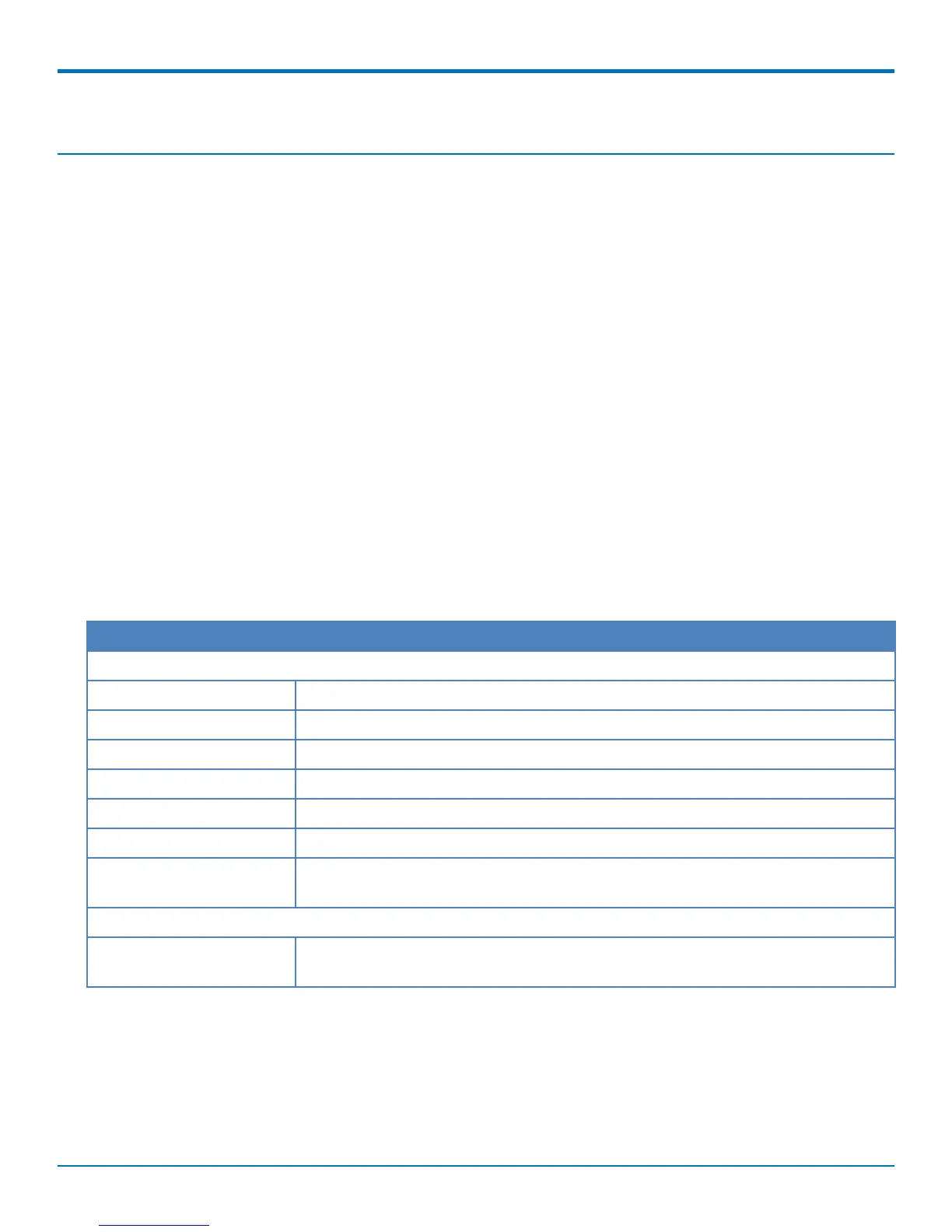
Field Description
User Info
Name Enter your full name. FaxFinder uses this name as the fax sender's name.
Email Enter your email address.
Organization Enter your organization.
Phone Number Enter your voice number.
Fax Number Enter your fax number.
Include Cover Page Select Yes to include a cover page by default.
Default Cover Page If you selected Yes to include a cover page, select a default cover page from the
drop down list.
Schedule Options
Max Attempts Enter the maximum number of times you want FaxFinder to try to send the fax to a
recipient.
22 FaxFinder
®
User Guide



 To Next Page