CONFIGURING AND VIEWING LOGS
Configuring and Viewing Logs
Configuring Log Options
To configure fax log settings for the fax client software on your computer:
1. Click Logs.
2. Set a Log Level . Refer to Logging Options, for details.
3. Select a folder for Log Location.
a. Click Browse.
b. Highlight the folder you want and click Select Folder.
4. To close Manage Logs, click OK.
Logging Options
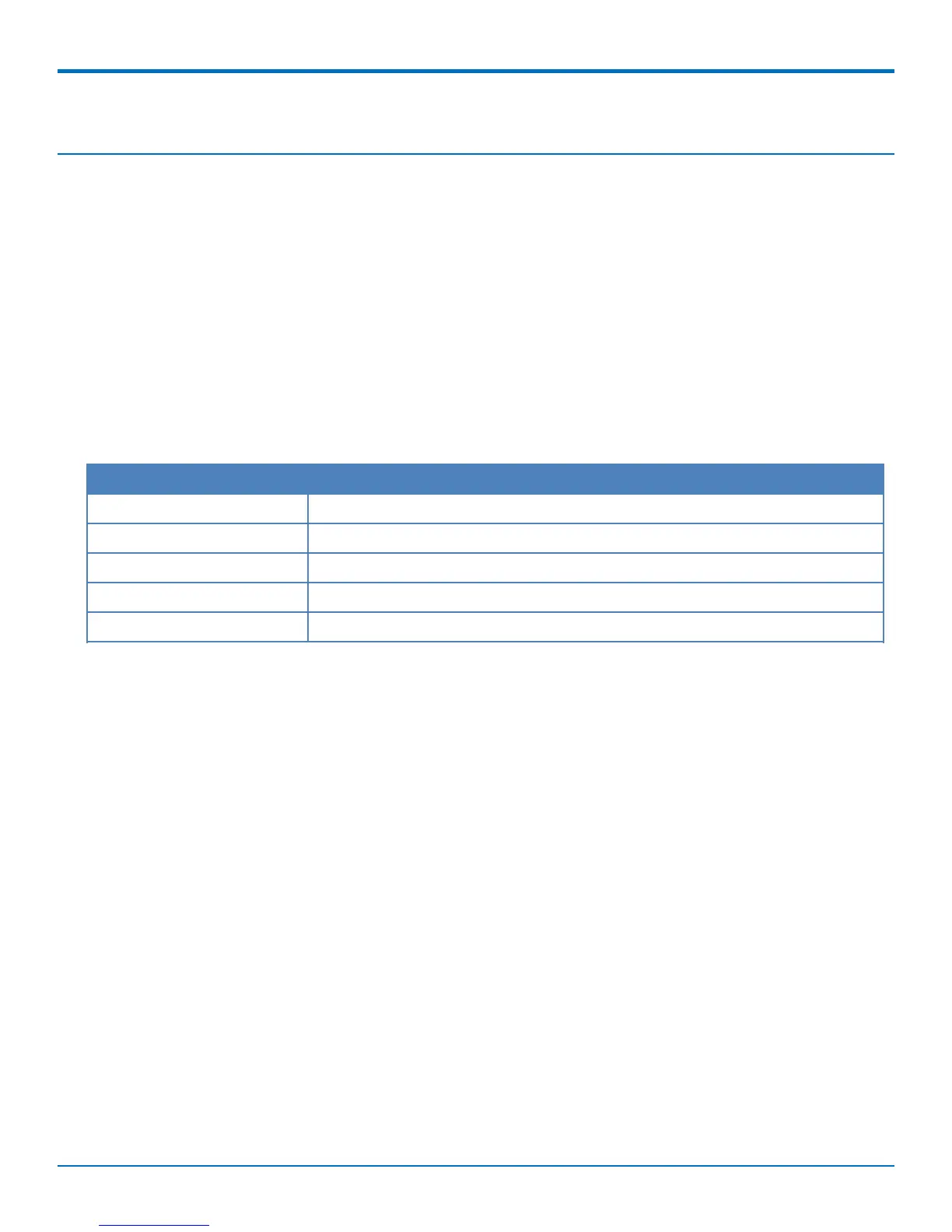
Field Description
None No log data captured..
Errors Collects the least information.
Warning Collects errors and warning information.
Information Collects detailed information.
Debugging Collects most detailed information.
26 FaxFinder
®
User Guide



 To Next Page