INSTALLING FAXFINDER CLIENT ON WINDOWS OR MAC
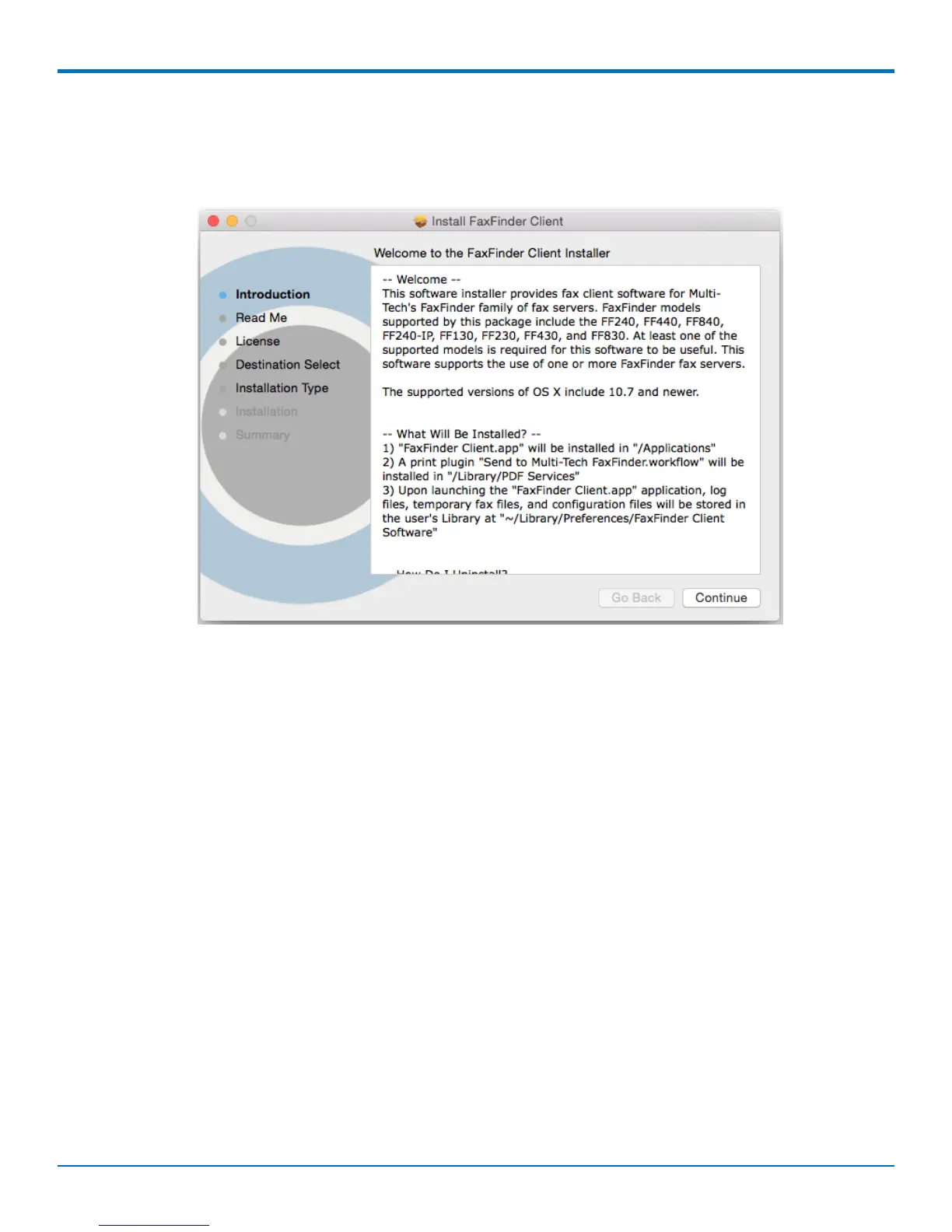
The installer launches in the background. If other application windows are open, you may need select the Installer
app in the Dock or use Command-Tab to scroll through active applications to select the Installer so that Installer
window displays in the foreground.
5. Follow on-screen instructions to install the FaxFinder Client. Close the Installer when complete.
6. Unmount the disk image after closing the Installer.
FaxFinder
®
User Guide 33



 To Next Page