SENDING FAXES
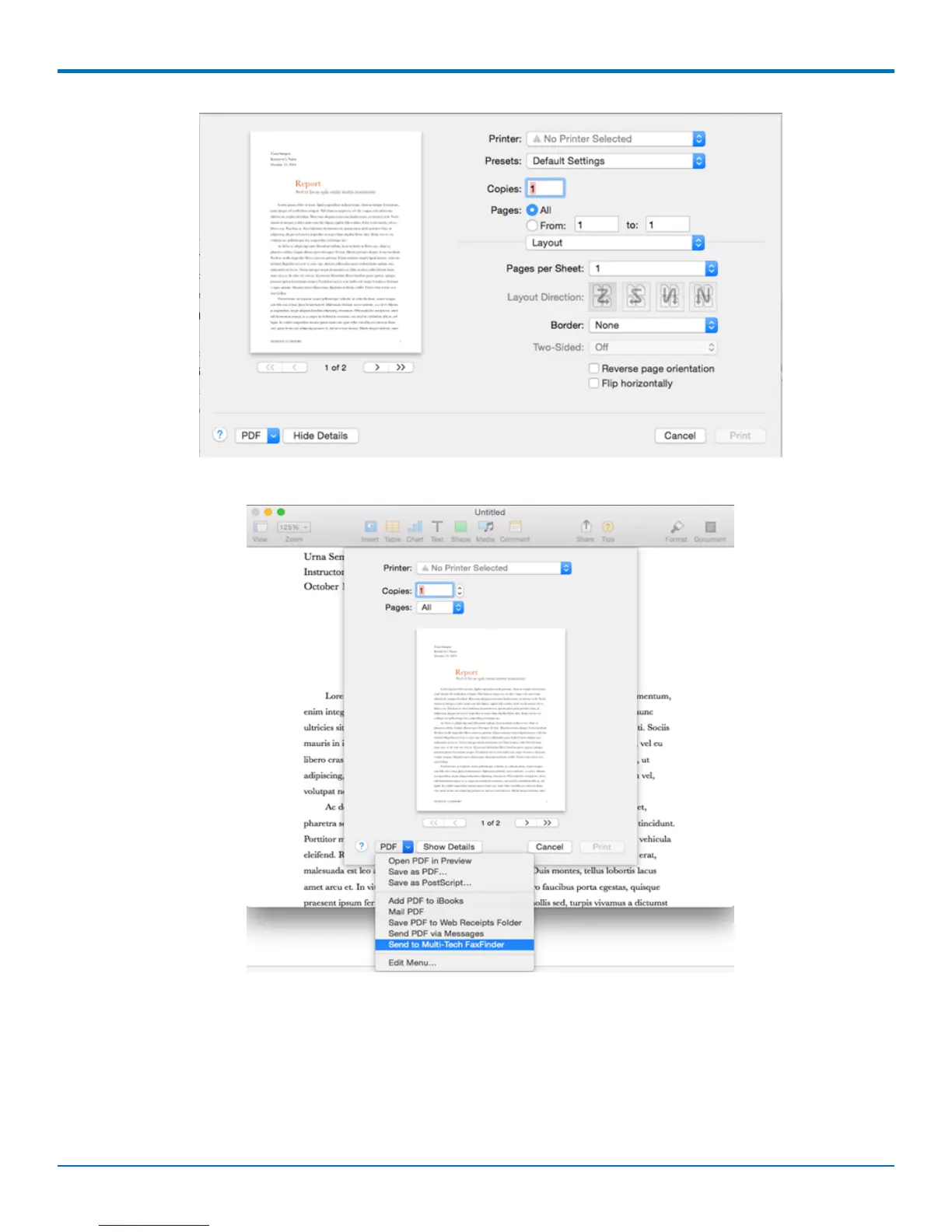
3. Open the PDF drop-down list in the lower left corner and select Send to Multi-Tech FaxFinder. The
document is converted to a PDF and sent to the FaxFinder Client.
4. In the FaxFinder Client, the document appears under Selected Attachments on the lower-right. You can
add other attachments, if desired.
5. Select recipient(s) in the To field, add an optional Cover Page and click Send.
FaxFinder
®
User Guide 9



 To Next Page