POWER DRAW
18 MultiConnect
®
Conduit
TM
Hardware Guide
Radio Protocol Idle Cellular
Connection no
data (Amps)
Average Tx
Current at Max
Power Passing
Data (Amps)
1
Peak Tx Current
(Amps)
2
Total Inrush
Charge (mC)
3
Total Inrush
Charge Duration
(mS)
24.0 Volts
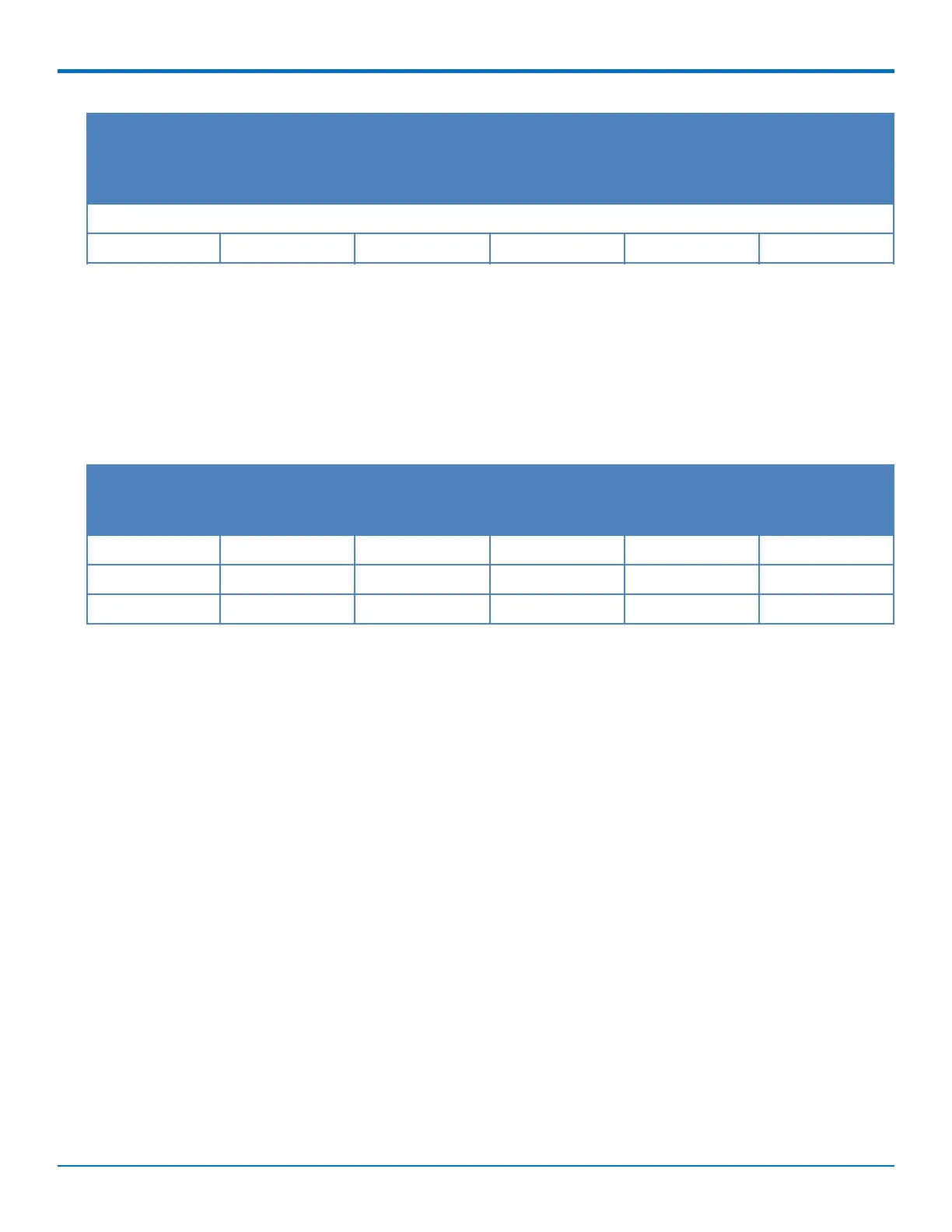
LTE 0.096 0.227 0.300 2.75 7.43
1
Max Power: The continuous current during maximum data rate with the radio transmitter at maximum power.
2
Peak Tx Current: The average peak current during LTE connection.
3
Total Inrush Charge: The total inrush charge at power on expressed in Millicoulombs (mC).
Note: Multi-Tech Systems, Inc. recommends that you incorporate a 10% buffer into the power source when
determining product load.
MTCDT-210 No Modem and No Accessory Cards
Voltage No Connections
(Amps)
1
Ethernet
Connected only
(Amps)
2
Maximum
Current (Amps)
3
Total Inrush
Charge (mC)
4
Total Inrush
Charge Duration
(mS)
9.0 Volts 0.151 0.168 0.265 2.37 1.05
12.0 Volts 0.130 0.139 0.204 3.4 8.24
24.0 Volts 0.080 0.086 0.114 2.8 22.7
1
No Connections: Typical measure performed with the unit powered up only–no connections to the device.
2
Ethernet Connected Only: Typical power with Ethernet measured and the device attached to PC with Ethernet
cable only.
3
Maximum Current: Maximum current measured with Ethernet connected, SD Card, and USB Device actively
running read/write script, USB Debug and Host active running find/command.
4
Total Inrush Charge: The total inrush charge at power on expressed in Millicoulombs (mC).
Note: Multi-Tech Systems, Inc. recommends that you incorporate a 10% buffer into the power source when
determining product load



 To Next Page