Chapter 3 – Using the Front Panel
Multi-Tech Systems, Inc. MT5600BA-V92 User Guide 14
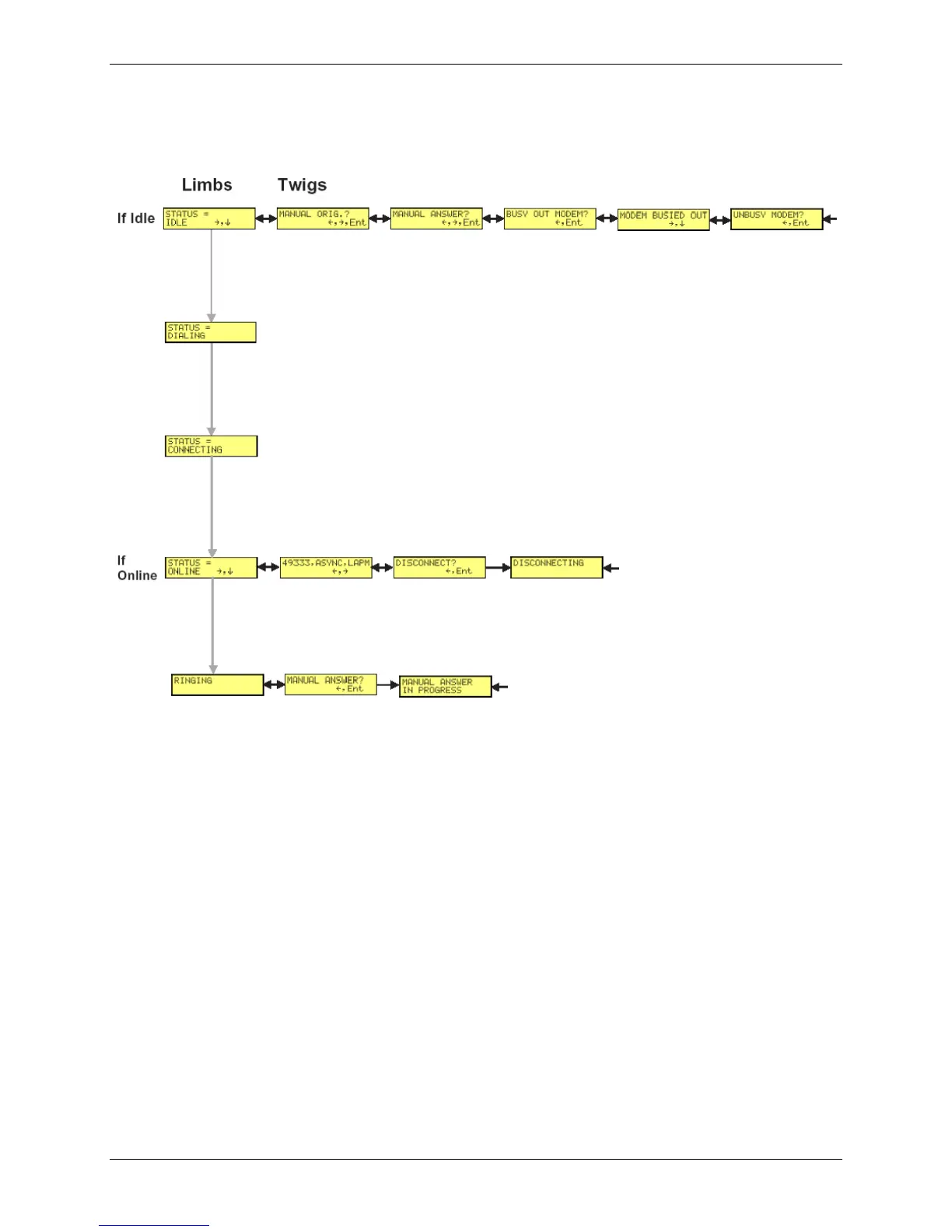
Status
Status shows the modem’s current operating status. Limb changes are automatic, but certain options
can be accessed by pressing . Note that when the modem is online, pressing shows the connect
status, including data speed, connection type, and compression type.
4














 To Next Page