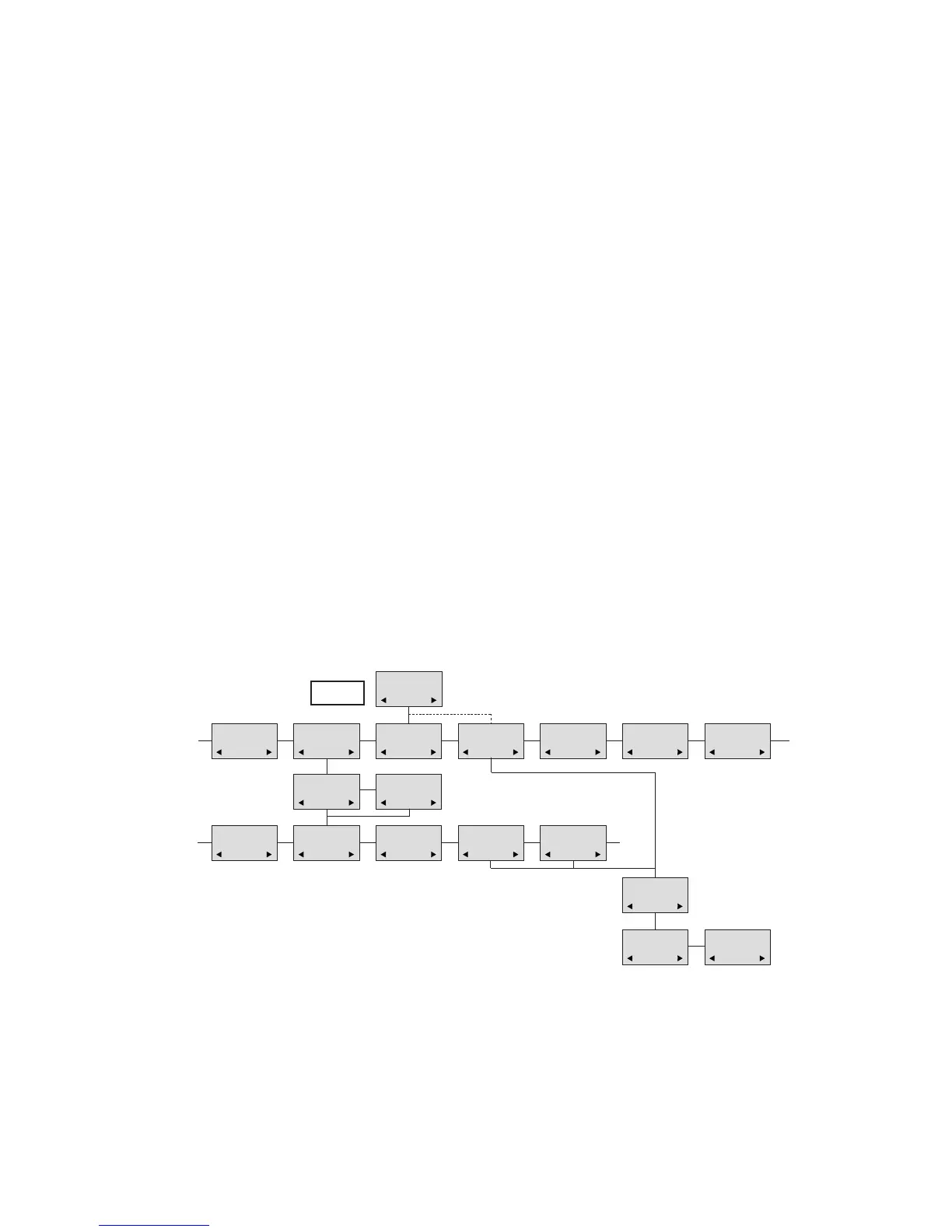
34
35
Delete a mail
Open the mail by pressing the R-key followed by the -key, press the -key again and use the < >-keys to find the
delete feature, press the -key and the mail is deleted.
Lock/unlock a mail
Open the mail by pressing the R-key followed by the -key, press the -key again and use the < >-keys to find the
lock/unlock feature, press the -key and the mail is locked/unlocked.
Write a mail
To write a new mail press the R (mail)-key, confirm with the -key and write your message. To send the mail press
the -key, type the number of the receiver and confirm with the -key.
If one or more mails are stored do as followed: Press the R (mail)-key followed by the >-key confirm with the -key
and write your message. Press the -key, type the number of the receiver and confirm with the -key. The messa-
ge is send.
Note
In case a sent message is not received, the sender will get a message in the display.
N25-01 04.38
308
Temp 45° ..
L26-01 14.32
319
Hello, its me..
N28-01 15.46
236
FIRE ALARM..
WRITE NEW
MAIL?
√19-01 09.56
htj@Multitone.com
I am working..
√20-01 10.13
319
Call me..
N
206
Meet me at 9 ..
Hello it’s me.
Yo can meet me
at 15
o’clock if you
want to.
DELETE
MAIL?
SENDER:
319
(UN)LOCK
MAIL?
REPLY
MAIL?
FORWARD
MAIL?
- - - -
PHONENO:
236
E-MAIL:
htj@Multitone.com
CH74
MAIL
Menu structure


 To Next Page