8
9
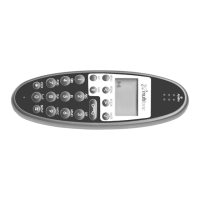
“INT” For residential systems: Internal calls off hook.
Turns loudspeaking on and off. (only CH74)
“ ” - On hook/off hook and turn ON.
“ ” - * (Change from pulse to DTMF on CCFP), Long = pause (-), extra long: change from pulse
“0-9” - Digits or letters in alphanumeric mode (names and messages)
5. Turning the handset ON/OFF
ON: Press -key for 1/2 second.
When the handset is turned on the symbol is shown in the lower left corner of the display, if the handset is
subscribed to a system. (For subscription, see 7.5.1)
OFF: Press the “” (MUTE) key for 3 seconds.
Please note: When the handset has been outside the coverage area, it can take up to 30 seconds before the hand-
set is back on the system after re-entering the coverage area.
- , Choose uppercase or lowercase letters in alphanumeric mode
"Alarm" This key is located on the top of the handset and is used for Multitone applications (see section 7.10)
“R” - If offhook: Recall. If onhook: Read or write message.
< >
*
to DTMF (a ”T” appears in the display, GAP standard).
These keys also have a "Long Press" function if pressed for more than 3 seconds.(see section 7.10)
" "
*
*


 To Next Page