14
15
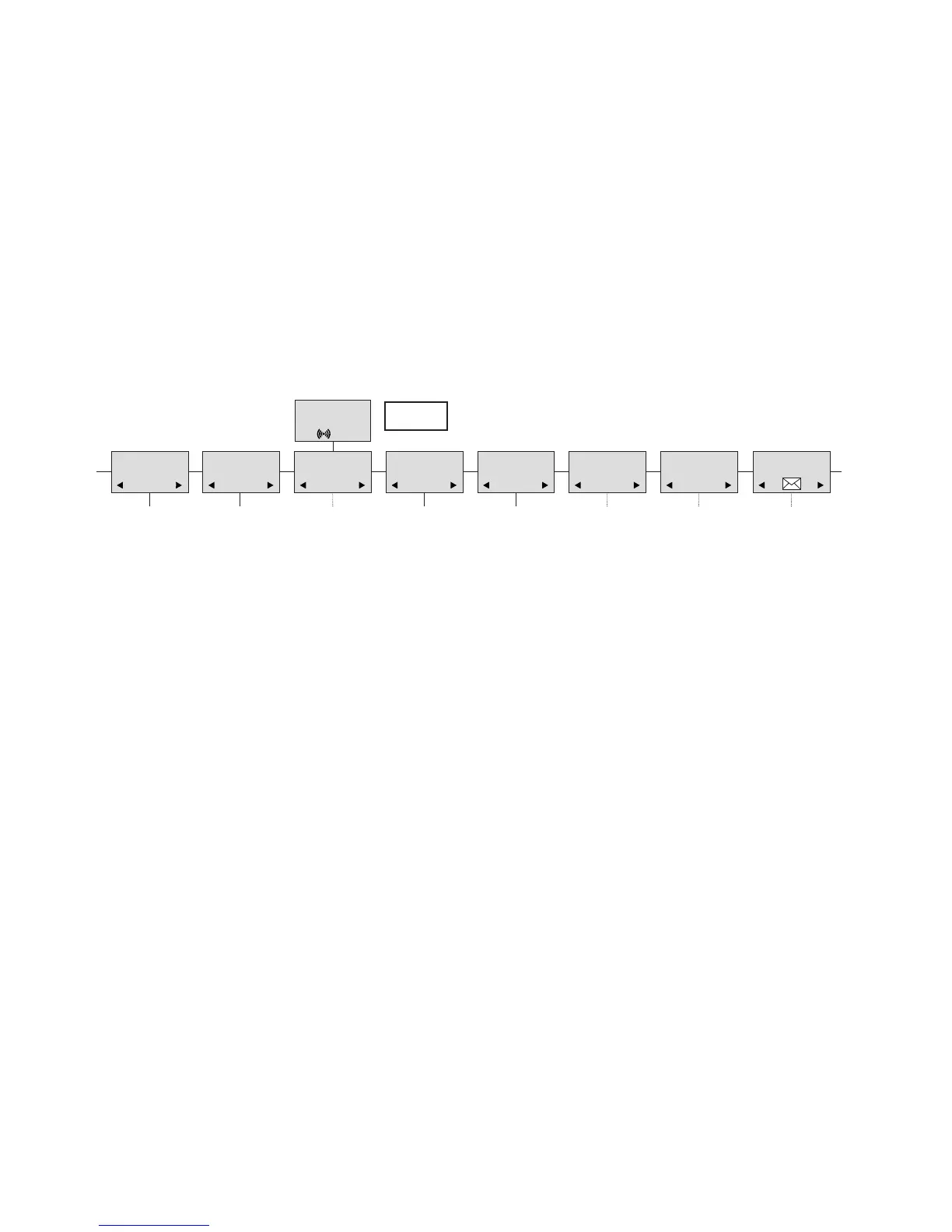
7. Menu structure
Pressing the MENU-key, enters or exits the menu structure. It has to be used if a “NO” or “CLEAR” is wanted in the
menu structure.
Pressing the -key, jumps to a lower level in the menu. When the lowest menu level is reached, it will store the
setting and jump to a higher level. It has to be used if a “YES” is wanted.
The phonebook and redial menu can be accessed directly. The phone book by pressing the > -key (book-key) and
the redial menu by pressing the < -key (redial-key).
MENU
LOGIN
MENU
MSF FUNCTION
PROFILE
SET-UP
MENU
EXT. SERVICE
MENU
BATTERY
MENU
PHONE BOOK
MENU
REDIAL
MENU
MAIL
MENU
7.1 Using the alphanumeric keyboard
The normal dialling keys (0-9) are used for writing the name to be placed in the telephone book. By pressing the
keys a certain number of times the related letters or digits will appear in the display. Spaces are made by using the
0-key. Key
*
changes between uppercase and lowercase letters. The arrows will move the cursor. Left arrow is
also used for deleting (hold for 1 sec.) = delete. New letters can be inserted.
Change of key press and pauses lasting more than 1 second automatically moves the cursor to next position.


 To Next Page