Page10 of 21
ITPP047 Thermal Printer Hardware Manual
Version 1.00
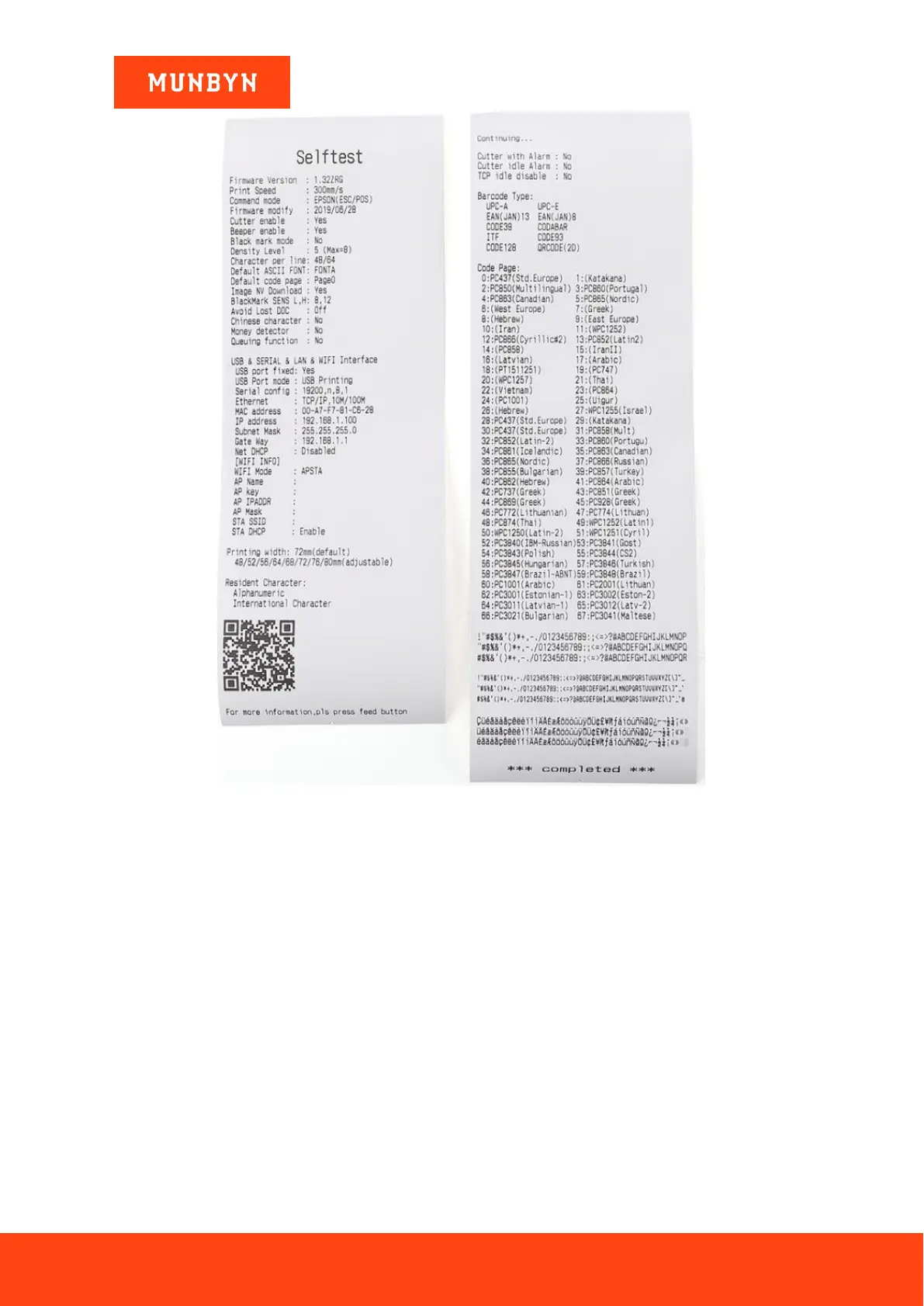
Figure 1- 6 Self-test page
1.3.5.Initialization
Make sure the printer is connected with the power and turn it off.
Press the “FEED” button and simultaneously turn on the power.
Hold on pressing the “FEED” button for about 20 seconds, then “ERROR LED” on until “ERROR” and
“PAPER LED” double- flash again, release the “FEED” button when buzzer alarming.
At this time the printer has been initialized, restoring factory settings.
1.3.6.Hexadecimal Mode



 To Next Page