Page6 of 21
ITPP047 Thermal Printer Hardware Manual
Version 1.00
1.3. Control Panel and Other Functions
1.3.1.Control Panel(Front View)
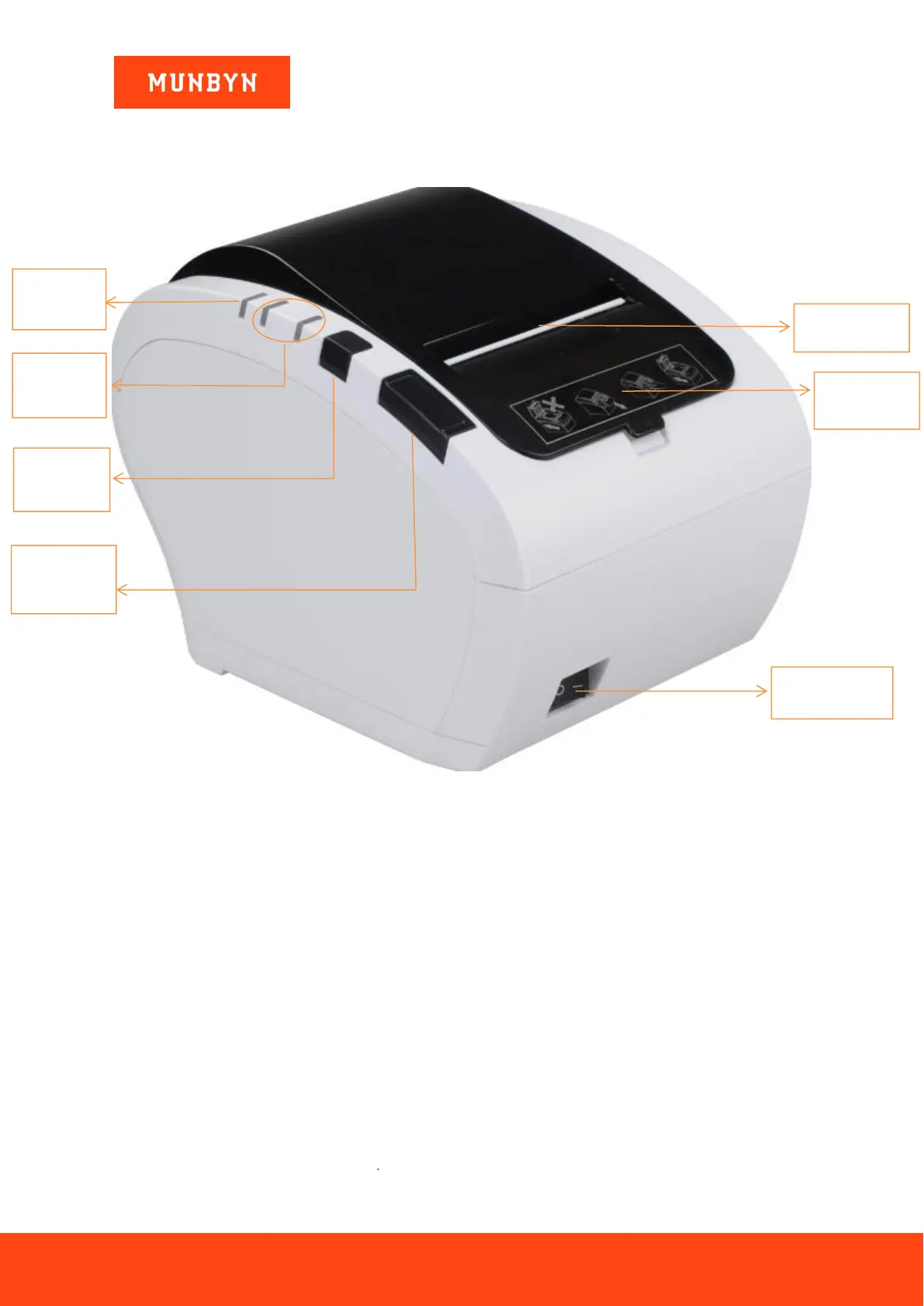
Figure 1- 2 Control Panel
Paper cutter:cut the receipt paper
Power indicator:display the connection status of the machine power
Status indicator:display the printing status (blue: normal/red: error)
Feed button:press to feed the receipt paper
Cover open button:open the cover
Power switch:turn on the printer



 To Next Page