6
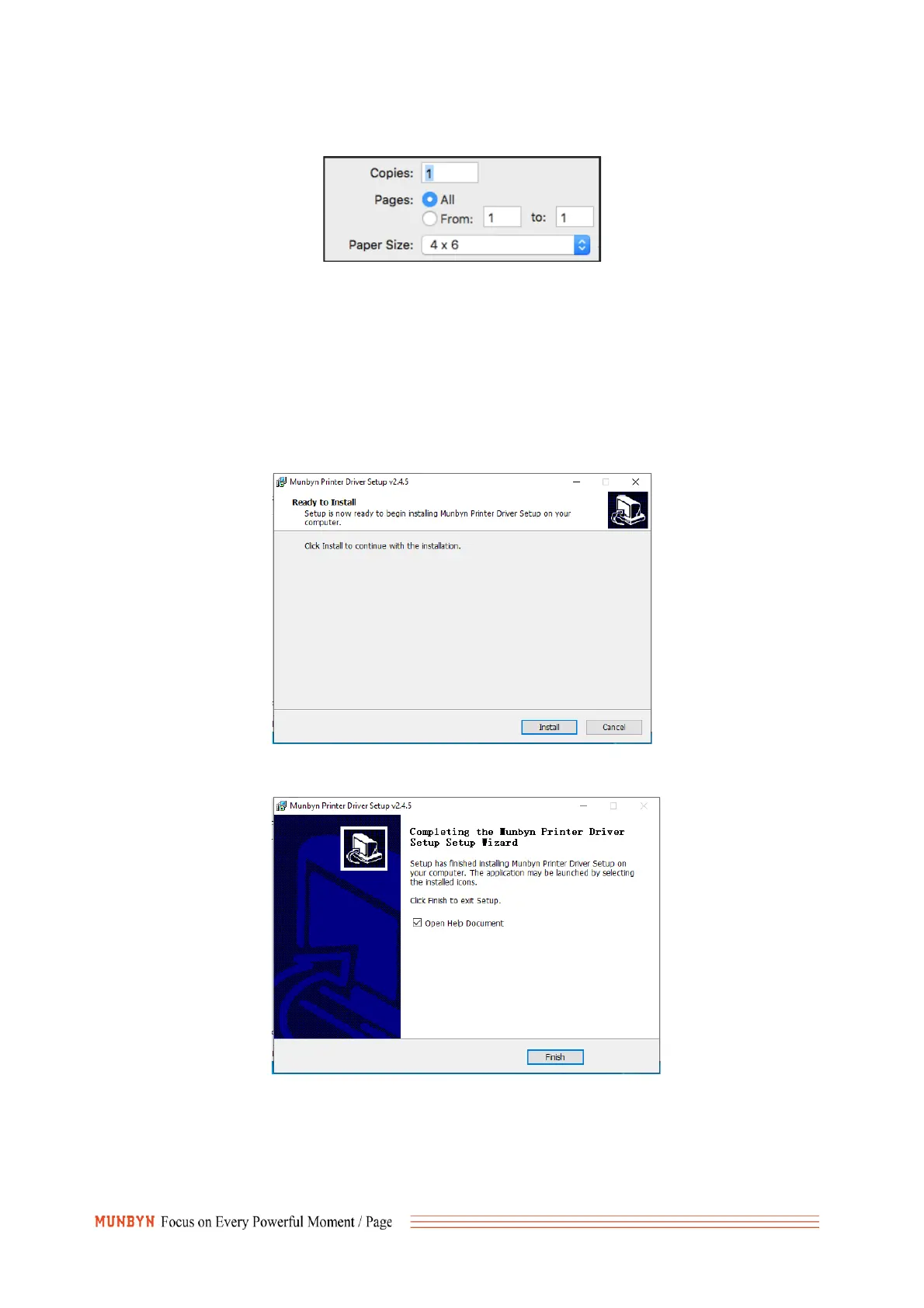
your "Paper Size" appropriately (for example 4 x 6). and then save the settings in the Presets option.
Windows Driver
1. Please download the Windows Driver for ITPP941 at link below:
https://munbyn.biz/941wind
2. After the download is complete, directly double-click to open, Please make sure the printer is
turned on and connected via USB and windows.
3. After click install, the driver is automatically installed on windows.



 To Next Page