8
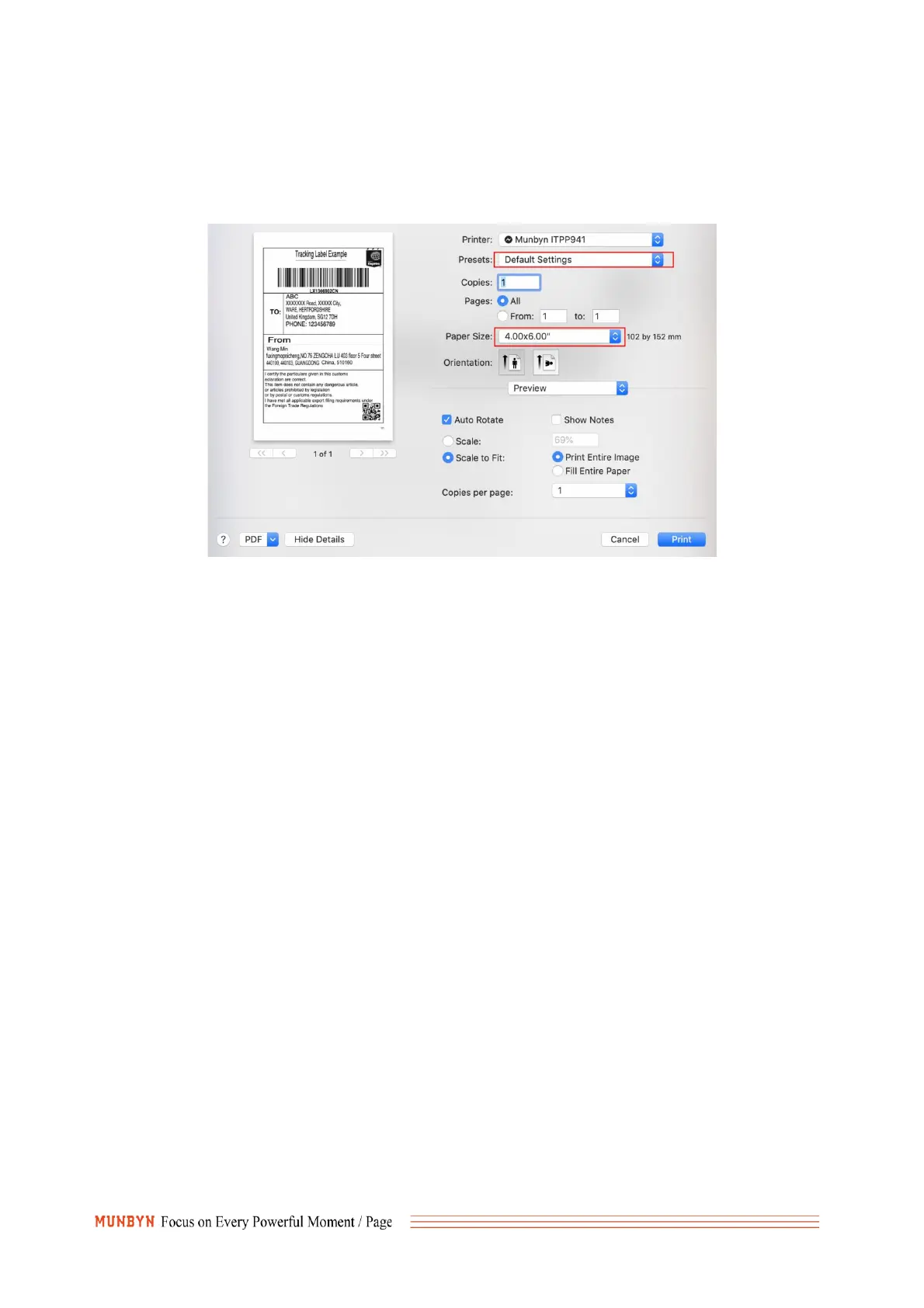
"Paper Size" appropriately (for example 4 x 6).
In the presets settings, you can permanently save the settings for this printing to avoid repeated
settings.
2. Q:Why I printed blank labels?
A: (1) The most common reason is that the labels were loaded upside down. Please ensure your labels
are properly loaded, the tearable side up.
(2) Ensure your labels are "Direct Thermal" labels, The paper enclosed in the package meets this
condition
(3) If above are correct, but the printer still print blank labels or the label cannot be completely printed.
Please print the self-test page,
① Press FEED(green/red light) button and hold on;
②Release after you hear two consecutive beeps
The printer will print a self-test page. If the self-check page is not printed, please contact us for return
and exchange.
3. Q: Why is the label stuck in the position where the barcode is printed?
A:Please follow the steps below to set, try to reduce the density and printing speed, choose Dotted
line.
For Windows:



 To Next Page