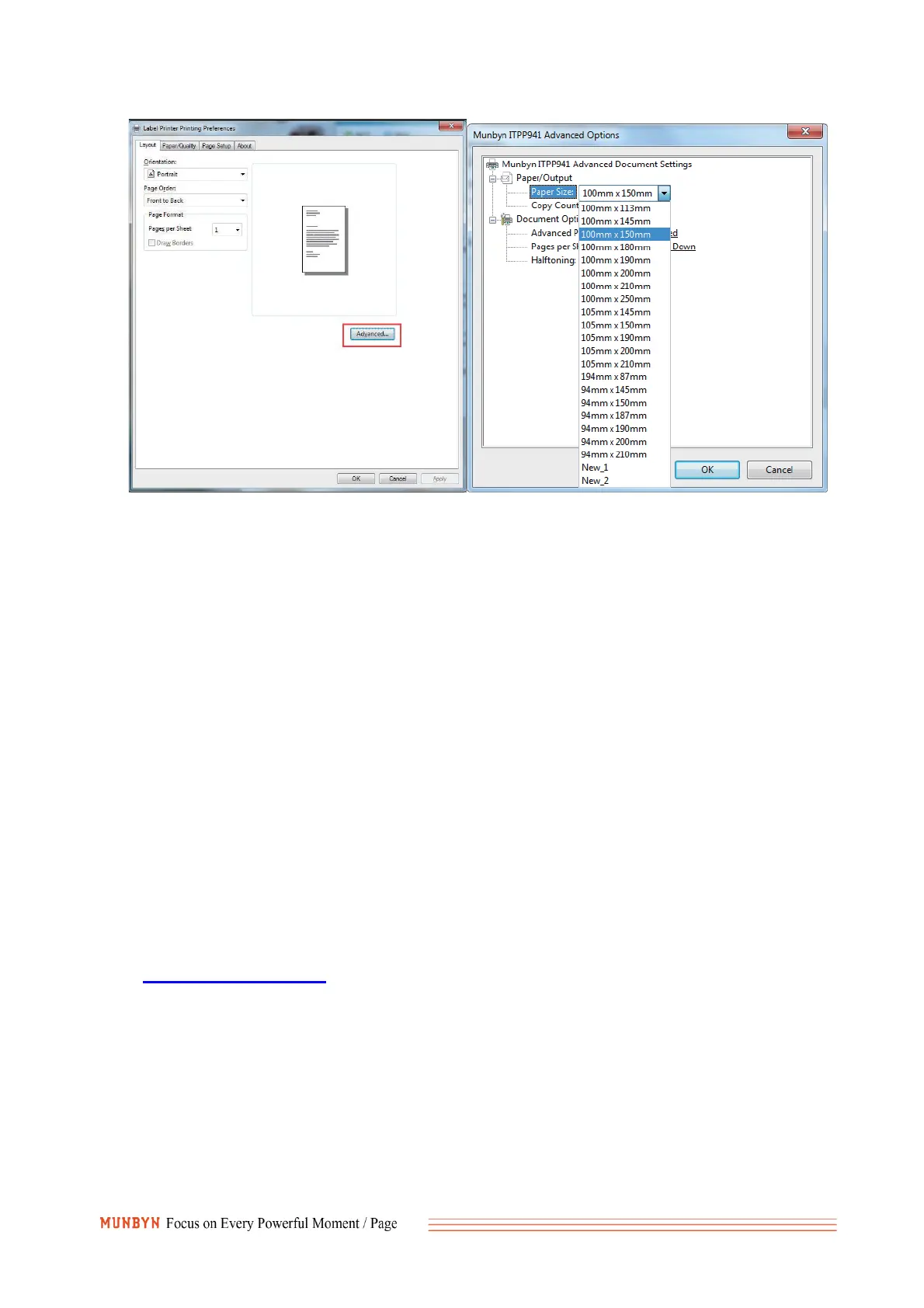
2. Q:How to print label in non 4x6 inches size, like USPS and Amazon ASIN
labels?
A:You can use the ‘Acrobat Reader DC’ to crop the shipping label to print.
Demo video: https://munbyn.biz/941arv
3. Q:How to print self-test label?
A:The self-test page can be used to determine whether the machine is malfunctioning
and whether the printing performance is good. You can print self-test label as below.
Turn on the label printer;
Press FEED button and hold on;
Release your finger when you hear two ‘Di’ sounds;
It will print out a self-test label. If the self-test label printed well, it means the printer is fine.
For more questions, please contact seller from Amazon or support.
Email: support@munbyn.com
Whatsapp: +86 1781788 1067
Skype:munbyn



 To Previous Page