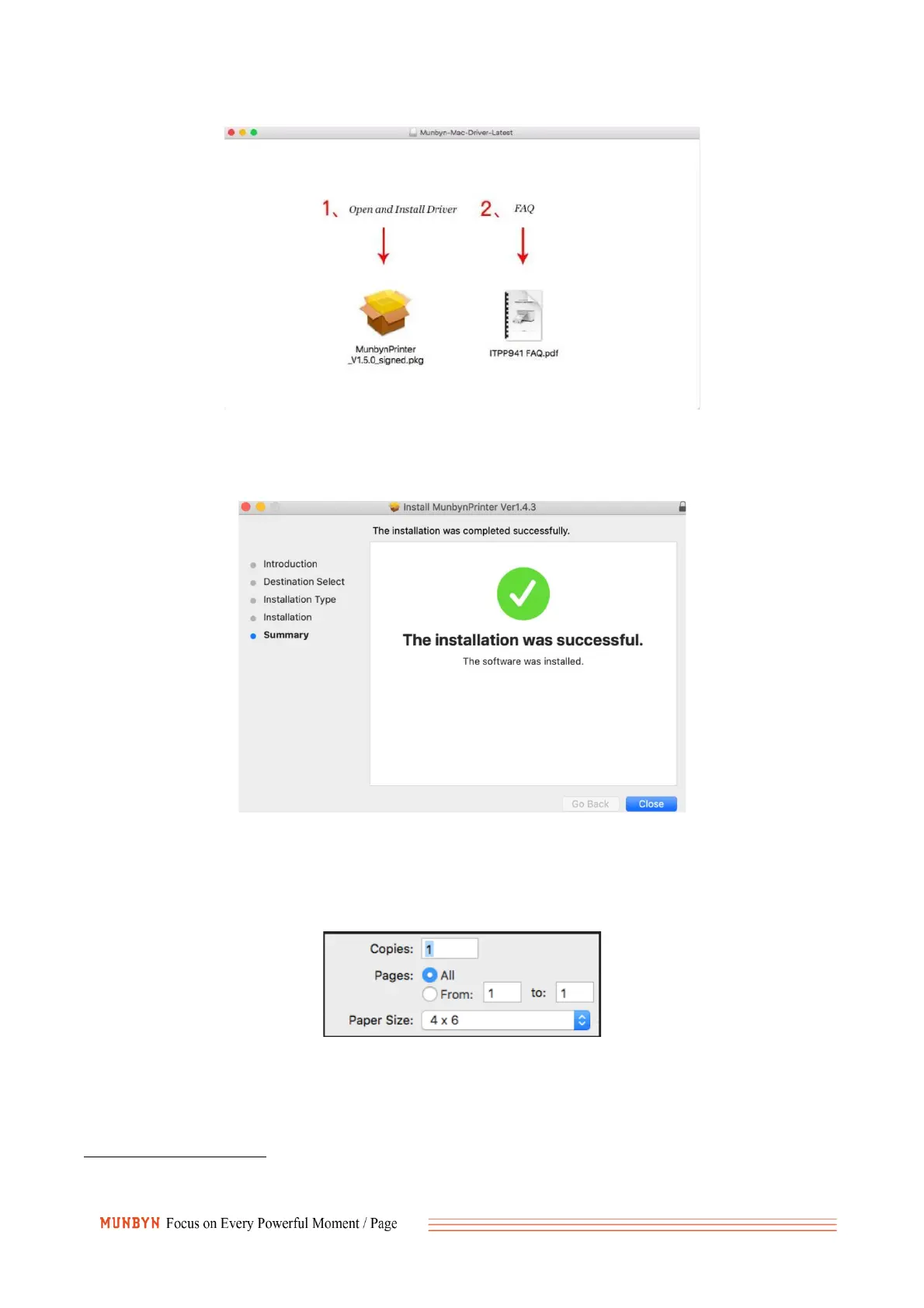
3. Follow the installation steps until you receive "The installation was successful" message shown
below.
You may wish to print a Sample 4 x 6 Shipping Label. In the print dialogue, please be sure to select
your "Paper Size" appropriately (for example 4 x 6). And then save the settings in the Presets
option.
Windows Driver
1. You can get the driver package for ITPP941 through USB flash drive or this link below:
https://munbyn.biz/wind
2. After you find the driver file, directly double-click to open, Please make sure the printer is turned



 To Next Page