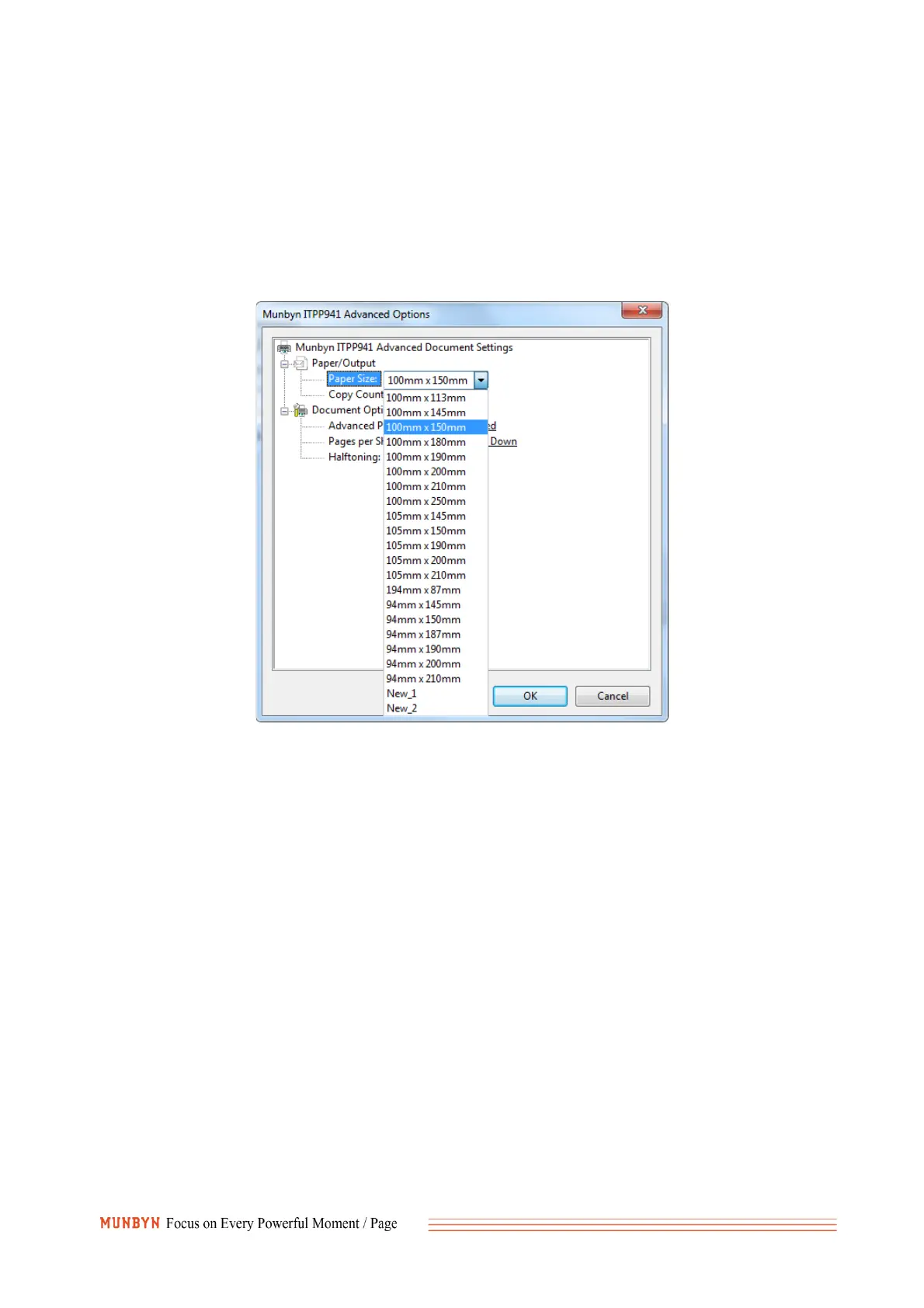
2. It is not set correctly when switching to print labels of different sizes. Please see the settings below.
You should choose the size corresponding to your shipping label. Below I use the most common 4x6
inch shipping label as an example.
①For Windows: Go to the ‘printer preferences’ -> ‘advanced’ -> ‘paper size’, select the correct
size for the printer(please select the 4x6 inch or 100*150mm)
②For Mac: If you print a 4x6 size page. In the print dialogue, please be sure to select your
"Paper Size" appropriately (for example 4 x 6).
In the presets settings, you can permanently save the settings for this printing to avoid repeated
settings.



 To Next Page