© Munters AB, 2020 155
2. Click and enable the reference curve.
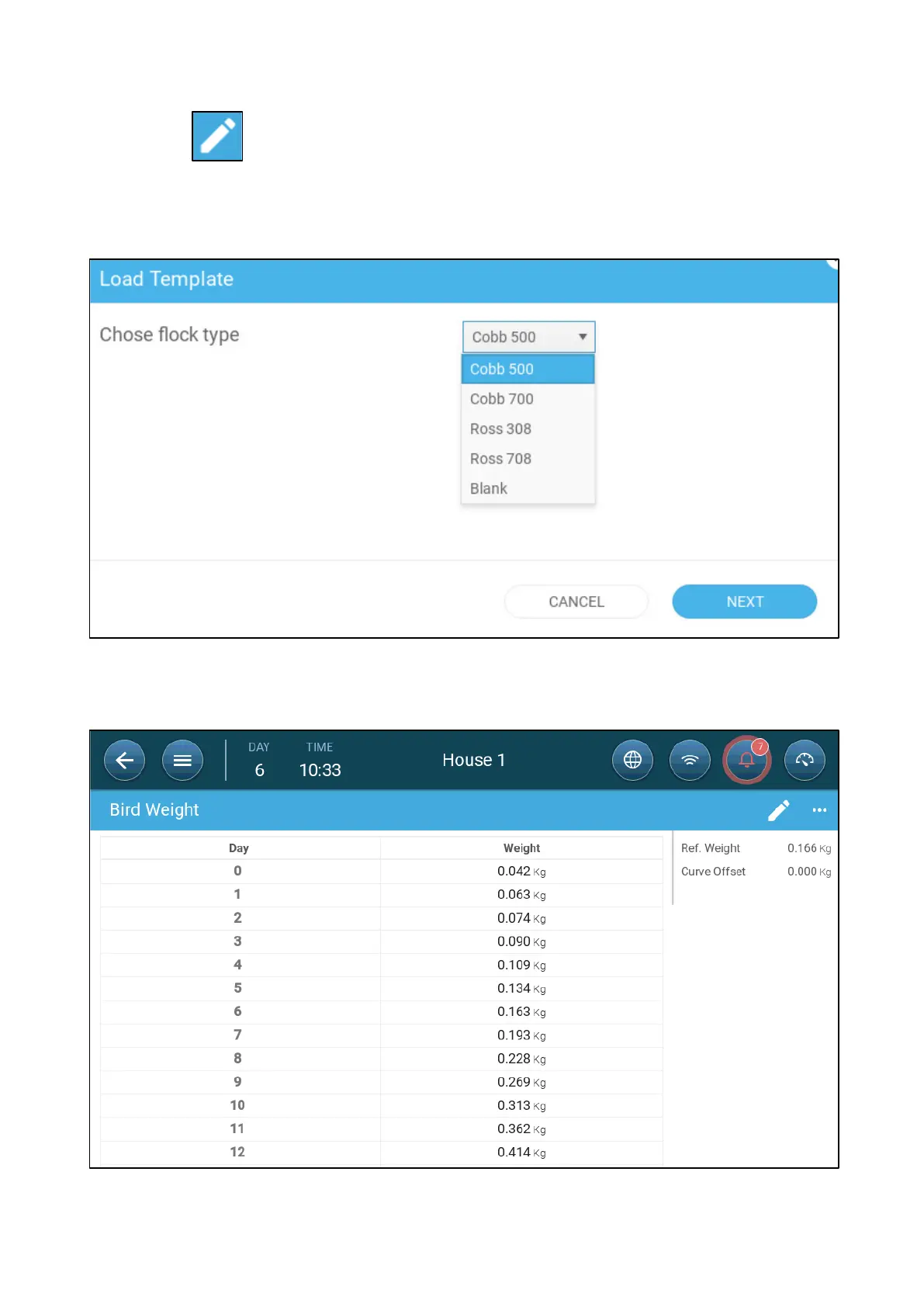
3. Go to Flock > Bird Weight > Load Template. From the drop down list, select one of the following:
o
Industry standard curve
o
Blank. This option enables manually defining a growth curve.
4. Click Next and confirm your choice.
5. If required, edit the curve and save.
6. Go to Flock > Bird Weight.













 To Next Page