Section 78 00-02-0859
2016-06-30 -8-
User Settings
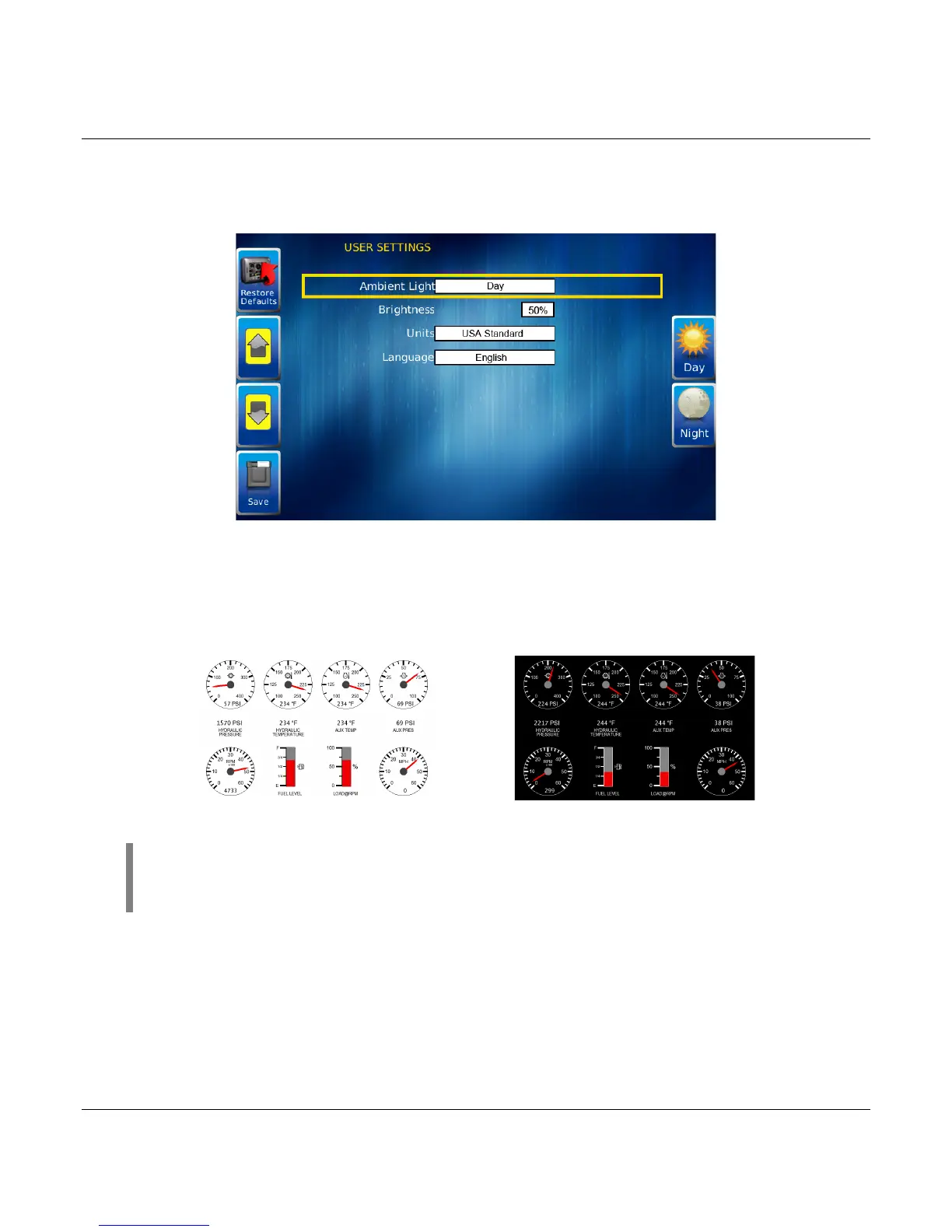
User Settings provides options to specify viewing preferences for the PV750 Display. Pressing
Up and Down navigates through the options. To change an option, press the corresponding
soft key next to the desired soft key command.
Ambient Light
Night and Day options are provided for ambient lighting. The screens below illustrate these
options. When the ambient lighting settings are changed in User Settings, the power-on
default is changed.
Day View Night View
NOTE: The ambient lighting option is also accessible through soft key
commands on the gauge display screens. When selected, the Day/Night soft key
toggles the display to the opposite mode.



 To Next Page