Section 78 00-02-0859
2016-06-30 -13-
Software Updates
Upload a New Configuration File to the Display
1. This display accepts a USB Drive and SD card to upload a new configuration file.
Choose one or the other.
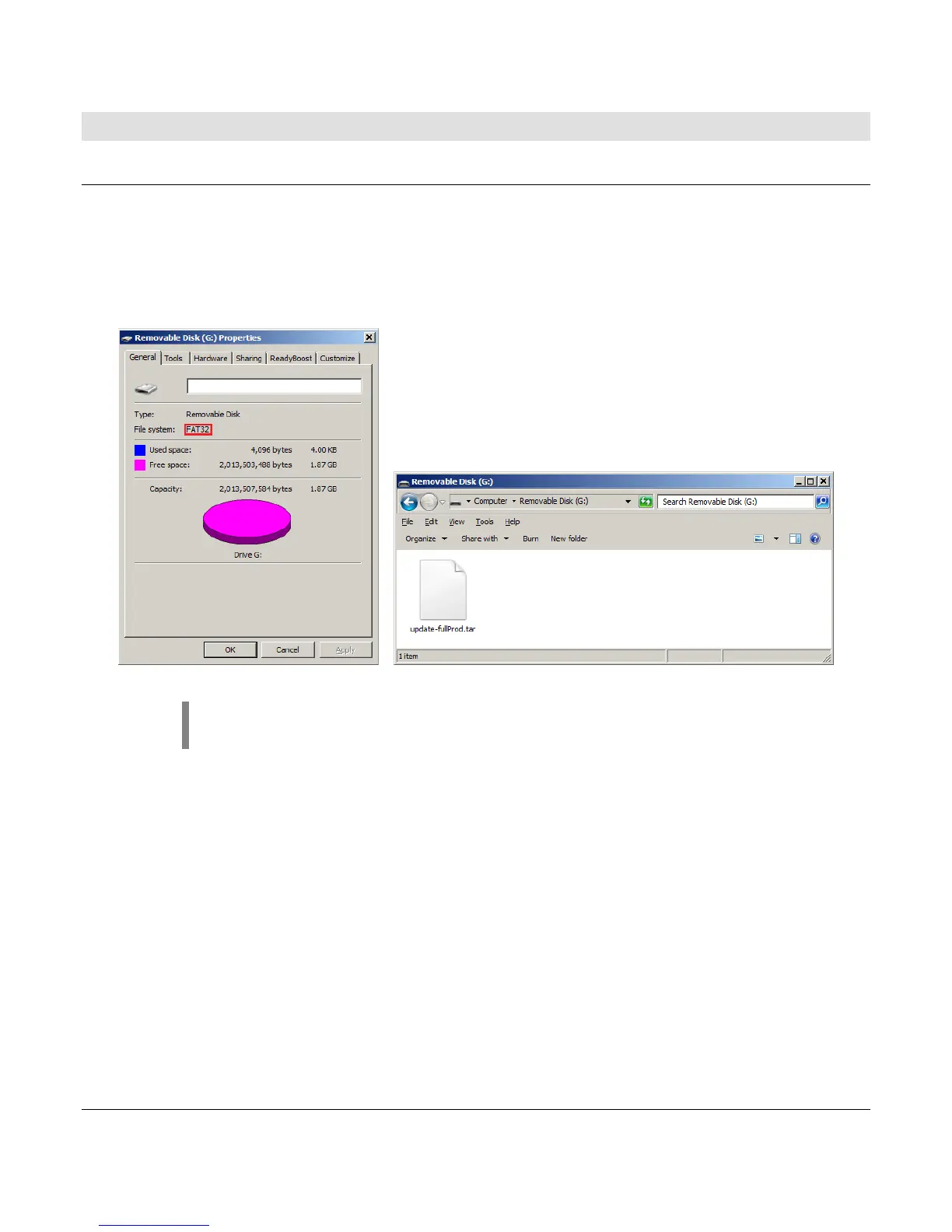
a. Obtain a FAT32 formatted USB thumb drive or a SDSC (SD) card.
b. Copy the update file from your computer to a USB drive or SD card.
NOTE: We recommend the update file is the only file on the root directory
of the USB drive or the SD card.



 To Next Page