En 26
4
4-2 Screen Setup-continued
Video Output Setting-continued
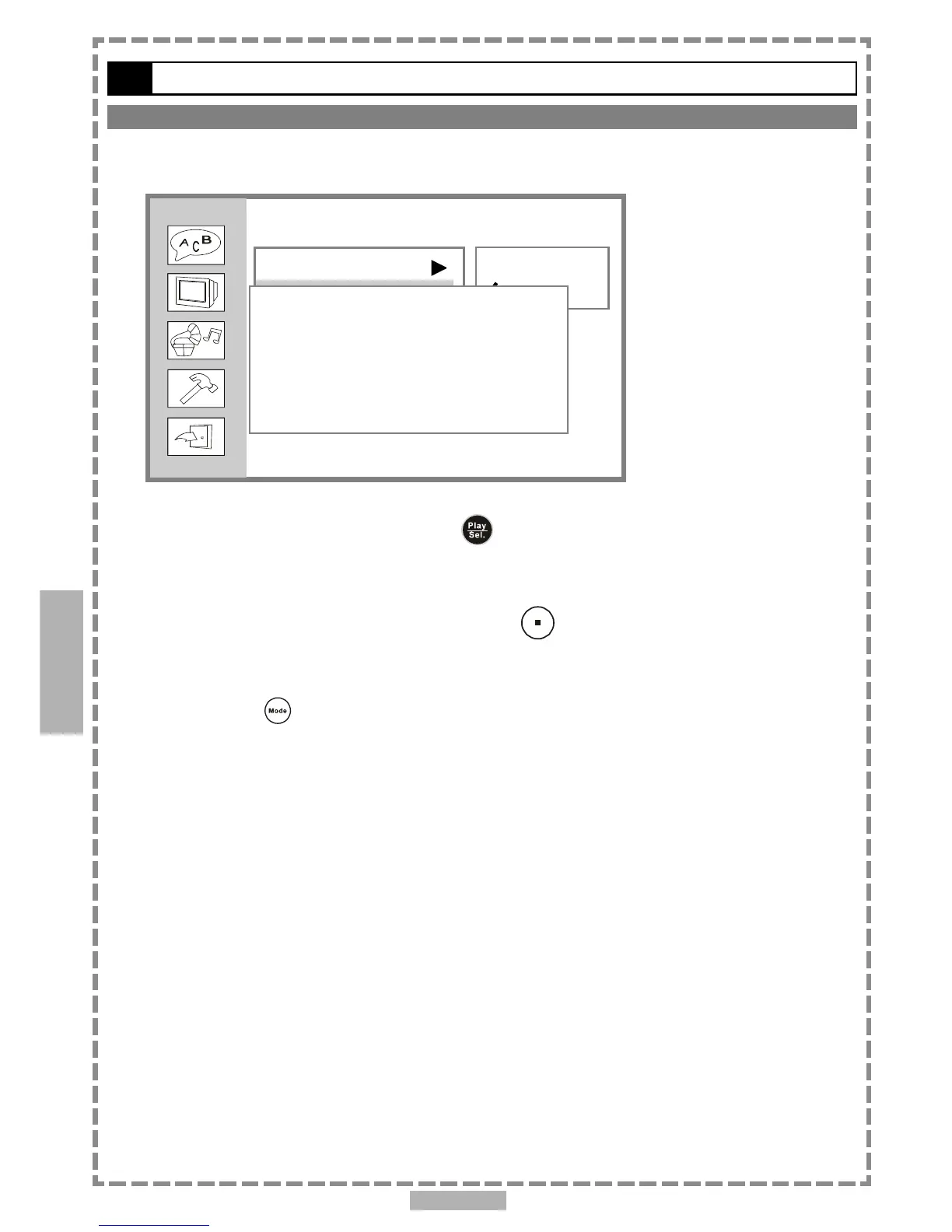
If you choose “P-Scan”, the following will show on the screen as the reminder.
If your TV supports P-Scan feature, press
<PLAY/SEL.>.
<< NOTE >>
If you choose “P-Scan” as the video output setting, make sure your TV set supports P-Scan
input feature and the YUV cable be properly connected to your TV and the portable DVD player.
If your TV doesn’t support P-Scan feature, press <STOP>.
<<Troubleshooting>>
What if the screen turns black while operating...
Solution: Press <Mode> to switch to “S-Video” mode.
Screen Setup
TV Type
TV System
Video Output
S-Video
P-SCAN
Setup
Your TV support P-SCAN
YES Press PLAY
NO Press STOP
4



 To Next Page