En 29
4-4 Custom Setup
Parental Control Setting [DVD]
A built-in viewer rating setting enables you to lock the videos that you do not want children to view. For example,
if you set it to PG-13, then the portable DVD player will not play the videos rated R, NC-17 or X unless the correct
password is entered.
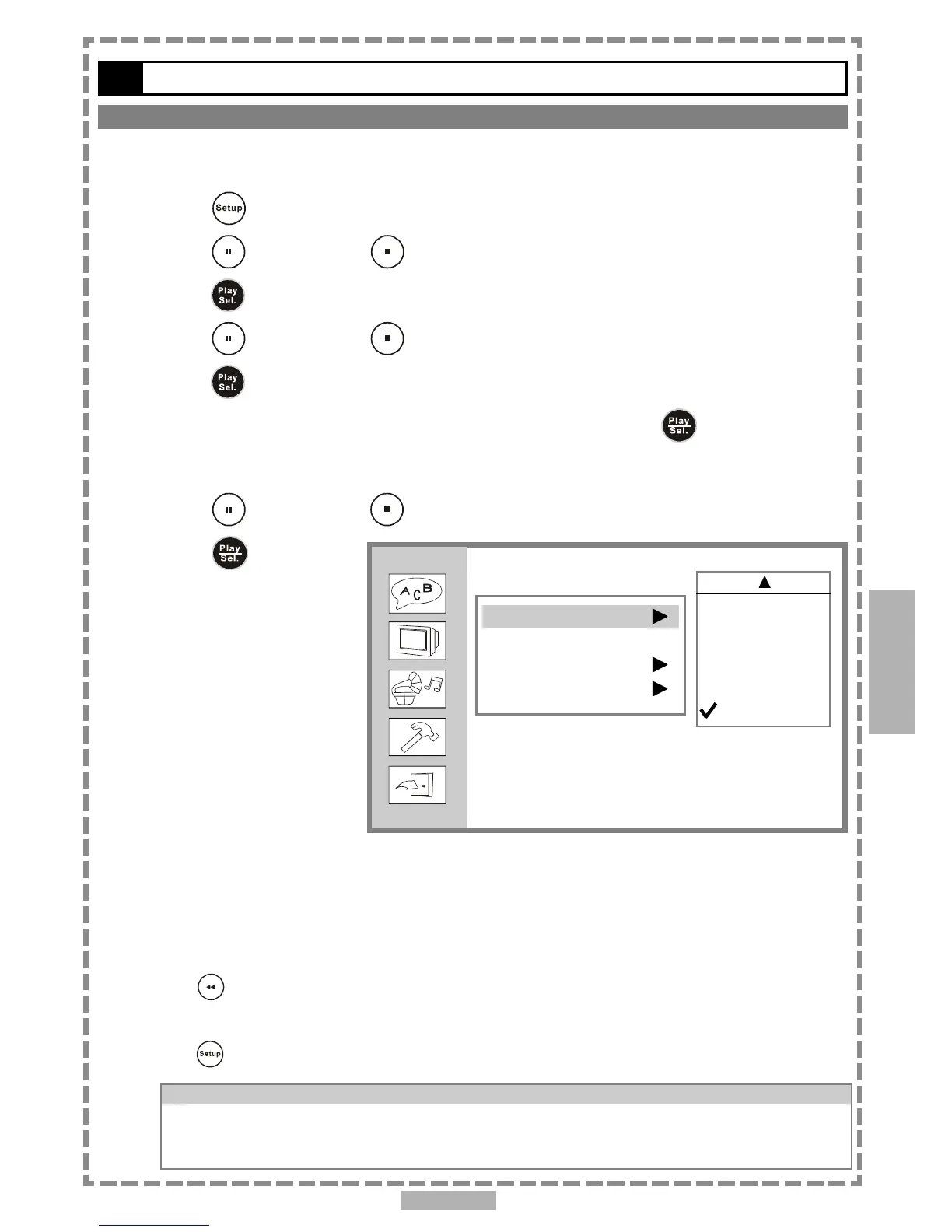
1 Press <SETUP> in the stop mode.
2 Press <UP> button / <DOWN> button to select “Custom Setup”, and then
press <PLAY/SEL.>.
3 Press <UP> button / <DOWN> button to select “Parental Ctrl”, and then
press <PLAY/SEL.>.
4 Enter a 4-digit password before selecting ratings and press <PLAY/SEL.>.
Factory pre-set password: 0000
You need to enter “0000” to set the rating for the first time when purchasing your DVD from the store.
5 Press <UP> button / <DOWN> button to select the preferred ratings.
6 Press <PLAY/SEL.>.
<<<<
<<<<
<< Rating Explanations
>>>>
>>>>
>>
3.PG: Parental Guidance suggested.
4.PG13: Material is unsuitable for children under the age of 13.
6.R: Restricted, children under 17 would not be admitted without an accompanying parent or adult
guardian.
7.NC17: No children under the age of 17, not recommended viewing for children under age 17.
*To return to the SETUP MENU screen
Press <LEFT> button.
*To finish the setup operation
Press <SETUP> to exit from SETUP MENU screen.
For your reference:
You can use the parental control lock ONLY with DVD discs featured with the parental lock
function.
Some discs may not be encoded with specific rating leve information though its disc jacket says
that it’s for “adults”. For those discs, RATINGS lock will not function.
4
Setup
Custom Setup
Parental Ctrl
Password ...
Angle Mark
Default
4. PG13
5.
6. R
7. NC17
8.



 To Next Page