Warning:
To avoid the possibility of losing the stored
patches or results in an unsuccessful storage,
you are suggested to use an appropriate
adaptor while performing the storage operation.
Ensure the power will not be terminated.
Storing Your Favorite Tones
You can store your favorite tones into one of the
4 patches when the Pedal knob is turned to a
position between MODE 1~15 and the ON/OFF
LED indicator is on at the same time.
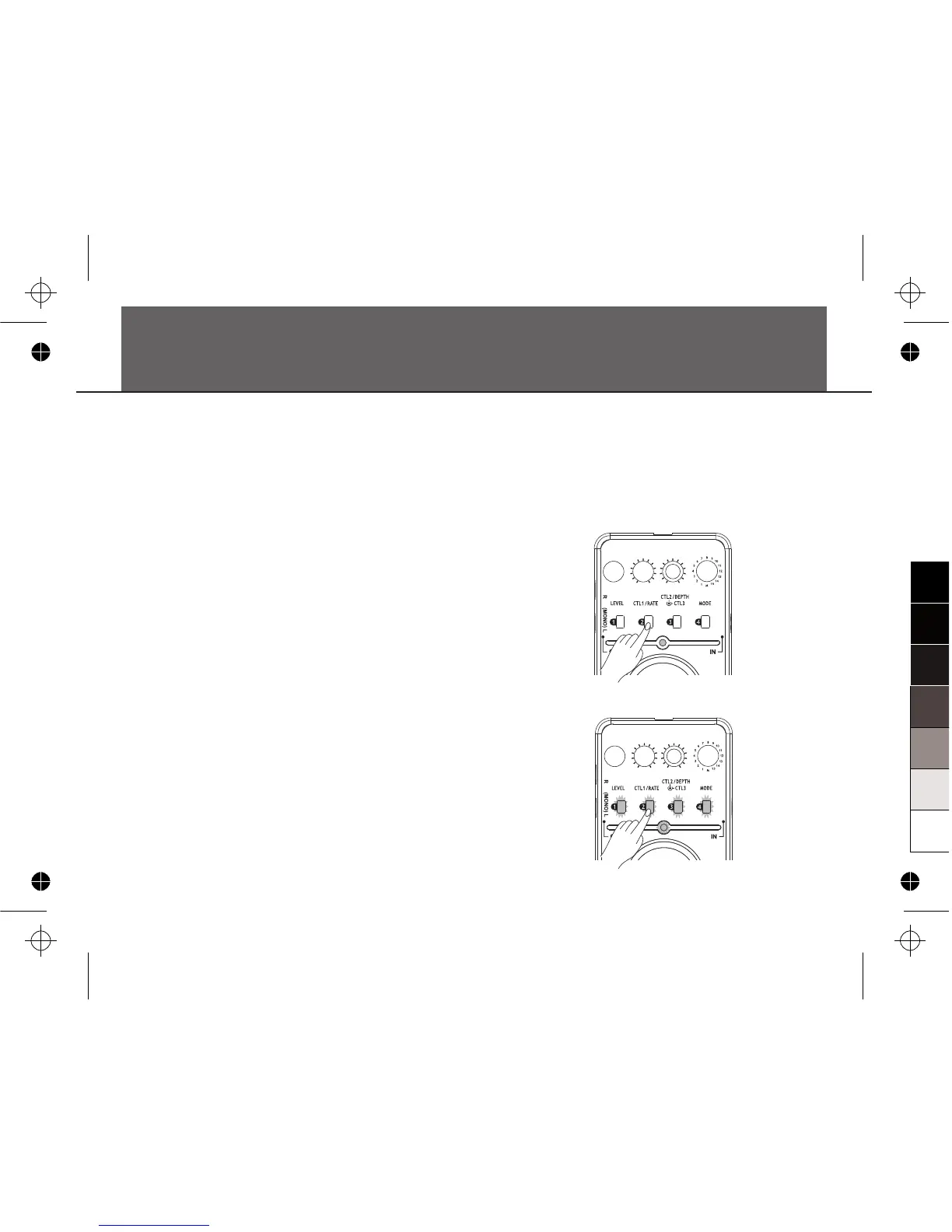
For example, if you want to store the current
setting to patch 2, you should press the 2
button (as show in the diagram) and hold for at
least 0.5 second. The ON/OFF LED indicator
has to be on at the same time.
Then, all LED indicators of the Pedal will light
up from 1 to 4 in a slow speed:
nd
Store and Recall Patches
15


 To Next Page