Advanced Use
FOOT SWITCH Control Mode
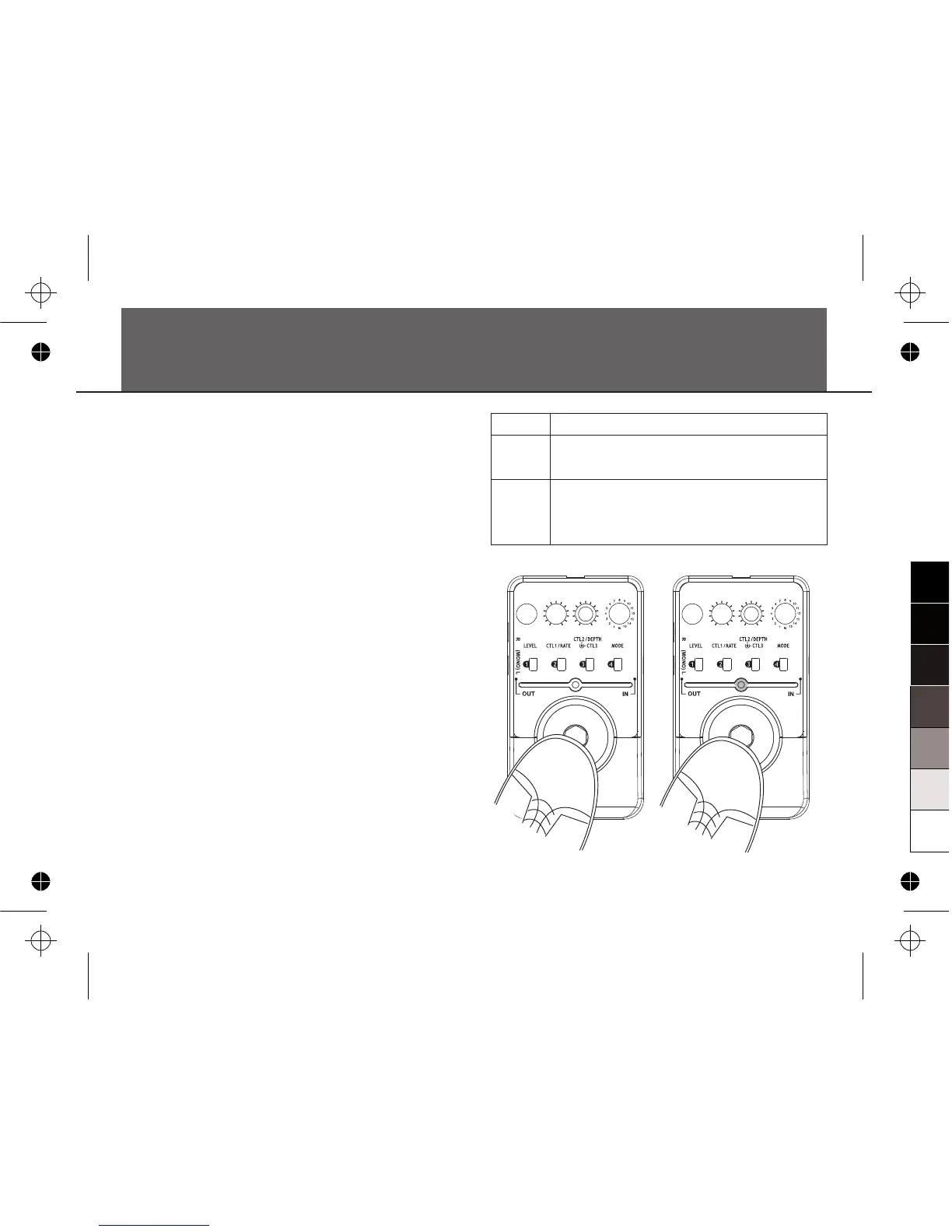
When MODE knob points to the M position, the
FOOT SWITCH will provide two function modes.
Before making connection or powers on FD800,
turn the MODE knob to the M position, then
press and hold the FOOT SWITCH firmly; then
power up the unit and keep holding the FOOT
SWITCH until the ON/OFF LED indicator flashes
three times(When using a battery, press and hold
the FOOT SWITCH firmly, then plug INPUT and
keep holding the FOOT SWITCH until the
ON/OFF LED indicator flashes three times).
The FOOT SWITCH control mode will be
changed from the status of “MODE.1” to
“MODE.2”. You can hit the FOOT SWITCH to
swap from one patch to another in sequence.
If you do not press and hold the FOOT SWITCH
before first powers on, FD800 will enter the
default mode MODE1.
Note:
FOOT SWITCH Control Mode setting will be
saved after power off.
18
MODE
MODE 1
MODE 2
FUNCTION
FOOT SWITCH for the bypass function as
usual.
FOOT SWITCH swaps between the patch
memories in the sequence of Button (Patch)
01→02→03→04


 To Next Page