01. Tremolo/Panner
This effect produces TREMOLO effect when using a mono output cable, and produces PANNER
effect when using a stereo output cable.
Turn the CTL3 knob to change modulation WAVE from TRIANGLE WAVE→SINE WAVE→
SQUARE WAVE gradually.
9
Effects Introduction
KNOBS
EFFECT
TREMOLO/PANNER
LEVEL CTL1/RATE CTL3CTL2/DEPTH
OUTPUT LEVEL RATE DEPTH WAVE
KNOBS
EFFECT
STEP TREMOLO/PANNER
LEVEL CTL1/RATE CTL3CTL2/DEPTH
EFFECT LEVEL STEP RATE WIDTH STEP BEAT
02. Step Tremolo/Panner
This effect produces TREMOLO effect with step function when
using mono output cable, and produces PANNER effect with step
function when using stereo output cable.
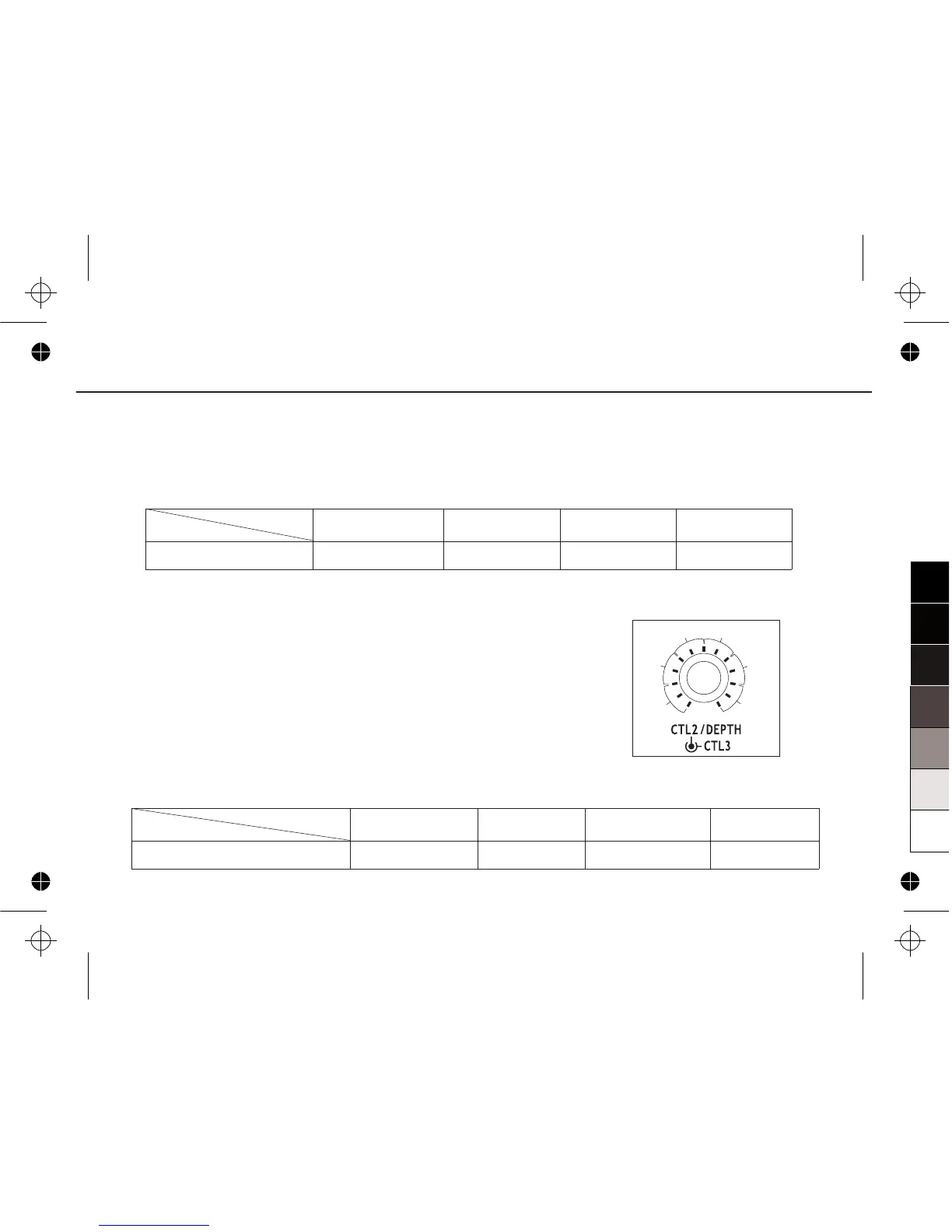
Turn the CTL2 knob to set the range of sound width.
Turn the CTL3 knob to set the beat of a bar, there are 6 kinds of
beat could be chosen: 3, 4, 5, 6, 7, 8, could be consider as 3/4,
4/4, 5/4, 6/4, 7/4, 8/4, by using step tremolo, you can hear 3-8
notes which appeared from left to right each period (“stereo out”).
The picture will show you how to choose the step beat:
3
4
5 6
7
8


 To Next Page