Advanced Use
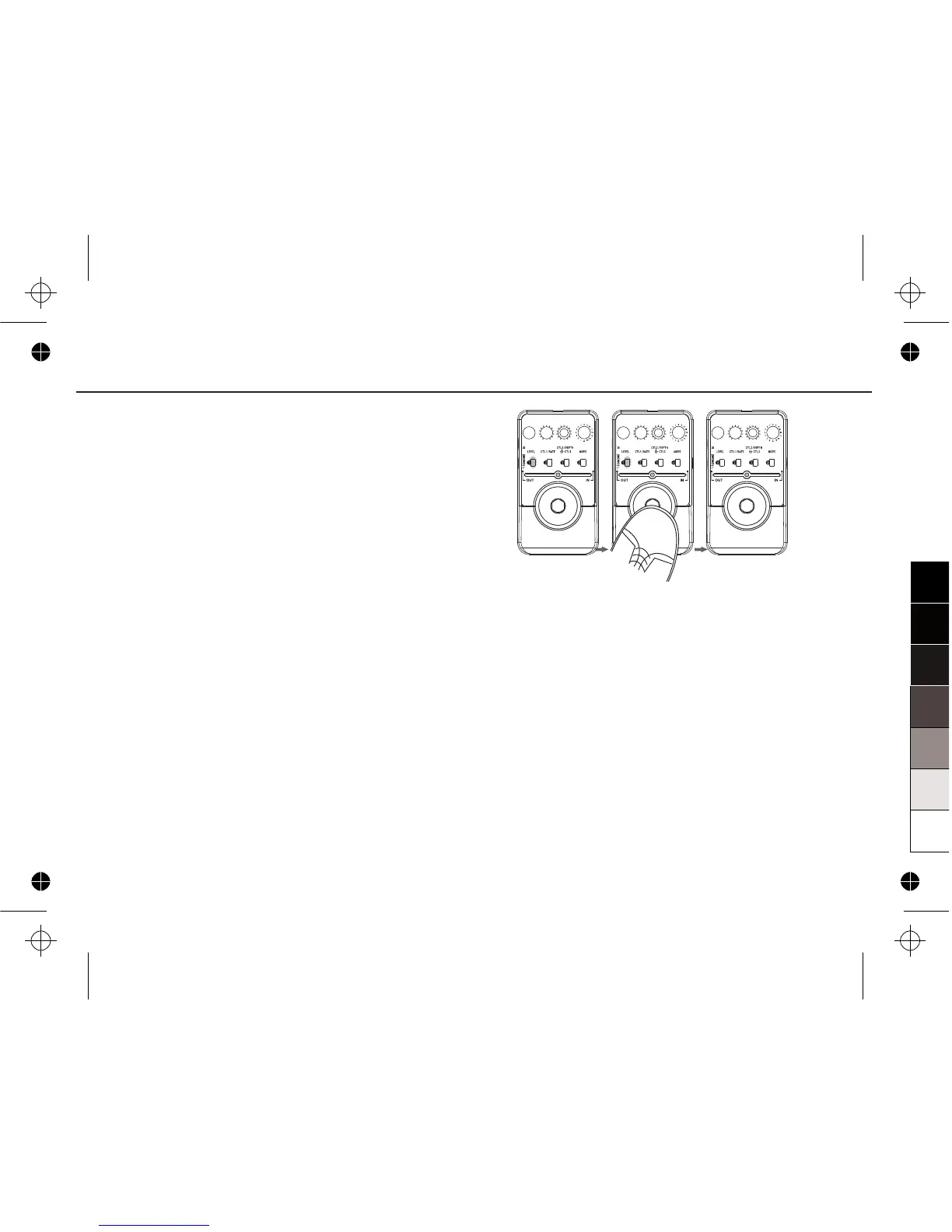
2. Exiting the Additional Parameter Setting
Function
You can press one time FOOT SWITCH to
exit this function when having entered the
ADDITIONAL PARAMETER SETTING
function.
Before returning to the normal mode,
the unit can store the parameter you have
changed automatically.
Notice:
After exiting the ADDITIONAL PARAMETER
SETTING function, the position of LEVEL knob
may be changed. So you should adjust the
LEVEL knob for advisable position again.
20


 To Next Page